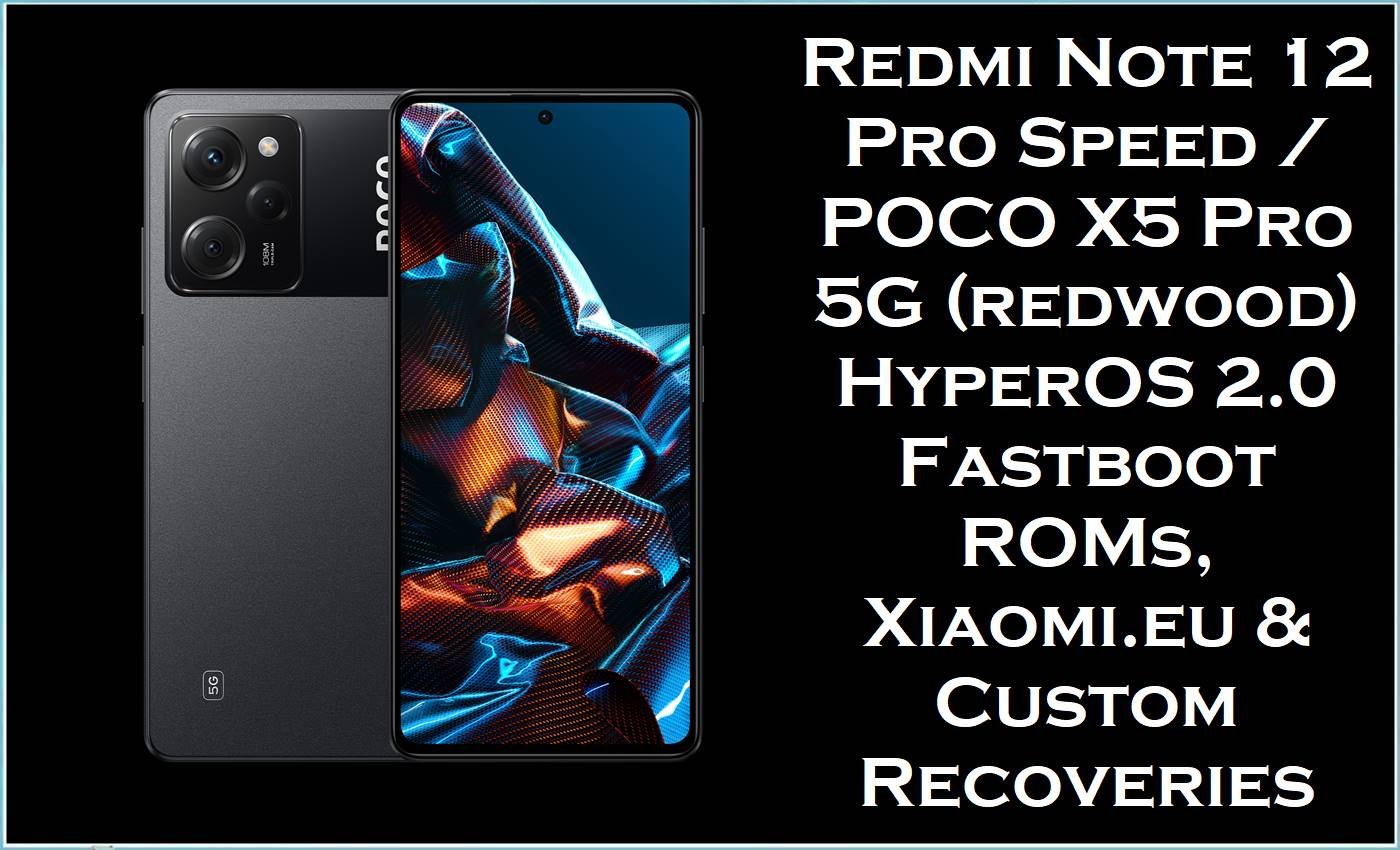
POCO X5 Pro 5G / Redmi Note 12 Pro Speed Edition (codename: redwood) pairs a Snapdragon 778G 5G chipset with a 6.67‑inch 120Hz AMOLED display and 5000mAh battery, making software optimization crucial for gaming, battery life, and smooth unlocking animations.
Since the HyperOS 2.0 rollout, redwood users have widely discussed performance drops, abnormal battery drain, higher idle temperatures, and odd screen‑unlock behavior appearing after specific HyperOS 2.0 builds—especially on POCO X5 Pro 5G.
The official HyperOS 2.0 Android 14 fastboot ROMs listed here, along with the Xiaomi.eu build and TWRP/OrangeFox recovery images, provide a clean system base to fix broken OTAs, heavy lag from long‑term dirty updates, and persistent bugs such as CPU staying at max clock or lockscreen glitches on redwood.
Redwood Firmware Details
| Device Names | POCO X5 Pro 5G / Redmi Note 12 Pro Speed Edition (shared hardware platform). |
|---|---|
| Codename | redwood (shown in HyperOS/MIUI build strings and firmware trackers). |
| Chipset / GPU | Qualcomm Snapdragon 778G 5G (SM7325) with Adreno 642L. |
| Display | 6.67″ FHD+ AMOLED, 120Hz refresh, used heavily for gaming and streaming, so frame‑pacing bugs after updates are very noticeable. |
| Battery & Charging | ~5000mAh with 67W fast charging; community reports link HyperOS 2.0 issues to increased idle drain and charging problems. |
| ROM Types on This Page | Official HyperOS fastboot ROMs (.tgz), Xiaomi.eu HyperOS 2 ROM (.zip), TWRP and OrangeFox custom recovery images (.img). |
| Android / HyperOS Version | HyperOS 2.0 based on Android 14.0 for redwood, plus MIUI 14 Android 13 legacy build for Turkey. |
| Bootloader Requirement | Bootloader unlock is required to flash HyperOS fastboot and Xiaomi.eu ROMs on redwood. |
| Key Software Issues Targeted | CPU stuck at high clocks causing heat/drain, lockscreen wake glitches after HyperOS 2.0.8.0/2.0.13.0, performance stutters, OTA update failures. |
⚠️ Flashing Risks & Disclaimer
- Flashing firmware on POCO X5 Pro 5G / Redmi Note 12 Pro Speed (redwood) is high risk because the same hardware ships under both POCO and Redmi branding across many regions (CNXM, MIXM, EUXM, INXM, RUXM, TRXM, TWXM, IDXM), and cross‑flashing can break 5G bands, NFC or POCO‑specific features.
- Community reports show that even on clean HyperOS 2.0 installs, CPU clusters can run near maximum frequency at idle, multiplying the impact of any unstable kernel or governor tweak applied through custom ROMs or Magisk modules.
- Dirty flashing multiple Android 14 HyperOS builds in a row on redwood has been linked to weird lockscreen behavior (lock key needing multiple presses, delayed wake) and inconsistent performance, so “just updating” repeatedly without wipes can make recovery harder.
- Bootloader unlocking and fastboot flashing can erase user data and, if interrupted, generate bootloops or devices stuck on the POCO splash, especially when flashing large 6–7GB images via unstable USB cables or hubs.
- Files and tools are provided as is; always confirm codename = redwood and the correct regional code (e.g., UMSMIXM, UMSINXM, UMSRUXM) before flashing, and accept full responsibility for any damage or data loss.
Download Official Firmware for POCO X5 Pro 5G / Redmi Note 12 Pro Speed (redwood)
These fastboot ROMs correspond to official HyperOS/MIUI releases for redwood, matching entries from firmware trackers that list redwood as POCO X5 Pro 5G / Redmi Note 12 Pro Speed Edition.
| Filename | Region / Build | Android | Type | Build Date | File Size | Download |
|---|---|---|---|---|---|---|
| redwood_images_OS2.0.20.0.UMSCNXM_20251027.0000.00_14.0_cn_1b058f2d11.tgz | China (CNXM) / HyperOS 2.0.20.0.UMSCNXM (Android 14) | 14.0 | Fastboot ROM (.tgz) | 2025‑10‑27 | 6.40GB | Download OS2.0.20.0 UMSCNXM (Xiaomi Server) |
| redwood_global_images_OS2.0.12.0.UMSMIXM_20251022.0000.00_14.0_global_38f96ec54c.tgz | Global (MIXM) / HyperOS 2.0.12.0.UMSMIXM, also listed as OS2.0.13.0.UMSMIXM recovery on firmware sites. | 14.0 | Fastboot ROM (.tgz) | 2025‑10‑22 | 6.97GB | Download OS2.0.12.0 UMSMIXM (Xiaomi Server) |
| redwood_ru_global_images_OS2.0.9.0.UMSRUXM_20251027.0000.00_14.0_ru_3e42c2e474.tgz | Russia (RUXM) / HyperOS 2.0.9.0.UMSRUXM (Android 14) | 14.0 | Fastboot ROM (.tgz) | 2025‑10‑27 | 7.26GB | Download OS2.0.9.0 UMSRUXM (Xiaomi Server) |
| redwood_in_global_images_OS2.0.13.0.UMSINXM_20251027.0000.00_14.0_in_3e65a175f5.tgz | India (INXM) / HyperOS 2.0.13.0.UMSINXM (Android 14) | 14.0 | Fastboot ROM (.tgz) | 2025‑10‑27 | 6.16GB | Download OS2.0.13.0 UMSINXM (Xiaomi Server) |
| redwood_eea_global_images_OS2.0.12.0.UMSEUXM_20251027.0000.00_14.0_eea_40f2a085aa.tgz | EEA (EUXM) / HyperOS 2.0.12.0.UMSEUXM (Android 14) | 14.0 | Fastboot ROM (.tgz) | 2025‑10‑27 | 6.47GB | Download OS2.0.12.0 UMSEUXM (Xiaomi Server) |
| redwood_tr_global_images_OS2.0.11.0.UMSTRXM_20251201.0000.00_14.0_tr_0635af0671.tgz | Turkey (TRXM) / HyperOS 2.0.11.0.UMSTRXM (Android 14) | 14.0 | Fastboot ROM (.tgz) | 2025‑12‑01 | 6.58GB | Download OS2.0.11.0 UMSTRXM (Xiaomi Server) |
| redwood_tw_global_images_OS2.0.11.0.UMSTWXM_20251202.0000.00_14.0_tw_67e6b2ba7f.tgz | Taiwan (TWXM) / HyperOS 2.0.11.0.UMSTWXM (Android 14) | 14.0 | Fastboot ROM (.tgz) | 2025‑12‑02 | 6.02GB | Download OS2.0.11.0 UMSTWXM (Xiaomi Server) |
| redwood_id_global_images_OS2.0.10.0.UMSIDXM_20251027.0000.00_14.0_id_cd2ec30a5b.tgz | Indonesia (IDXM) / HyperOS 2.0.10.0.UMSIDXM (Android 14) | 14.0 | Fastboot ROM (.tgz) | 2025‑10‑27 | 6.87GB | Download OS2.0.10.0 UMSIDXM (Xiaomi Server) |
Optional: Xiaomi.eu HyperOS 2 ROM & Custom Recoveries
Xiaomi.eu and custom recoveries give advanced redwood users extra control but also add complexity, especially when HyperOS 2.0’s own bugs already affect CPU clocks and animations.
| File | Purpose | Size | Download |
|---|---|---|---|
| xiaomi.eu_REDWOOD_OS2.0.20.0.UMSCNXM_14.zip | Xiaomi.eu HyperOS 2.0 custom ROM for redwood, based on OS2.0.20.0 China base (Android 14). | 4.92GB | Download Xiaomi.eu REDWOOD OS2.0.20.0 (SourceForge) |
| twrp-3.7.0-R2-redwood-TheStrechh.img | TWRP custom recovery image for redwood, useful for backups, ROM flashes, and removing problematic modules. | 193MB | Download TWRP for redwood (SourceForge) |
| OrangeFox-R12.1-Unofficial-redwood.img | OrangeFox custom recovery image for redwood, offering an alternative interface for wipes and flashing. | 193MB | Download OrangeFox for redwood (SourceForge) |
Flashing Requirements
- Windows PC/laptop, stable USB‑C cable, and a direct USB port (rather than hubs) to safely transfer 6–7GB HyperOS fastboot packages without intermittent disconnects.
- Unlocked bootloader; firmware trackers and community guides for redwood assume an unlocked state for fastboot ROMs and Xiaomi.eu installs.
- Correct regional HyperOS ROM (e.g., UMSMIXM for Global POCO X5 Pro 5G or UMSINXM for Indian variants) to keep modem, NFC, and carrier features working correctly.
- Fastboot access (Volume Down + Power) and, for custom ROM users, recovery access via TWRP or OrangeFox to manage wipes and module removal when HyperOS fails to boot.
- Full backup, since clean flashing is the most reliable way to fix CPU‑clock overheating bugs and deep performance issues that appear after multiple HyperOS updates.
How to Flash the Firmware
Method A: Official HyperOS Fastboot ROM (.tgz) via Mi Flash Tool
- Step 1: Download and extract the correct fastboot ROM, such as redwood_global_images_OS2.0.12.0.UMSMIXM_20251022…, to a short path like
C:\redwood_UMSMIXM\to prevent directory‑length errors. - Step 2: Boot the POCO X5 Pro / Redmi Note 12 Pro Speed into Fastboot (Volume Down + Power) and connect to the PC with a reliable cable.
- Step 3: Open Xiaomi Mi Flash Tool, select the extracted folder, and click “Refresh” to ensure the redwood device is detected in the list.
- Step 4: For issues like CPU always at max clock, idle heating, or lockscreen glitches that appeared after multiple OTAs, perform a full “clean all” flash rather than a dirty update to reset HyperOS 2.0.
- Step 5: Start flashing and wait until Mi Flash reports success; first boot into Android 14 HyperOS can take several minutes while the system optimizes apps and recalibrates.
Step‑by‑step Mi Flash instructions with pictures and videos: How to flash a Xiaomi phone with Mi Flash Tool.
Method B: Xiaomi.eu HyperOS 2 (.zip) + TWRP/OrangeFox (Advanced)
- Step 1: Ensure bootloader is unlocked and data is backed up; Xiaomi.eu ROMs like xiaomi.eu_REDWOOD_OS2.0.20.0.UMSCNXM_14.zip normally require clean wipes when coming from stock MIUI or HyperOS builds.
- Step 2: Download the Xiaomi.eu ROM and either twrp-3.7.0-R2-redwood-TheStrechh.img or OrangeFox-R12.1-Unofficial-redwood.img, then copy the ROM.zip to internal storage or keep it accessible via ADB sideload.
- Step 3: Use Fastboot to boot or flash your chosen recovery image, then perform the required wipes; this is particularly important if CPU‑clock and battery‑drain issues appeared only after earlier HyperOS 2.0 builds.
- Step 4: Flash the Xiaomi.eu.zip from recovery, verifying that the build name still mentions redwood and OS2.0.20.0.UMSCNXM to avoid mismatched packages.
- Step 5: Reboot and let the ROM settle; keep an official fastboot ROM such as redwood_images_OS2.0.20.0.UMSCNXM… ready in case the device fails to boot and needs to be restored via Mi Flash.
If using a fastboot script instead of Mi Flash, follow this guide for flash_all.bat-style installs: How to flash using a fastboot script.
Frequently Asked Questions (FAQs)
What device uses the codename “redwood”?
The codename “redwood” is shared by POCO X5 Pro 5G and Redmi Note 12 Pro Speed Edition, and firmware trackers and databases explicitly link redwood to these models.
Why does HyperOS 2.0 make the POCO X5 Pro run hotter and drain faster?
Users and forum posts describe HyperOS 2.0 builds where the CPU clock speed on redwood remains high even at idle, causing heating and heavy battery drain relative to earlier HyperOS or MIUI versions.
A clean HyperOS 2.0 flash with the correct regional build can help confirm whether the issue is a bad dirty update or an inherent bug in that specific firmware release.
Lockscreen wake is delayed or requires multiple presses—can flashing help?
Some POCO X5 Pro 5G users report “weird screen unlocking/waking” behavior starting with HyperOS 2.0.8.0, including multiple lock key presses needed before the screen responds.
If standard troubleshooting fails, installing a fresh fastboot build like OS2.0.12.0 UMSMIXM for Global devices is a common next step to clear corrupted system components.
Does redwood get HyperOS 3.0?
HyperOS device lists and news about unsupported models show that POCO X5 Pro / Redmi Note 12 Pro Speed (redwood) is not on the early HyperOS 3.0 upgrade list for many regions, so HyperOS 2.0 may remain the main branch for some time.
Can custom recoveries help when a Magisk module bricks the phone?
TWRP and OrangeFox builds for redwood allow advanced operations such as removing problematic Magisk modules, restoring full backups, and flashing another ROM when HyperOS cannot boot.





