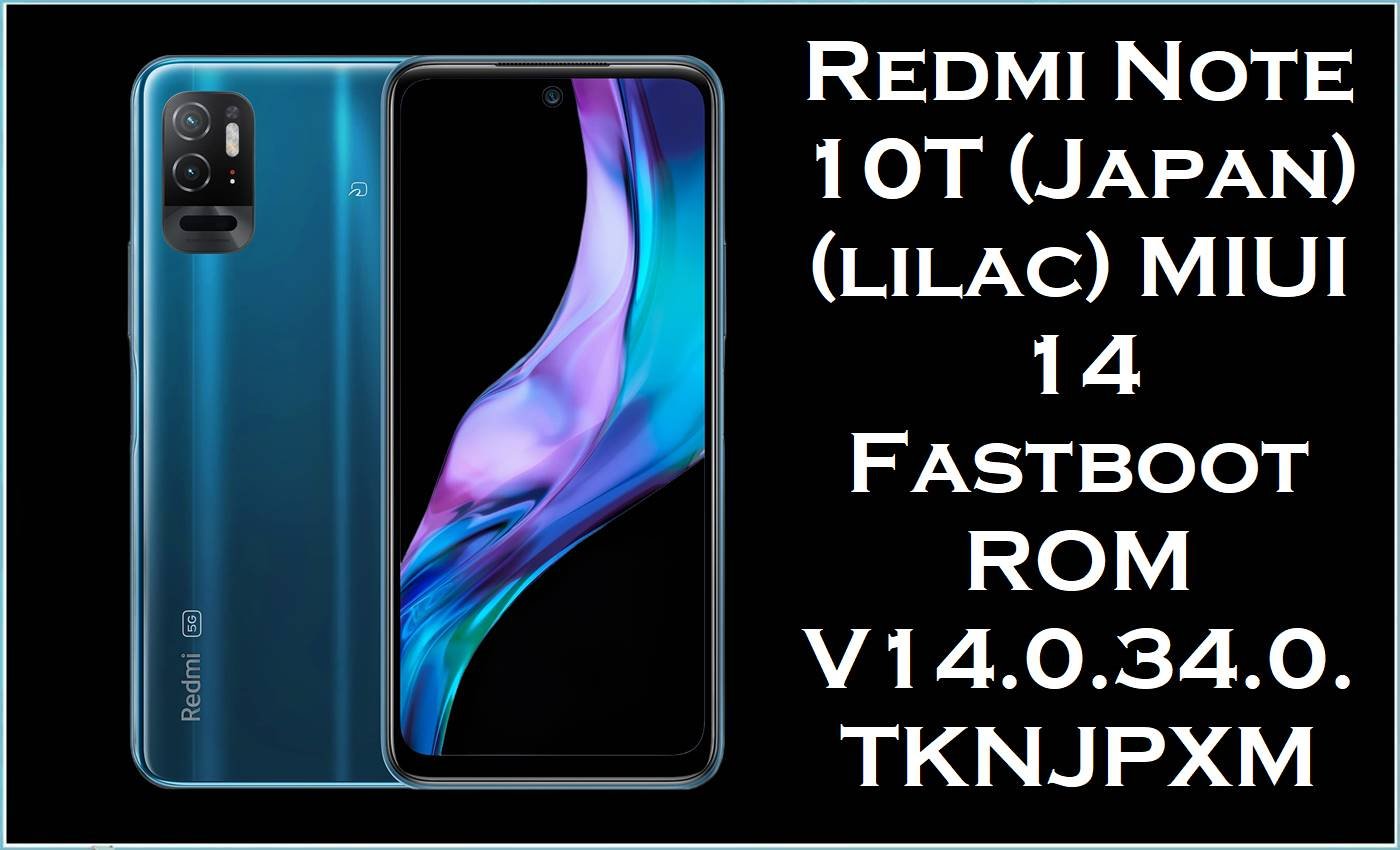
Redmi Note 10T (Japan) (codename: lilac) is a Japan-market Redmi Note 10 family device known for its Snapdragon 480 platform, 5G support, and eSIM support in the Japanese Note 10T variant.
After major MIUI updates, many Xiaomi/Redmi owners commonly report software problems such as abnormal battery drain, background overheating, and reduced day-to-day stability—often described as starting immediately after an update.
Installing the official MIUI 14 Japan fastboot ROM below (V14.0.34.0.TKNJPXM, Android 13) can help restore a clean, region-correct system base, which is especially useful when troubleshooting update glitches, persistent lag, or broken network settings that do not respond to normal resets.
Redmi Note 10T (Japan) Firmware Details
| Device Name | Redmi Note 10T (Japan) |
|---|---|
| Model / Market | Japan region (JPXM builds) |
| Codename | lilac |
| Chipset (Japan Note 10T) | Qualcomm Snapdragon 480 (per Redmi Note 10 series variant table) |
| Software / ROM Type | Official MIUI Fastboot ROM (.tgz) |
| Android Version | Android 13 (T) |
| Firmware Version | V14.0.34.0.TKNJPXM |
| Build Date (from filename) | 2025-02-25 |
| Security Patch Note | Listed as updating the security patch to February 2025 for this JP stable build. |
| Flashing Tool Required | Xiaomi Mi Flash Tool (Fastboot flashing method) |
| Bootloader Status | Bootloader unlock is required for fastboot flashing, and data may be deleted depending on the selected option. |
| Important Region Note | Do not cross-flash regions; JPXM differs from carrier builds like TKNJPSB (SoftBank edition) listed for lilac. |
⚠️ Flashing Risks & Disclaimer
- Flashing firmware on Redmi Note 10T (Japan) (lilac) is high risk because the lilac device family includes multiple Japan-specific branches (JPXM) and carrier editions (such as SoftBank builds) that must not be mixed.
- Flashing the wrong region/build (or relocking the bootloader on a mismatched build) can lead to bootloops, loss of connectivity, missing features, data loss, and a non-booting device.
- Fastboot flashing frequently requires a bootloader unlock, and unlocking/flash options may erase data, so a full backup is required before proceeding.
- Proceed only after verifying codename = lilac and build = TKNJPXM in the current system information or fastboot variables.
- Files and instructions are provided as is, with no liability for damage, lost data, or warranty issues.
Download Official Firmware for Redmi Note 10T (Japan) (lilac)
This page focuses on the official Japan stable fastboot ROM so the correct regional baseband/customizations remain consistent with the JP variant, which is important on the Redmi Note 10 family where different regional variants exist under similar naming.
| Filename | File Size | Build Date | Build Version | Android | Flashing Type | Download Link |
|---|---|---|---|---|---|---|
| lilac_jp_global_images_V14.0.34.0.TKNJPXM_20250225.0000.00_13.0_jp_3c554078c9.tgz | 4.80GB | 2025-02-25 | V14.0.34.0.TKNJPXM | Android 13.0 | Fastboot ROM (.tgz) | Download V14.0.34.0.TKNJPXM (Xiaomi Server) |
Flashing Requirements
- A Windows PC/laptop and a stable USB cable connection (fastboot flashing is sensitive to disconnects).
- Xiaomi USB drivers installed and Xiaomi Mi Flash Tool available for Fastboot ROM flashing.
- Bootloader unlock approval and an unlocked bootloader for the fastboot method, as noted for lilac fastboot flashing.
- A complete backup because fastboot flashing choices can delete user data, and the bootloader unlock flow can wipe data.
- The correct Japan build branch (TKNJPXM) selected to avoid cross-region firmware issues that can cause flash errors or instability.
How to Flash the Firmware
- Step 1: Download and extract lilac_jp_global_images_V14.0.34.0.TKNJPXM_20250225… to a simple folder path (example:
C:\lilac_TKNJPXM\) to avoid MiFlash path errors. - Step 2: Confirm the phone is Redmi Note 10T (Japan) “lilac” and that the target ROM is JPXM (TKNJPXM) to prevent region mismatch.
- Step 3: Boot the phone into Fastboot mode, connect via USB, and open Xiaomi Mi Flash Tool.
- Step 4: In MiFlash, load the extracted ROM folder, refresh device detection, and select the safest option for a clean repair flash (commonly “clean all” for fixing update instability).
- Step 5: Start flashing, wait for “success,” then allow extra time for first boot since a clean reinstall can take longer than a normal restart.
For a detailed step-by-step walkthrough with pictures and videos, use the guide here: How to flash with Xiaomi Mi Flash Tool.
Frequently Asked Questions (FAQs)
Is this ROM for Redmi Note 10T (Japan) only?
Yes—this build branch is labeled JPXM (TKNJPXM) and is listed under “Redmi Note 10T (lilac) Japan Stable” releases.
Can this fix battery drain after a MIUI update?
Battery drain after MIUI 14 updates is widely reported by users across Xiaomi/MIUI communities and can appear immediately after updating.
A clean fastboot flash helps when drain is caused by corrupted system components, broken update merges, or persistent background services that remain unstable after an OTA.
Will flashing help if Wi‑Fi won’t connect or keeps dropping?
Xiaomi support guidance for the Redmi Note 10 5G family includes Wi‑Fi connection failures and recommends network resets, suggesting software configuration can be a common factor.
If resets do not help, reinstalling the official region ROM is a stronger “last software step” to rule out firmware corruption before suspecting hardware.
Can this firmware fix “no signal” or weak mobile data issues?
Users have reported weak cellular signal strength and mobile data problems on Redmi Note 10 5G variants, especially when switching networks or bands.
A clean region-correct flash can restore modem-related partitions and carrier configuration files when the issue is firmware-side, but hardware or operator compatibility issues can still remain.
Does MIUI V14.0.34.0.TKNJPXM include security improvements?
This JP stable build is listed with a changelog note that updates the Android security patch to February 2025 and improves system security.
Is HyperOS available for Redmi Note 10T (lilac)?
Some ROM listings note that HyperOS is not supported for Redmi Note 10T (lilac) at this time, making MIUI 14 Android 13 the relevant stable path for this JP variant.
65 Char. Meta Title Text: Redmi Note 10T (lilac) MIUI 14 JP Fastboot ROM V14.0.34.0
165 Char. Meta Description: Download Redmi Note 10T Japan (lilac) MIUI 14 V14.0.34.0.TKNJPXM fastboot ROM (Android 13) to repair update bugs, drain, lag & Wi‑Fi issues.





