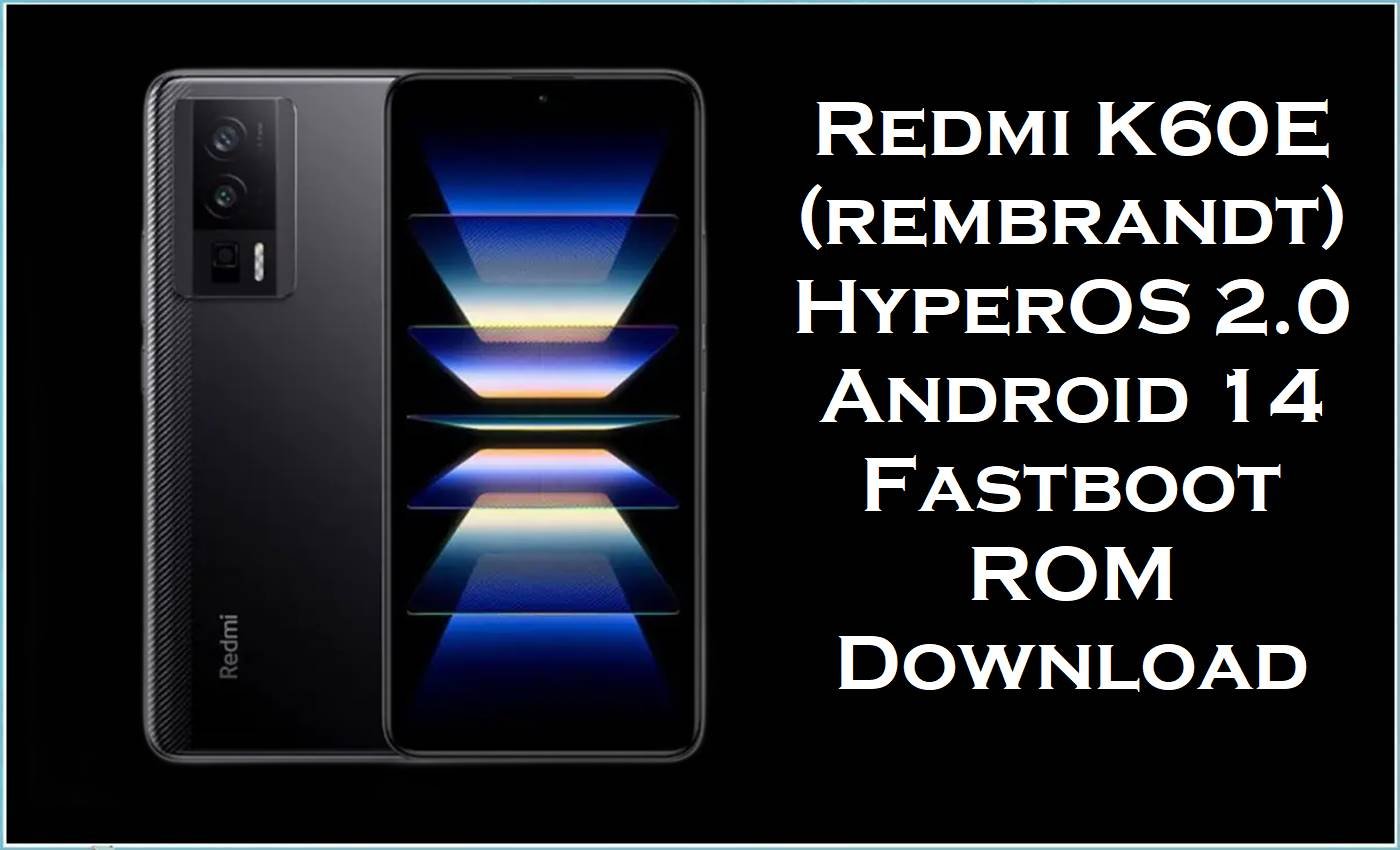
Redmi K60E (codename: rembrandt) is a China‑market Redmi K60 series device that pairs a high‑refresh AMOLED display with a powerful MediaTek platform, designed as a more efficient sibling to the Snapdragon‑based K60/K60 Pro while still targeting gaming and heavy multitasking.
Since HyperOS 2.0 began rolling out, Xiaomi and Redmi users have reported classic post‑update problems such as abnormal battery drain, overheating during light use, and shorter screen‑on‑time, especially when moving between multiple 2.x builds without a clean reinstall.
The official China HyperOS 2.0 Android 14 fastboot ROM rembrandt_images_OS2.0.19.0.UMMCNXM listed here provides a clean, region‑correct firmware base for Redmi K60E, helping fix corrupted OTA updates, deep software lag, and thermal/battery issues linked to broken system files rather than hardware faults.
Redmi K60E (rembrandt) Firmware Details
| Device Name | Redmi K60E (China) |
|---|---|
| Codename | rembrandt (model 22122RK93C in codename lists). |
| Platform | MediaTek‑based SoC (Redmi K60E is documented as using a high‑end Dimensity platform instead of Snapdragon). |
| HyperOS Codename / Branch | UMMCNXM China branch (OS1.0.x and OS2.0.x HyperOS builds specifically tagged for rembrandt). |
| Android Version (This ROM) | Android 14.0 (HyperOS 2.0.19.0.UMMCNXM). |
| ROM Type | Official China fastboot ROM (.tgz) for full system re‑flash via PC. |
| Bootloader Requirement | Unlocked bootloader required for fastboot flashing of rembrandt HyperOS ROMs. |
| Typical Issues This Helps Address | Battery draining rapidly after HyperOS 2.x, device heating in everyday apps, and glitches from failed OTA updates. |
⚠️ Flashing Risks & Disclaimer
- Flashing firmware on Redmi K60E (rembrandt) is high risk because UMMCNXM builds are China‑only; cross‑flashing this fastboot ROM onto any non‑rembrandt device or non‑China variant can cause permanent boot failure.
- HyperOS 2.0 updates across Xiaomi devices have been linked to overheating and severe drain after specific versions, and repeatedly re‑flashing without careful checks increases the chance of corrupting partitions or ending in a fastboot‑only state.
- Fastboot flashing large 6–7GB Android 14 images stresses USB and storage; a cable disconnect, dead battery or wrong flashing script can lead to bootloops that require deeper repair tools or service.
- All downloads and procedures are provided as is; always confirm codename = rembrandt and branch = UMMCNXM in existing firmware info, back up important data, and accept full responsibility for any damage or data loss.
Download Official Firmware for Redmi K60E (rembrandt)
This HyperOS 2.0 fastboot ROM matches the China Redmi K60E rembrandt entry in official‑style firmware trackers, continuing the OS2.0.x Android 14 line after OS2.0.18.0.UMMCNXM.
| Filename | Region / Build | Android | Type | Build Date | File Size | Download |
|---|---|---|---|---|---|---|
| rembrandt_images_OS2.0.19.0.UMMCNXM_20251028.0000.00_14.0_cn_7186b03d8d.tgz | China (UMMCNXM) / HyperOS 2.0.19.0 for Redmi K60E (Android 14). | 14.0 | Fastboot ROM (.tgz) | 2025‑10‑28 | 6.76GB | Download OS2.0.19.0 UMMCNXM (Xiaomi Server) |
Flashing Requirements
- Windows PC or laptop, high‑quality USB‑C cable and a direct USB port (not a low‑power hub) to avoid disconnects while flashing this 6.76GB HyperOS 2.0 image.
- Unlocked bootloader; Redmi K60E firmware resources and tools assume an unlocked state for fastboot ROMs, and unlocking typically wipes user data.
- Correct device and branch: the phone must be Redmi K60E / rembrandt with an existing UMMCNXM firmware line; other K60 models use different codenames and ROM branches.
- Fastboot mode access (Power + Volume Down) and working drivers so the PC recognizes rembrandt in fastboot for Mi Flash or script‑based flashing.
- Full backups, because clean fastboot flashing is often the only way to fix HyperOS‑induced overheating and extreme drain that persist after normal resets.
How to Flash the Firmware
- Step 1: Download rembrandt_images_OS2.0.19.0.UMMCNXM_20251028.0000.00_14.0_cn_7186b03d8d.tgz and extract it to a short folder path such as
C:\rembrandt_UMMCNXM\to reduce path issues with Mi Flash. - Step 2: Boot Redmi K60E into Fastboot mode (Power + Volume Down) and connect it to the PC using a reliable USB‑C cable.
- Step 3: Open Xiaomi Mi Flash Tool, select the extracted rembrandt ROM folder, and click “Refresh” to confirm that a rembrandt‑labeled device is detected.
- Step 4: When trying to fix post‑HyperOS overheating or heavy battery drain, choose a full clean‑flash option instead of dirty updating, so all HyperOS 2.0 system files and caches are rebuilt from scratch.
- Step 5: Start the flash and wait for Mi Flash to show success; first boot into HyperOS 2.0.19.0.UMMCNXM can take several minutes while Android 14 optimizes apps and stabilizes background services.
For a detailed Mi Flash walkthrough (screenshots and video), use: How to flash a Xiaomi phone with Mi Flash Tool.
Frequently Asked Questions (FAQs)
Which device uses the codename “rembrandt”?
The codename “rembrandt” is assigned to Redmi K60E, with model number 22122RK93C in codename databases and product leaks.
Is this HyperOS ROM only for the China Redmi K60E?
Yes; UMMCNXM builds like OS2.0.19.0.UMMCNXM are China‑branch firmware for Redmi K60E, and firmware trackers list them specifically under Redmi K60E (rembrandt).
Can flashing OS2.0.19.0.UMMCNXM fix battery drain and heat after another HyperOS 2.0 build?
Users describe HyperOS 2.0 updates causing overheating and battery life drops directly after installation on various Xiaomi models, with some needing 40°C+ under light usage.
A clean fastboot flash of a newer, stable rembrandt build such as OS2.0.19.0.UMMCNXM helps distinguish between a corrupted OTA and a general bug in a given HyperOS version.
Does HyperOS 2.0 always drain more battery than MIUI on Redmi K60E?
Community feedback shows that early HyperOS builds often drain more battery than expected, leading Xiaomi‑focused channels to publish HyperOS battery and heat workarounds.
Can this fastboot ROM be used on Redmi K60 or K60 Pro?
No; Redmi K60 and K60 Pro use different codenames (mondrian, socrates) and separate HyperOS branches, so cross‑flashing rembrandt UMMCNXM fastboot ROMs onto them is unsafe.