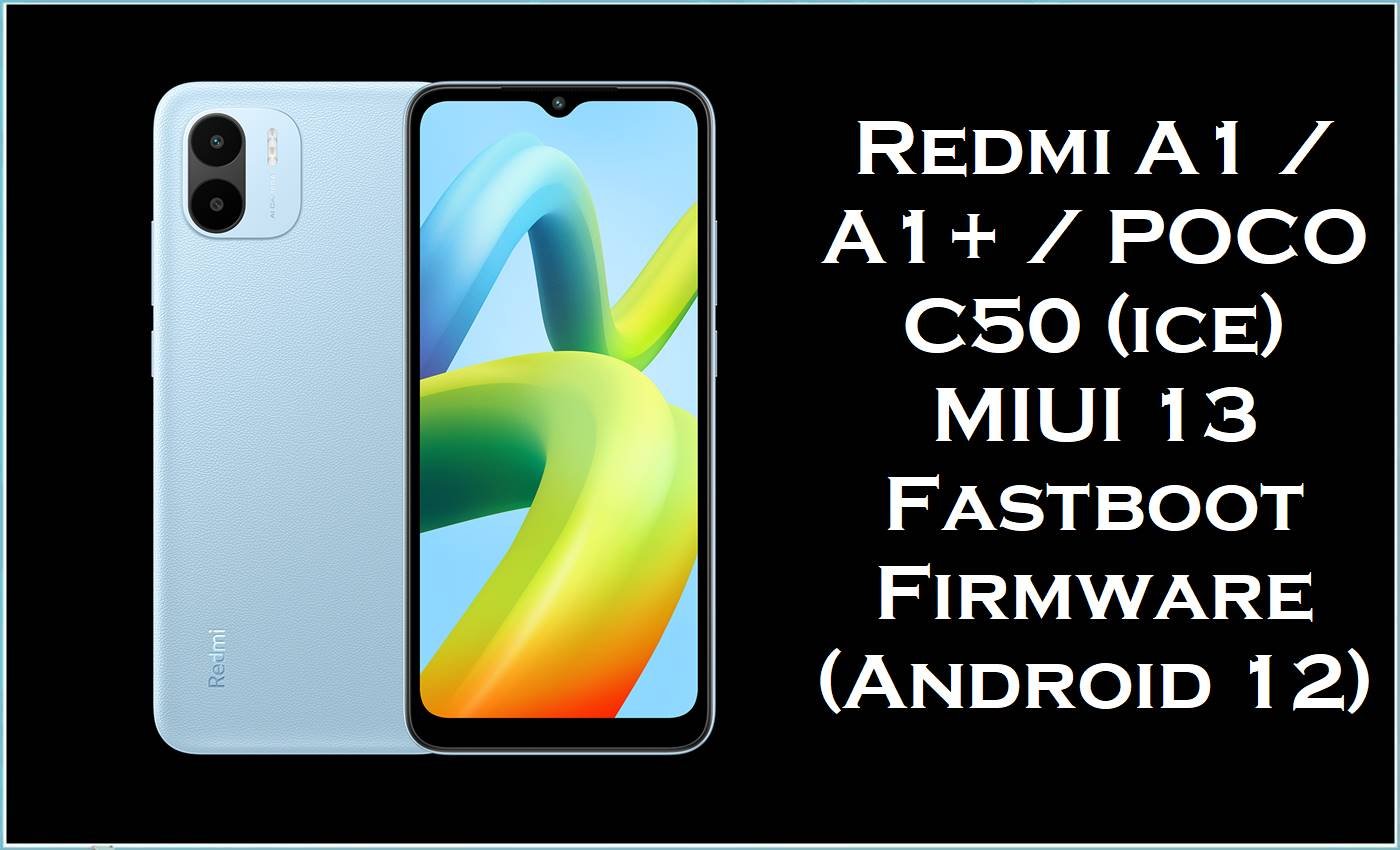
Xiaomi’s entry-level Redmi A1 family (including Redmi A1+, plus closely related POCO C50 variants in many ROM trackers) targets everyday basics with a 6.52-inch display, a 5000mAh battery, and the MediaTek Helio A22 platform.
Because this hardware class commonly ships with 2–3GB RAM and Android 12 (Go edition), real-world feedback often mentions sluggish moments—such as occasional system lag and even YouTube stutter—especially after software changes.
The official MIUI 13 fastboot builds listed on this page are designed to restore a clean, stock software state, deliver “bug fixes and system optimizations,” and (depending on region/build) bring newer Android security patches that harden the system against known vulnerabilities.
Redmi A1 / A1+ / POCO C50 (ice) Firmware Details
| Device Name | Xiaomi Redmi A1 / Redmi A1+ / POCO C50 (ROM trackers commonly group these builds under codename “ice”) |
|---|---|
| Codename | ice |
| Chipset | MediaTek MT6761 Helio A22 (12nm) |
| CPU / GPU | Quad-core Cortex‑A53 up to 2.0GHz / PowerVR GE8320 |
| Base Android Version | Android 12 (Go edition) (builds on this page are Android 12 / MIUI 13 branch) |
| Firmware Type | Fastboot ROM (.tgz “images” package) |
| Flash Method | Fastboot flashing via Xiaomi Mi Flash Tool (recommended for Xiaomi fastboot ROMs) |
| Bootloader Status | Fastboot flashing typically requires correct device/region matching; bootloader restrictions can apply depending on variant and policy. |
| Common User-Reported Pain Points | Occasional lag/slowdowns on low-end hardware (reported by owners), plus general MIUI 13/Android 12 complaints about bugs and stutters after updates. |
| Why These Builds Matter | Official MIUI builds may include “bug fixes and system optimizations,” and some releases explicitly update the Android security patch level (example: September 2024 / December 2024), improving baseline system security. |
⚠️ Flashing Risks & Disclaimer
- Flashing firmware on Redmi A1 / A1+ / POCO C50 (ice) is high risk, especially on entry-level devices where a failed flash can leave the phone stuck at the boot logo or unable to power on correctly.
- Using the wrong regional build (for example, flashing MIXM on an EUXM device, or mixing India/EEA/Taiwan packages) can cause bootloops, unstable radio behavior, broken setup, or a hard-brick.
- Fastboot ROM flashing can wipe user data and may overwrite critical partitions, so photos, contacts, and app data must be backed up before proceeding.
- Verify the exact device variant and region code (MIXM / EUXM / INXM / IDXM / RUXM / TWXM), confirm the codename “ice,” and proceed only with full understanding that flashing is done entirely at the user’s own risk.
Download Official Firmware for Redmi A1 / A1+ / POCO C50 (ice)
These are official Xiaomi fastboot “images” packages for MIUI 13 on Android 12, intended for clean restores, manual upgrades, and advanced recovery work.
| Filename | File Size | Build Date | MIUI Version | Android | Region / Branch | Flashing Type | Download Link |
|---|---|---|---|---|---|---|---|
| ice_global_images_V13.0.24.0.SGMMIXM_20240902.0000.00_12.0_88a9b0725e.tgz | 2.0GB | 2024-09-02 | V13.0.24.0.SGMMIXM | 12 | Global (MIXM) | Fastboot (.tgz) | Download V13.0.24.0.SGMMIXM (Xiaomi BigOTA) |
| ice_ru_global_images_V13.0.15.0.SGMRUXM_20240903.0000.00_12.0_cecbfa6509.tgz | 1.93GB | 2024-09-03 | V13.0.15.0.SGMRUXM | 12 | Russia (RUXM) | Fastboot (.tgz) | Download V13.0.15.0.SGMRUXM (Xiaomi BigOTA) |
| ice_id_global_images_V13.0.14.0.SGMIDXM_20240903.0000.00_12.0_618c04b86a.tgz | 1.97GB | 2024-09-03 | V13.0.14.0.SGMIDXM | 12 | Indonesia (IDXM) | Fastboot (.tgz) | Download V13.0.14.0.SGMIDXM (Xiaomi BigOTA) |
| ice_in_global_images_V13.0.17.0.SGMINXM_20241126.0000.00_12.0_23eb3d326d.tgz | 1.86GB | 2024-11-26 | V13.0.17.0.SGMINXM | 12 | India (INXM) | Fastboot (.tgz) | Download V13.0.17.0.SGMINXM (Xiaomi BigOTA) |
| ice_eea_global_images_V13.0.18.0.SGMEUXM_20240902.0000.00_12.0_c6e2eb289a.tgz | 2.00GB | 2024-09-02 | V13.0.18.0.SGMEUXM | 12 | EEA / Europe (EUXM) | Fastboot (.tgz) | Download V13.0.18.0.SGMEUXM (Xiaomi BigOTA) |
| ice_tw_global_images_V13.0.3.0.SGMTWXM_20221106.0000.00_12.0_e94f7d8b11.tgz | 1.78GB | 2022-11-06 | V13.0.3.0.SGMTWXM | 12 | Taiwan (TWXM) | Fastboot (.tgz) | Download V13.0.3.0.SGMTWXM (Xiaomi BigOTA) |
Flashing Requirements
- A Windows PC (recommended) and a stable internet connection for driver/tool setup.
- A reliable USB cable (microUSB for Redmi A1/A1+ class devices, depending on variant) and a direct PC USB port (avoid loose hubs).
- Xiaomi Mi Flash Tool (Fastboot flashing) and proper USB drivers installed.
- Battery charge at 50%+ to reduce shutdown risk mid-flash.
- Full data backup (fastboot flashing can wipe internal storage).
- Correct region match: MIXM / EUXM / INXM / IDXM / RUXM / TWXM (never cross-flash between regions).
How to Flash the Firmware
These packages are fastboot.tgz “images” ROMs, commonly used to recover devices that feel unusually sluggish, freeze after an update, or need a clean reinstall to eliminate persistent MIUI 13 glitches reported across Android 12 builds.
- Confirm the exact region/build needed (example: Global MIXM = ice_global_images_V13.0.24.0.SGMMIXM_20240902…) and verify it matches the phone’s MIUI region.
- Extract the downloaded
.tgzROM to a short folder path on the PC (example:C:\ice_fastboot\). - Boot the device into Fastboot mode, then connect it to the PC with a stable cable.
- Open Xiaomi Mi Flash Tool, select the extracted fastboot ROM folder, choose the appropriate flash option (data-wipe choices depend on the repair goal), and start flashing.
- Wait for completion, reboot, and allow extra first-boot time; on low-end Helio A22 devices, initial setup and app optimization can feel slower right after a clean install.
For a complete step-by-step flashing tutorial (with pictures and video), use the Xiaomi Mi Flash Tool guide.
For users focused on security hardening: some builds (such as V13.0.24.0.SGMMIXM Global) are documented to update the security patch to September 2024, which aligns with Android’s published patch-level program and vulnerability coverage.
Frequently Asked Questions (FAQs)
Which phones use “ice” fastboot ROMs on this page?
These MIUI 13 Android 12 fastboot packages are published for the “ice” device line, commonly labeled as Redmi A1 / A1+ / POCO C50 in ROM trackers.
Will V13.0.24.0.SGMMIXM fix lag on Redmi A1?
Redmi A1 owners have reported occasional lag and even YouTube lag, and official fastboot restores are a common way to return to a clean system state.
For the Global branch, V13.0.24.0.SGMMIXM is also associated with bug fixes/optimizations and a newer security patch, which can improve stability and safety even when performance limits are hardware-related.
What is the difference between MIXM, EUXM, INXM, IDXM, RUXM, and TWXM?
These suffixes indicate region branches (Global/EEA/India/Indonesia/Russia/Taiwan), and mixing regions is a common cause of bootloops or missing network features after flashing.
Is September 2024 security patch meaningful on Redmi A1 / POCO C50?
Yes—MIUI builds that update to the September 2024 security patch level are intended to raise system security against known Android vulnerabilities documented in Android’s security bulletins.
What should be checked before flashing ice_in_global_images_V13.0.17.0.SGMINXM?
Confirm the device is on the India branch (INXM) and that the goal is to reinstall/repair MIUI 13 Android 12 using the exact IN fastboot build.





