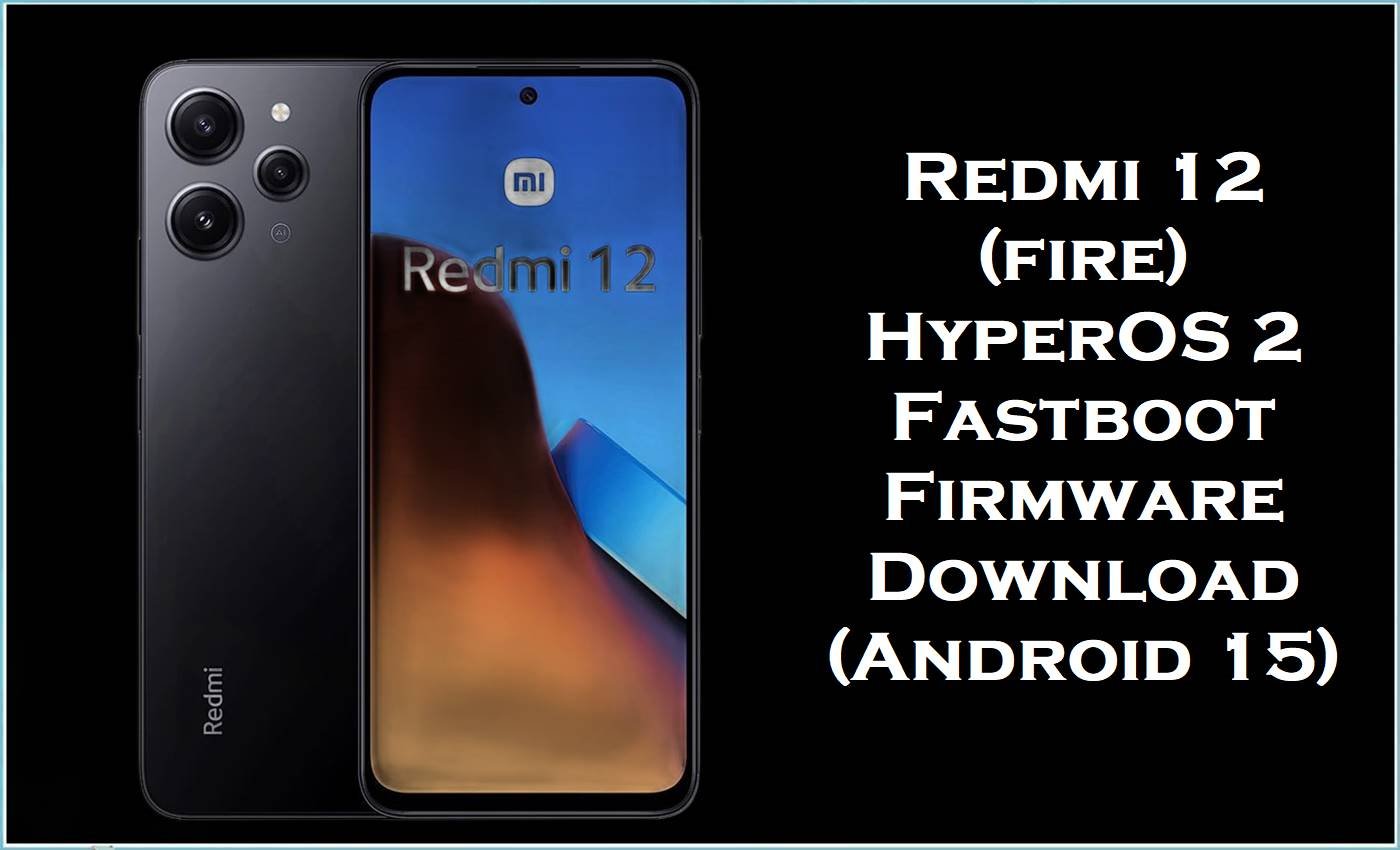
Xiaomi Redmi 12 (codename fire) is known for its large 6.79-inch display and MediaTek Helio G88 performance, but many owners still run into frustrating software problems like overheating, fast battery drain, lag, charging glitches, and random app/network issues.
The HyperOS 2 fastboot firmware files you provided (Android 15) are designed to refresh the system at partition level, which can fix update-related corruption, boot problems, and persistent instability when a normal reset or OTA update doesn’t help.
Redmi 12 Firmware Details
| Device Name | Xiaomi Redmi 12 |
|---|---|
| Codename | fire |
| Chipset | MediaTek Helio G88 (MT6769H) |
| Display (key spec) | 6.79″ FHD+ 90Hz (varies by market) |
| Android Version | Android 15 (HyperOS 2 builds listed below) |
| Firmware Type | Fastboot ROM / images package (.tgz) |
| Flashing Tool Required | Xiaomi Mi Flash Tool (Windows) for fastboot firmware |
| Region Builds in This Post | Global (MIXM), EEA/Europe (EUXM), Russia (RUXM), India (INXM), Indonesia (IDXM), Turkey (TRXM) |
| Bootloader Status | Fastboot flashing on Xiaomi commonly requires an unlocked bootloader (verify for your unit). |
| Firmware Keywords | stock ROM, flash file, stock firmware, official firmware |
Warning (Redmi 12 / fire): Flashing firmware is risky and advanced. Wrong model/region ROM or incorrect steps may brick your phone, erase data, cause boot failure/instability, create security issues, and void warranty. Everything is provided “as is” with no warranties; authors/providers aren’t liable for damage or data loss. Verify variant/region, back up fully, and proceed at your own risk.
Common Redmi 12 Issues This Firmware Helps Fix
- Overheating and fast battery drain: Redmi 12 troubleshooting guides repeatedly list overheating and battery drain as common complaints, often worsening after heavy usage or software changes.
- Lag, stutters, and app glitches: Users often describe slowdowns, app misbehavior, and general instability, which a clean fastboot reinstall can help by replacing damaged system components.
- Charging and connectivity problems: Common-problem reports for Redmi 12 also mention charging inconsistencies and network-related annoyances, which are frequently tied to firmware bugs or corrupted partitions after updates.
If your Redmi 12 is stuck in a bootloop, failing to boot after an update, or behaving “broken” even after a factory reset, installing the correct regional HyperOS fastboot package is often the most direct recovery method because it reinstalls the OS more completely than a normal OTA update.
Download Official Firmware for Redmi 12 (fire)
| Filename | File Size | Build Date | Build Version | Android Version | Flashing Type | Download Link |
|---|---|---|---|---|---|---|
| fire_global_images_OS2.0.205.0.VMXMIXM_20251021.0000.00_15.0_global_205eccc07c.tgz | 6.37GB | 2025-10-21 | OS2.0.205.0.VMXMIXM (Global) | Android 15 | Fastboot ROM (.tgz) | Download OS2.0.205.0.VMXMIXM (Xiaomi BigOTA) |
| fire_ru_global_images_OS2.0.202.0.VMXRUXM_20250826.0000.00_15.0_ru_5b95ee2fe5.tgz | 6.53GB | 2025-08-26 | OS2.0.202.0.VMXRUXM (Russia) | Android 15 | Fastboot ROM (.tgz) | Download OS2.0.202.0.VMXRUXM (Xiaomi BigOTA) |
| fire_eea_global_images_OS2.0.204.0.VMXEUXM_20250929.0000.00_15.0_eea_9f7f5e33c1.tgz | 6.12GB | 2025-09-29 | OS2.0.204.0.VMXEUXM (EEA / Europe) | Android 15 | Fastboot ROM (.tgz) | Download OS2.0.204.0.VMXEUXM (Xiaomi BigOTA) |
| fire_id_global_images_OS2.0.202.0.VMXIDXM_20250904.0000.00_15.0_id_3a99ab51a5.tgz | 6.07GB | 2025-09-04 | OS2.0.202.0.VMXIDXM (Indonesia) | Android 15 | Fastboot ROM (.tgz) | Download OS2.0.202.0.VMXIDXM (Xiaomi BigOTA) |
| fire_tr_global_images_OS2.0.202.0.VMXTRXM_20250909.0000.00_15.0_tr_2d2b8e31c5.tgz | 5.86GB | 2025-09-09 | OS2.0.202.0.VMXTRXM (Turkey) | Android 15 | Fastboot ROM (.tgz) | Download OS2.0.202.0.VMXTRXM (Xiaomi BigOTA) |
| fire_in_global_images_OS2.0.202.0.VMXINXM_20250904.0000.00_15.0_in_e6034eba05.tgz | 5.36GB | 2025-09-04 | OS2.0.202.0.VMXINXM (India) | Android 15 | Fastboot ROM (.tgz) | Download OS2.0.202.0.VMXINXM (Xiaomi HugeOTA) |
Flashing Requirements
- Windows PC, good USB cable, and a stable power source (avoid flashing on a dying laptop).
- Xiaomi USB drivers + Xiaomi Mi Flash Tool installed.
- Correct ROM for your exact region/branch (e.g., EUXM is not the same as MIXM).
- Unlocked bootloader (commonly required for Xiaomi fastboot flashing).
- Backup of everything important (photos, WhatsApp, files), since fastboot flashing can wipe data.
How to Flash the Firmware
Fastboot Method (Mi Flash Tool) — for.tgz images
- Download the correct Redmi 12 (fire) fastboot package and extract the.tgz fully until you see the ROM folder contents.
- Install drivers, open Xiaomi Mi Flash Tool, and reboot the phone into Fastboot mode.
- Connect the device to the PC, then use Mi Flash “refresh” to detect it.
- Select the extracted ROM folder in Mi Flash Tool and start flashing (do not disconnect during the process).
- Reboot, complete first boot setup, and allow time for system optimization before judging battery/heat behavior.
Need the full step-by-step guide with pictures and videos? Use this tutorial: How to Flash Android Smartphones with Xiaomi MI Flash Tool and choose the instructions that match your downloaded build above (Global/EEA/RU/ID/TR/IN).
Frequently Asked Questions (FAQs)
Which Xiaomi model uses the “fire” firmware?
The codename fire is used for Xiaomi Redmi 12, so these HyperOS fastboot files are intended for Redmi 12 variants only.
Is OS2.0.205.0.VMXMIXM the same as OS2.0.204.0.VMXEUXM?
No—VMXMIXM is the Global branch and VMXEUXM is the EEA/Europe branch, and mixing regions can cause compatibility problems (apps, network behavior, and updates).
Will this official firmware fix Redmi 12 overheating and battery drain?
It often helps when overheating/drain is caused by buggy updates or corrupted system components, since a fastboot flash reinstalls core partitions more completely than a normal update.
What is the safest way to pick the right stock ROM?
Match your current region/branch (MIXM/EUXM/INXM/etc.) and confirm the device is Redmi 12 (fire) before flashing.





