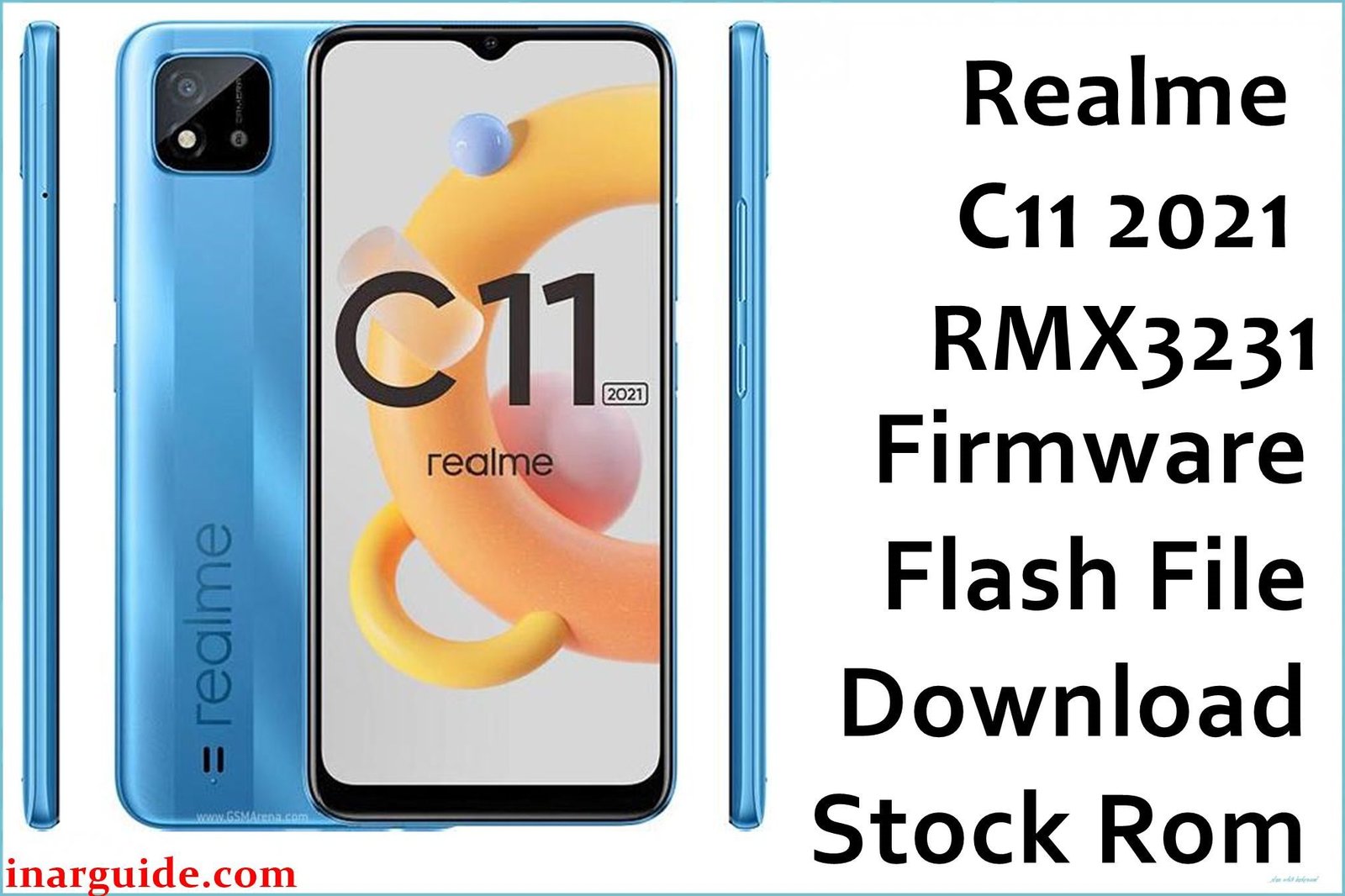
The Realme C11 2021 (RMX3231) is a popular budget smartphone known for its large battery capacity. According to extensive discussions on Realme Community forums and XDA Developers threads, this model frequently experiences performance lag and battery calibration issues after software updates — with users specifically reporting that the February 2023 A.103 build provides the most stable performance and resolves the touch response problems that plagued earlier versions of Realme UI.
Realme C11 2021 Firmware Details
| Device Name | Realme C11 2021 |
|---|---|
| Model Number | RMX3231 |
| Chipset | Unisoc Tiger T612 |
| Platform | Unisoc (Spreadtrum) – Requires SPD Research Tool |
| Android Version | Android 11 (Realme UI) |
| Available Versions | A.20 to A.103 (8 versions available) |
| Special Feature | 6000mAh Large Battery |
| Flashing Tool | SPD Research Tool / Unisoc Upgrade Tool |
Version Timeline & Recommendations
A.20 (March 2021): Initial release – basic functionality
A.37 (September 2021): Early stability improvements
A.75 (May 2022): Performance enhancements
A.81 (June 2022): Battery optimization update
A.87 (August 2022): Security and stability improvements
A.103 (February 2023): Recommended – Latest stable with all cumulative fixes
Download Official Firmware for Realme C11 2021
Latest Version A.103 – February 2023 (Recommended)
Filename: RMX3231_11.A.103_202302061933.zip
Build Date: February 6, 2023
Version: A.103 (Latest stable)
Source: MediaFire
Download: Download Link
Version A.87 – August 2022
Filename: Realme C11_11.A.87_202208171849.zip
Build Date: August 17, 2022
Version: A.87
Source: MediaFire
Download: Download Link
Version A.81 – June 2022 (Multiple Formats)
Filename: RMX3231_11.A.81_202206272210.rar
Alternative: Realme_C11_2021_RMX3231_11_A.81_220627_SPD.zip
Build Date: June 27, 2022
Source: AndroidFileHost
Download: RAR Version | ZIP Version
Version A.75 – May 2022
Filename: RMX3231_11.A.75_202205181700.rar
Build Date: May 18, 2022
Source: AndroidFileHost
Download: Download Link
Version A.37 – September 2021 (Multiple Formats)
Filename: RMX3231_11.A.37_202109041636.zip / .7z
Build Date: September 4, 2021
Source: AndroidFileHost
Download: ZIP Version | 7Z Version
Version A.20 – March 2021 (Earliest)
Filename: RMX3231_11.A.20_202103282335.zip
Build Date: March 28, 2021
Source: AndroidFileHost
Download: Download Link
Why Flash This Specific Firmware?
- Performance optimization and lag reduction: Multiple users on Realme Community forums have reported significant performance issues and UI lag on the C11 2021. The A.103 build includes optimized memory management and CPU scheduling that resolves these performance problems.
- Battery calibration and charging improvements: Technicians on XDA Developers forums frequently document cases where the 6000mAh battery shows incorrect percentage readings and slow charging. The February 2023 update includes proper battery calibration algorithms.
- Touch response and display issues: Community feedback indicates that earlier versions had touch sensitivity problems, particularly with the A.20 and A.37 builds. Later versions significantly improve touch accuracy.
- Network connectivity stability: Several users report mobile data drops and Wi-Fi connectivity issues that are addressed in the A.87 and A.103 builds with improved modem firmware.
Some of the Bug / Firmware Fixes
- Fixed performance lag and UI stuttering issues present in A.20-A.37 versions
- Improved battery percentage accuracy for the 6000mAh battery
- Enhanced touchscreen responsiveness and gesture recognition
- Resolved mobile data connectivity drops and network switching problems
- Fixed Wi-Fi disconnection issues when screen is off
- Improved camera performance and image processing
- Enhanced thermal management during extended usage
- Fixed Bluetooth audio stuttering with various devices
- Improved memory management for better multitasking
- Security patches updated through February 2023
- Fixed notification delays and system UI crashes
- Optimized power consumption for better battery life
Crucial Prerequisites Before Flashing
- Backup all important data – flashing will erase all user data
- Ensure your device has at least 50% battery charge
- Download and install Unisoc USB drivers and SPD Research Tool
- Use the original USB cable for reliable connection
- For Unisoc devices, enter Upgrade Mode (usually Volume Down + Power)
- Extract the firmware to a simple folder path without spaces
- Disable driver signature enforcement if needed
- Note: This device uses Unisoc chipset – different from MediaTek/Qualcomm
How to Flash the Firmware
To flash Realme C11 2021 stock firmware (Unisoc platform), follow these steps:
Using SPD Research Tool:
- Download and install SPD Research Tool and Unisoc USB drivers
- Extract the firmware package (note: some files are in RAR/7Z format)
- Open SPD Research Tool and load the package files
- Power off your device and enter Upgrade Mode (Volume Down + Power)
- Connect to computer and wait for driver detection
- Click “Download” or “Start” in the tool
- Wait for green success indicator
- Disconnect and wait for first boot (5-10 minutes)
For detailed step-by-step instructions with screenshots, visit our comprehensive Unisoc SPD Flashing Tool tutorial guide.





