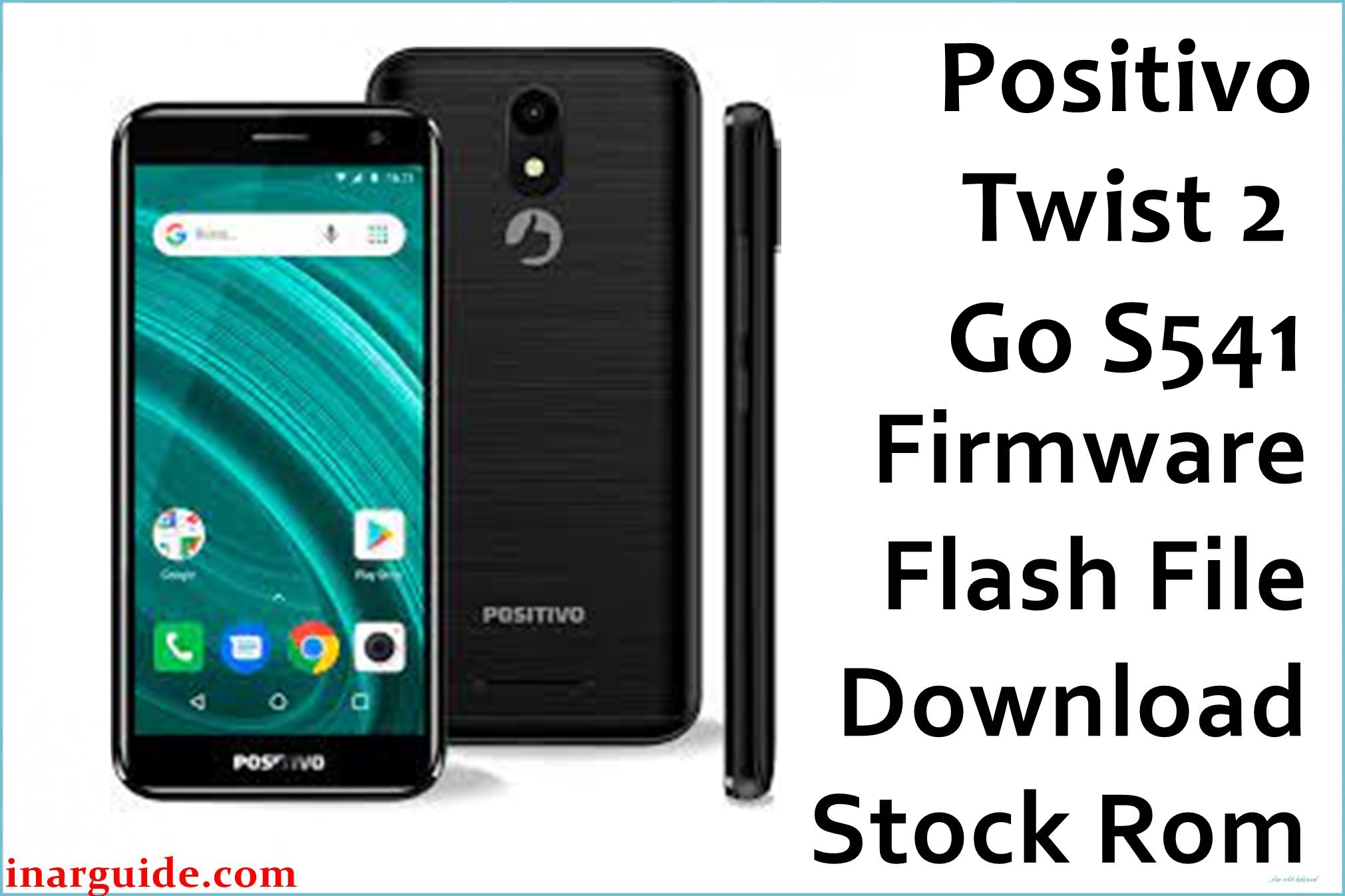
The Positivo Twist 2 Go S541 (MT6739) runs Android 8.1 Oreo Go Edition for budget reliability but is notorious for common user complaints. Issues reported include bootloop (logo stuck), battery draining fast, Wi-Fi and Bluetooth not connecting, app crashes, factory reset not working, and phones bricked after failed updates or resets. Software faults such as IMEI loss, fastboot/FRP lock, and non-responsive touchscreen occur if the wrong files or tools are used. Official stock firmware restores boot, fixes dead devices, battery and Wi-Fi errors, and brings the phone back to stable performance. Switching back to stock solves nearly all bug-related issues for this model.
Positivo Twist 2 Go S541 Firmware Details
| Device Name | Positivo Twist 2 Go |
|---|---|
| Model | S541 |
| Chipset | MediaTek MT6739 (Quad-core 1.5GHz Cortex-A53) |
| GPU | PowerVR GE8100 |
| RAM & Storage | 1GB RAM, 32GB ROM (MicroSD up to 64GB) |
| Display | 5.0″ TFT LCD, 480×960 px (18:9 ratio) |
| Camera | 8MP rear, 5MP front |
| Battery | 2000mAh removable |
| Operating System | Android 8.1 Oreo Go Edition |
| Firmware Filename | Positivo_Twist_2_Go_S541_MT6739_140319.zip |
| Build Date | March 14, 2019 |
| File Size | 771MB |
| File Type | ZIP (Scatter format) |
| Flashing Tool | SP Flash Tool (MediaTek) |
Warning: Wrong region, wrong scatter, or missing IMEI flashing will brick the Twist 2 Go or lose network for good. Use S541/MT6739-only files. Always backup and double-check drivers. Battery life is short—heavy use depletes fast even on stock OS.
Download Official Firmware for Positivo Twist 2 Go S541
Positivo_Twist_2_Go_S541_MT6739_140319.zip
📦 Size: 770MB
🗓️ Build Date: March 14, 2019
🔢 Firmware Version: Go Edition MT6739
⬇️ Download Link: Mediafire
Fixes: Bootloop, dead phone, battery/charging bugs, Wi-Fi/BT, factory reset. Unbrick only with correct drivers and tool.
How to Flash the Firmware
- Install the latest MediaTek USB & VCOM drivers.
- Extract the firmware package and run SP Flash Tool.
- Load the included MT6739_Android_scatter.txt file.
- Connect the powered-off phone (hold Vol Down if needed) and start the Download process.
- Wait for green OK. Reboot and reconfigure from factory; flash IMEI if needed.
See full MediaTek flash guide here (step-by-step, photos, troubleshooting).





