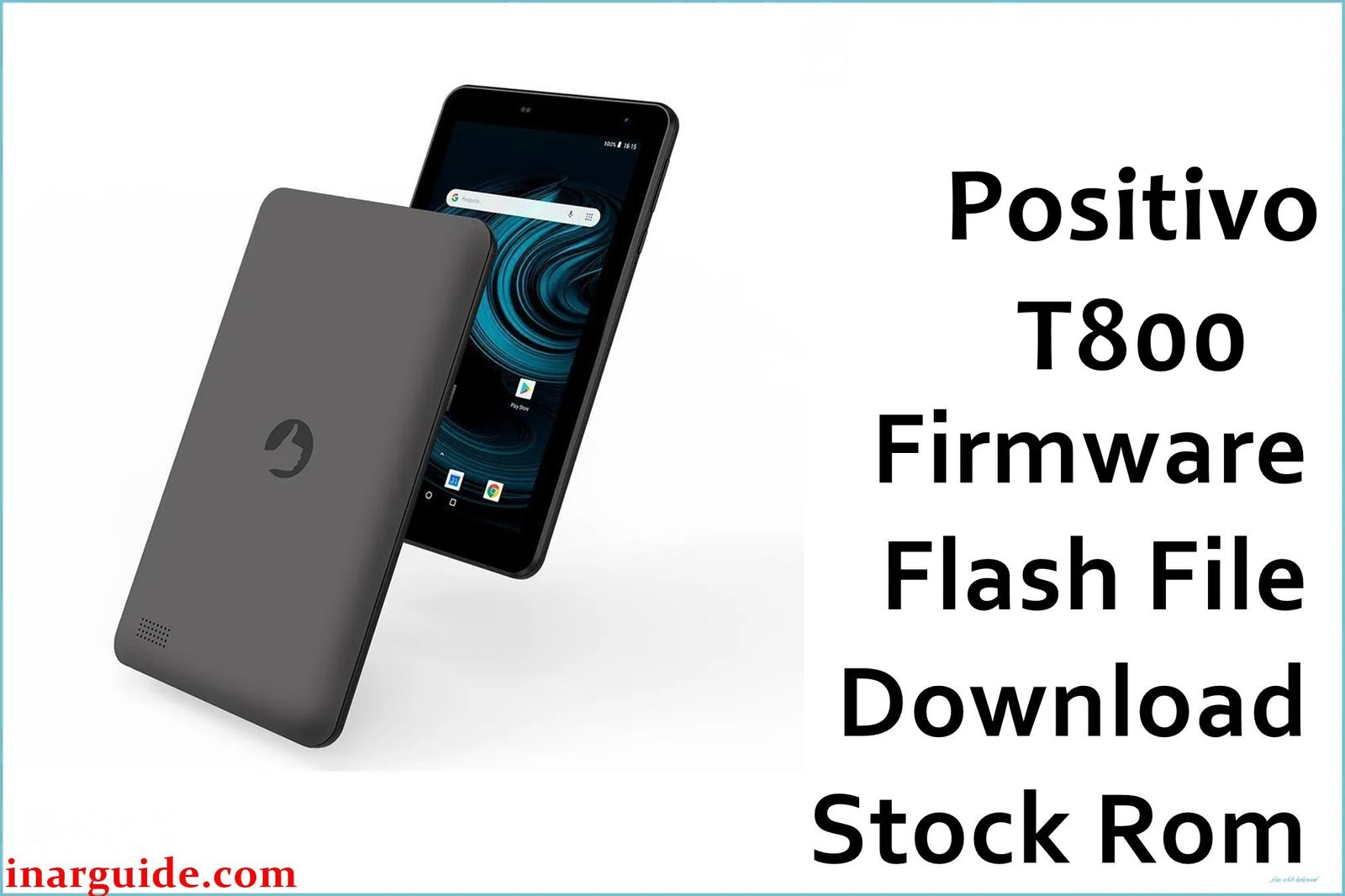
The Positivo T800 is an affordable Android 11 Go tablet for the Brazilian and Latin markets, running on the Unisoc SC9863A octa-core chipset with 2GB RAM and an 8-inch screen. Many users report persistent problems including: stuck on boot logo after failed updates, blank or white display, FRP lock after reset, fastboot mode or dead recovery, battery discharge even when powered off, and laggy system after app installs. Other issues include unstable WiFi, unresponsive touchscreen, random freezes, non-detection in flash mode, and some experiencing dead devices after incorrect firmware flash. These SPD firmware files are designed to restore bricked tablets, resolve FRP/account lock, and recover from blank screen or critical system failure.
Positivo T800 Firmware Details
| Device Name | Positivo T800 |
| Chipset | Unisoc SC9863A Octa-core (4×1.6GHz + 4×1.2GHz) |
| RAM/Storage | 2GB RAM / 32GB eMMC (microSD up to 256GB) |
| Display | 8″ IPS LCD, 1280×800, 60Hz |
| Back Camera | 5MP (autofocus, HDR) |
| Front Camera | 2MP |
| Battery | 4000 mAh (Li-ion, non-removable) |
| OS | Android 11 Go Edition |
| Firmware Filename | Positivo_T800_210427_SPD.zip |
| Firmware Version | 210427 |
| File Size | 1.28GB |
| File Type | .zip (contains.pac SPD firmware) |
| Flashing Tool | SPD/Unisoc Upgrade Tool (ResearchDownload/UpgradeDownload) |
Warning:
Wrong firmware or forced flashing on the Positivo T800—especially across different RAM/storage variants—can cause display to stay black/white, death in recovery, or total data loss. Always back up data, verify your exact tablet variant (check under settings or on device label), and only use the correct scatter/PAC file for SPD flash. Don’t interrupt the process once flashing begins.
Download Official Firmware for Positivo T800
The below SPD firmware restores bricked, blank, or FRP-locked Positivo T800 tablets (tested on SC9863A Android 11). It may fix WiFi and charging bugs, and safely remove screen lock.
Firmware:
📄 Filename: Positivo_T800_210427_SPD.zip
📦 Size: 1.28GB
⬇️ Download Link (MediaFire)
How to Flash the Firmware
- Download Positivo_T800_210427_SPD.zip and extract on PC to get.pac firmware file.
- Install Unisoc (SPD) USB drivers, then get SPD Upgrade Tool (ResearchDownload or UpgradeDownload).
- Open the tool, click “Load Packet” and select the extracted.pac file.
- Power off the tablet, hold Volume Down and connect to PC (detected automatically).
- Click Start/Play to begin flash, wait for success message before unplugging. First boot may take several minutes.
See the full SPD flashing tutorial with images and troubleshooting: here.





