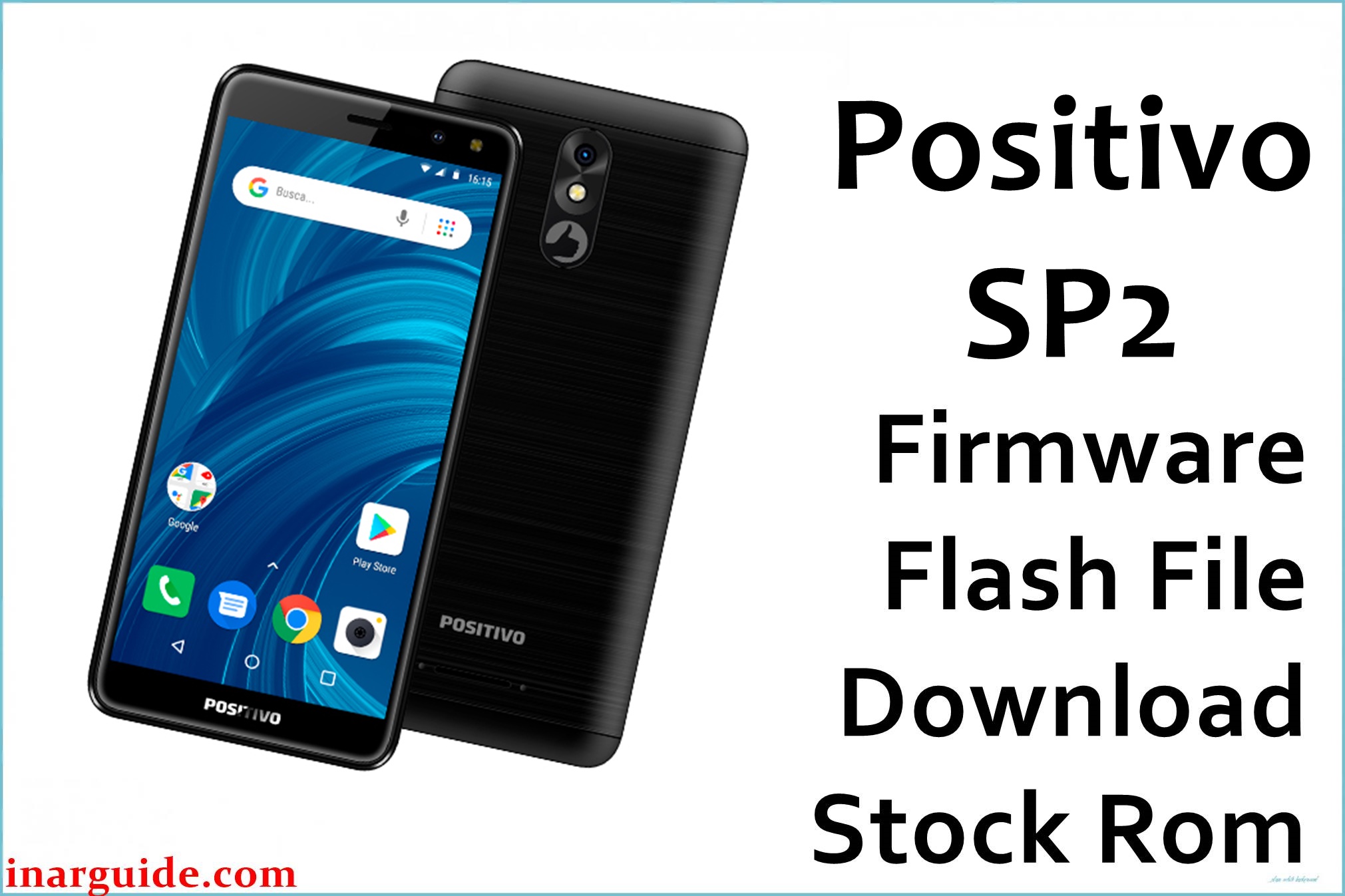
The Positivo SP2 is an entry-level Android smartphone widely used in Brazil and other regions for its affordability and basic functionality. However, users frequently experience software issues such as persistent device lag, crashes, stuck on the logo screen, Fastboot/boot loop errors, sluggish app performance, and network or Wi-Fi dropouts. Many users complain about the phone freezing or turning unresponsive due to its modest RAM and basic chipset.
The official Positivo_SP2_V01_281120_SPD.zip firmware file is designed to fix these issues by performing a complete software restoration, unbricking the device from boot loops, and resolving problems like FRP lock, display glitches, and non-responsive system errors. With this firmware version and the correct SPD tool, users can revive the Positivo SP2 and return it to full working order.
Positivo SP2 Details
| Device Name | Positivo SP2 |
| Model | SP2 |
| Chipset | UNISOC SC9863A (Spreadtrum) |
| CPU | Octa-core Cortex-A55 up to 1.6GHz |
| GPU | PowerVR GE8322 |
| RAM | 2GB or 4GB (model variant) |
| Internal Storage | 16GB or 32GB |
| Android Version | Android 9.0 |
| Display | 5.7″ IPS, 1440×720 px |
| Rear Camera | 5MP |
| Front Camera | 2MP |
| Battery | 3000 mAh (removable) |
| Other features | Dual SIM, MicroSD up to 64GB, 4G LTE, Bluetooth, FM radio, GPS |
| Firmware Filename | Positivo_SP2_V01_281120_SPD.zip |
| Firmware Version | V01_281120 |
| Build Date | November 28, 2020 |
| File Size | 754 MB |
| File Type | .PAC (SPD) |
| Flashing Tool | SPD Upgrade Tool |
Warning — Firmware Flashing Risks!
If you flash the wrong firmware or interrupt the process, your Positivo SP2 may be permanently bricked and unrecoverable. Using incorrect drivers or an unreliable USB cable can cause flashing failures, which may result in loss of data or make the phone completely unusable. Always ensure your device matches the exact model and build before proceeding. Backup all your data; flashing will erase user data entirely, and recovery is not guaranteed. Power failures or disconnecting the cable while flashing can irreparably damage the SP2’s mainboard.
Download Official Firmware for Positivo SP2
This is the verified stock ROM for the Positivo SP2, intended for full restoration, bug fixes, and unbricking. This .zip file contains the official PAC firmware and can only be flashed using the SPD Upgrade Tool. Users note this firmware solves problems such as:
- Stuck on logo, bootloop, or soft-brick
- FRP (Google account) lock removal
- Slow performance and random freezing
- Blank or white display after flash
- Non-responsive touchscreen and network issues
📄 Filename: Positivo_SP2_V01_281120_SPD.zip
📦 Size: 754 MB
🗓️ Build Date: November 28, 2020
🔢 Build Version: V01_281120
🤖 Android Version: 9.0
⬇️ Download Link: Google Drive – Positivo SP2 V01_281120 SPD.zip
How to Flash the Firmware
To flash the Positivo SP2 using the provided firmware file, follow these 5 essential steps:
- Download and install SPD drivers and the SPD Upgrade Tool on your Windows PC.
- Extract Positivo_SP2_V01_281120_SPD.zip and open the UpgradeDownload/ResearchDownload tool.
- In the tool, click the “Load Packet” button (gear icon) and select the .PAC file from the extracted folder.
- Power off the SP2, connect it to the PC while pressing Volume Up/Down, and wait for driver detection.
- Click “Start Download” to begin flashing. Wait until the process is 100% complete; the device will reboot automatically.
For a fully detailed, illustrated tutorial with troubleshooting and video, visit this SPD Upgrade Tool flashing guide.
Spreadtrum (UNISOC) Flashing Guide Reference
The Positivo SP2 uses a UNISOC (Spreadtrum) chipset. For alternative guides and troubleshooting tips, see: How to Use SPD Upgrade Tool to Flash Your Smartphone





