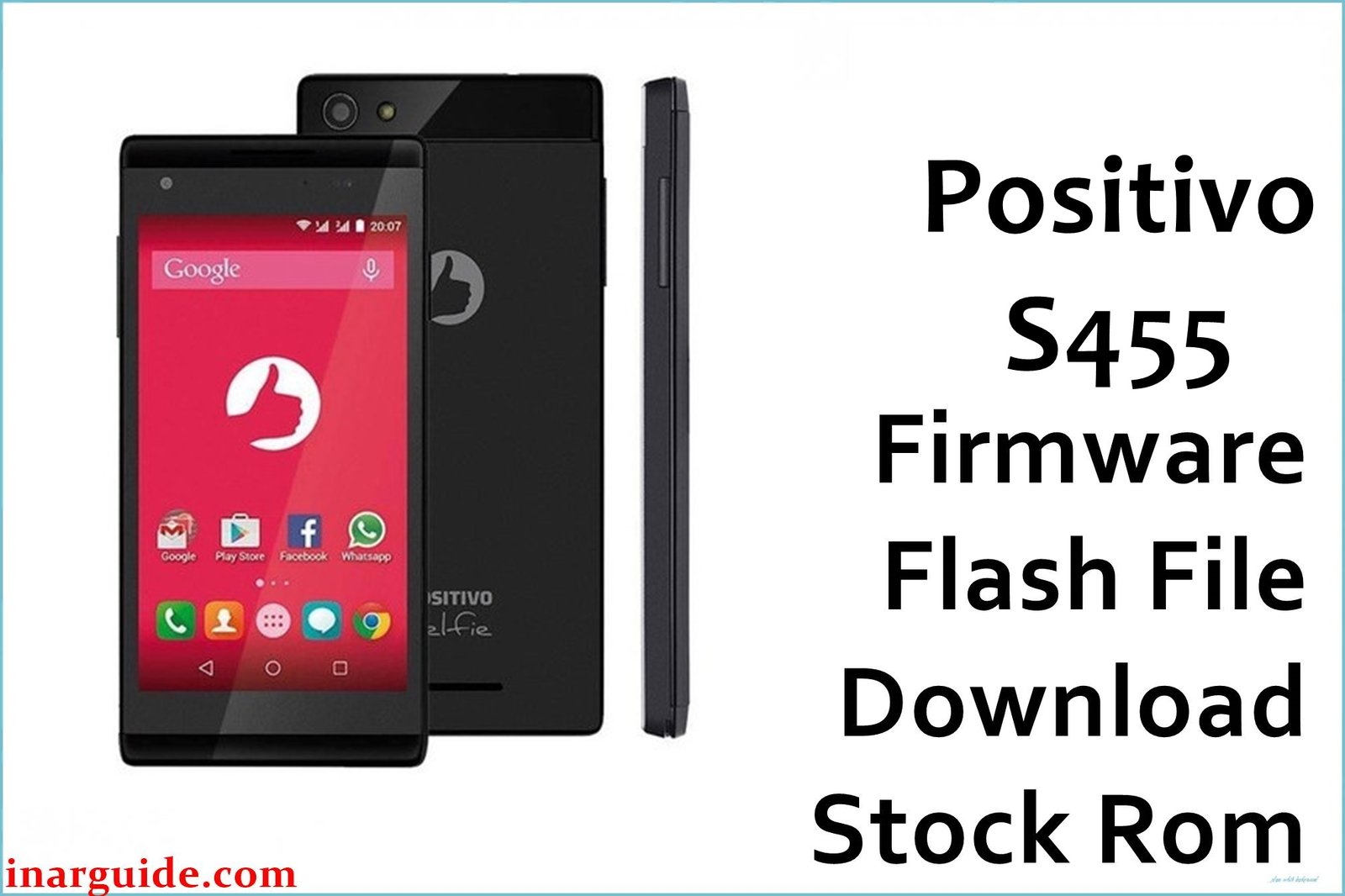
The Positivo S455 equipped with the MediaTek MT6582 chipset is a popular budget Android phone, but users frequently report issues such as getting stuck at the boot logo, device not powering up properly after software updates, and persistent frozen screens. According to user discussions and technician forums, these problems arise most often after failed updates or errors during data wipes, leaving users unable to access their phone or reinstall Android OS. Flashing the official factory firmware fixes these specific problems and reliably removes system errors and lock screens.
Positivo S455 Firmware Details
| Model | Positivo S455 (Selfie) |
| Chipset | MediaTek MT6582 |
| Android Version | 4.4.2 KitKat |
| Firmware Version | S455_MT6582_18102016 |
| Build Date | 2016-10-18 |
| File Size | 670 MB (ZIP) |
| File Type | ZIP archive (contains scatter file) |
| Flashing Tool | SP Flash Tool |
Download Official Firmware for Positivo S455
Size: 670 MB
Build Date: 2016-10-18
Chipset: MediaTek MT6582
Android Version: 4.4.2 KitKat
Download Link: Google Drive Link
Why Flash This Specific Firmware?
- Fixes the “stuck at boot logo” and “frozen screen” issues after failed OTA or resets, reported by numerous S455 owners and repair techs.
- Unbricks devices that fail to turn on or get stuck on boot due to corrupted partitions and failed system updates.
- Removes persistent FRP and screen locks that cannot be bypassed via regular methods, restoring clean access to the device.
Crucial Prerequisites Before Flashing
- Backup all important user data (will be erased).
- Phone battery charged to at least 60%.
- Download and extract “Positivo_S455_MT6582_18102016.zip” on your PC.
- Install MTK USB drivers.
- Use a compatible Windows PC and USB cable.
How to Flash the Firmware
Flashing your Positivo S455 with SP Flash Tool is straightforward. Follow these steps:
- Download and extract “Positivo_S455_MT6582_18102016.zip” to your computer.
- Install MTK USB drivers (if not installed).
- Open SP Flash Tool and load the scatter file from the extracted firmware.
- Switch off your S455 and connect it via USB cable to your computer.
- Click “Download” in SP Flash Tool, wait for the process to complete, and reboot your phone.
For a complete guide with screenshots and more details, visit our official tutorial: How to Flash Stock Firmware to MediaTek (MTK) Smartphones





