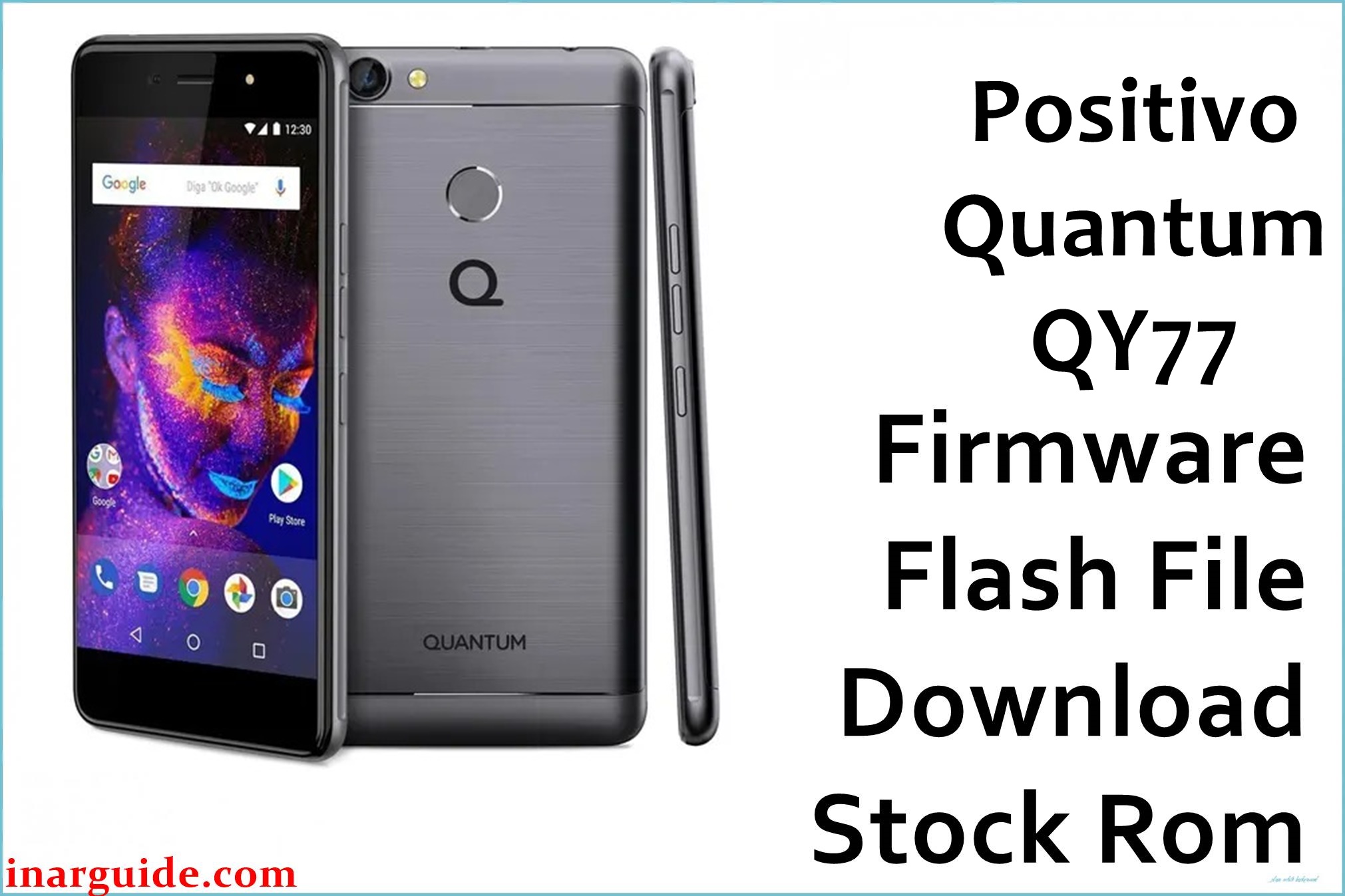
The Positivo Quantum QY77 featuring the MediaTek MT6737M chipset has seen users report persistent bootloop issues, especially after software updates or factory resets, where the device gets stuck at the logo and won’t proceed to the home screen. Community reports and service forums also confirm problems with random rebooting and device not powering on at all after failed Android updates. These issues often leave users unable to use basic functions, requiring an official firmware reflash to restore normal operation and address critical software corruption.
Positivo Quantum QY77 Firmware Details
| Model | Positivo Quantum QY77 |
| Chipset | MediaTek MT6737M (28nm) |
| Android Version | 7.0 Nougat |
| Firmware Version | QY77_MT6737M_20171206 |
| Build Date | 2017-12-06 |
| File Size | 1.29 GB (ZIP) |
| File Type | ZIP (contains scatter file for MTK) |
| Flashing Tool | SP Flash Tool |
Download Official Firmware for Positivo Quantum QY77
Size: 1.29 GB
Build Date: 2017-12-06
Chipset: MediaTek MT6737M
Android Version: Android 7.0 Nougat
Download Link: Google Drive Link
Why Flash This Specific Firmware?
- Resolves the notorious bootloop problem where the phone is stuck at the logo or won’t turn on after failed OTA updates or factory resets, as reported on multiple user forums.
- Unbricks devices that won’t power on due to corrupted partitions or interrupted installations, restoring system files to factory condition and enabling normal Android boot.
- Removes persistent FRP/screen locks and fixes sluggish performance introduced by system errors, enabling full device access.
Crucial Prerequisites Before Flashing
- Back up important data (flashing erases all user data).
- Charge device battery to at least 60%.
- Download and extract “Positivo_Quantum_QY77_MT6737M_20171206_7.0.zip” on your PC.
- Install MTK USB drivers.
- Use a compatible Windows PC and USB cable.
How to Flash the Firmware
Flashing the firmware onto your Positivo Quantum QY77 requires SP Flash Tool. Follow these steps:
- Download and extract “Positivo_Quantum_QY77_MT6737M_20171206_7.0.zip” to your computer.
- Install MTK USB drivers if you have not done so.
- Open SP Flash Tool and load the scatter file from the extracted firmware folder.
- Turn off your QY77 and connect it to your PC using a USB cable.
- Click “Download” in SP Flash Tool, wait for the flashing process to finish, then reboot your device.
For a complete guide with screenshots and more details, please visit our official tutorial: How to Flash Stock Firmware to MediaTek (MTK) Smartphones





