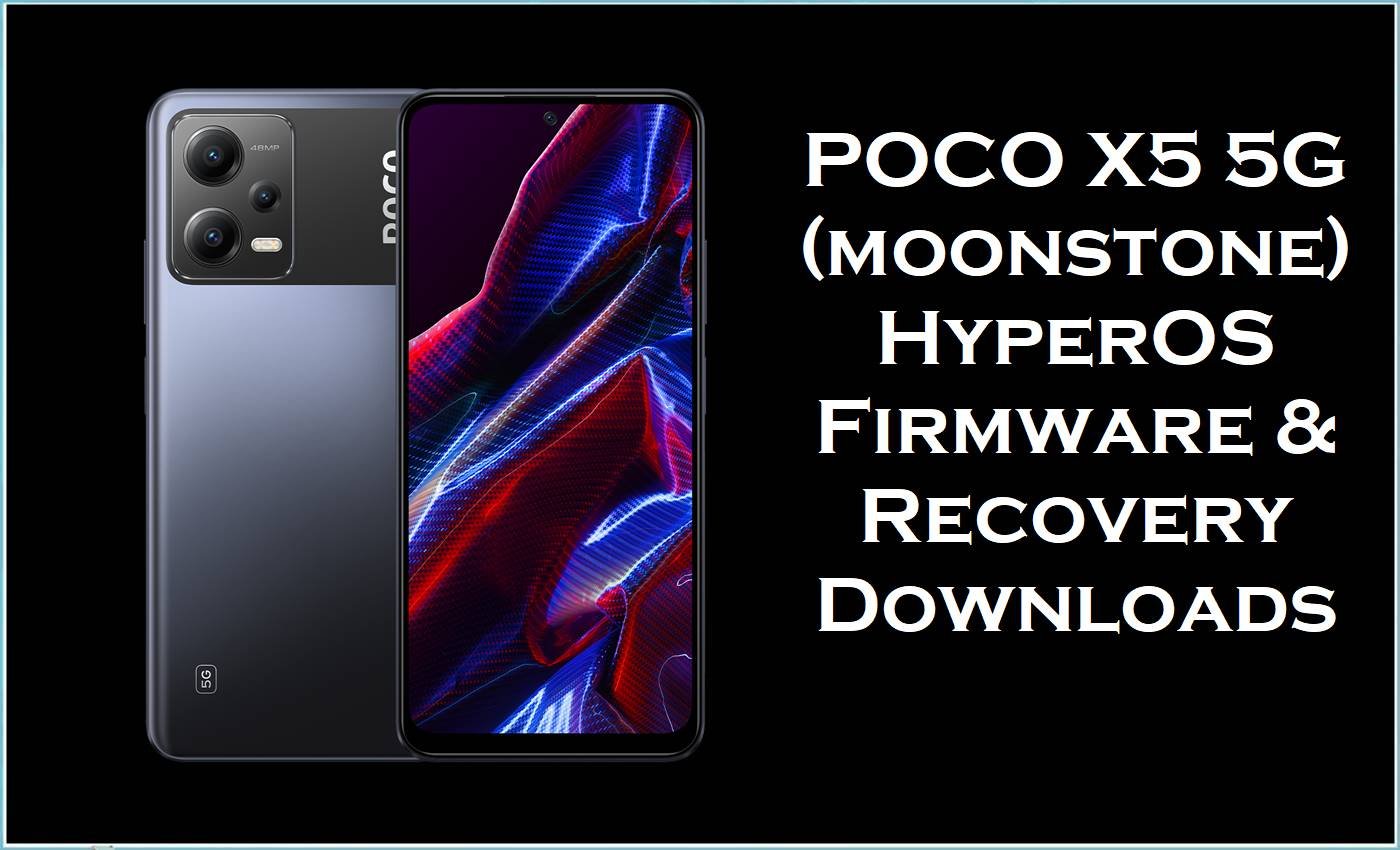
POCO X5 5G, codename moonstone, is a Snapdragon 695 5G device that launched with Android 12 / MIUI 13 for POCO and now runs on Android 14-based HyperOS OS1.x in most regions. On this model, software issues such as bootloops after HyperOS OTAs, failed custom recovery or root attempts, and cross-region configuration problems can often be addressed by flashing an official HyperOS fastboot ROM or, for advanced users, a xiaomi.eu multilang build combined with a compatible TWRP recovery.
POCO X5 5G Firmware Details
| Device Name | POCO X5 5G |
|---|---|
| Model Identifier | 22111317PG (Global), 22111317PI (India) and related moonstone variants. |
| Codename | moonstone (all HyperOS files and custom recoveries listed here target this codename). |
| Chipset / Platform | Qualcomm Snapdragon 695 5G (SM6375), octa‑core Kryo 660 CPU and Adreno 619 GPU. |
| Launch Android Version | Android 12 with MIUI 13 for POCO, officially updated through Android 14-based HyperOS OS1.x builds. |
| Current Firmware Line | HyperOS 1.0 (OS1.0.x.0.UMP*XM) across Global, EEA, India, Indonesia, Turkey, Taiwan and Russia branches. |
| Typical File Size Range | About 4.7–5.9 GB for official HyperOS fastboot ROMs; ~4.1 GB for the xiaomi.eu HyperOS zip; ~128 MB for the moonstone TWRP image. |
| Firmware Type | Official HyperOS fastboot ROMs (.tgz), plus a xiaomi.eu multilang HyperOS recovery ZIP and a dedicated TWRP recovery image. |
| Flashing Tool | Mi Flash Tool / fastboot for .tgz images; custom recovery (TWRP) or fastboot sideload for xiaomi.eu ZIP, depending on method used. |
| Bootloader Requirement | Unlocked bootloader required for fastboot flashing and any custom recovery or xiaomi.eu firmware on this Qualcomm-based model. |
| Region / Branch notes | MIXM = Global, EUXM = EEA, INXM = India, IDXM = Indonesia, TRXM = Turkey, TWXM = Taiwan, RUXM = Russia; region changes often require a clean flash and may affect OTA behavior. |
⚠️ Flashing Risks & Disclaimer
On this Snapdragon 695 POCO series, HyperOS fastboot ROMs for moonstone rewrite critical partitions such as boot, system, vendor and modem, so any interruption or mismatch during flashing can result in a device that only boots to fastboot or becomes non‑responsive. Cross‑region flashes (for example MIXM ↔ EUXM or INXM) can also lead to network or certification issues if modem configuration does not fully match the hardware SKU, even when the flash completes successfully.
Switching from official HyperOS to a xiaomi.eu build on this model requires an unlocked bootloader and a compatible TWRP image, and it may break encrypted data or future OTA updates if not paired with a full wipe. All procedures described here are aimed at advanced users only, and every action is carried out entirely at the user’s own risk, including possible data loss, warranty limitations and unrecoverable bricks in case of anti‑rollback or partition damage.
Download Official Firmware for POCO X5 5G
The following table lists official HyperOS fastboot ROMs for moonstone by region, alongside an optional xiaomi.eu HyperOS build and a TWRP image commonly used to flash it. Choose the entry that matches the phone’s region suffix printed in Settings or on the box to reduce compatibility issues and to keep future OTA behavior predictable.
| Region / Variant | Filename | Build / Version | Android / Firmware Version | File Type | Build Date | File Size | Download Link |
|---|---|---|---|---|---|---|---|
| Global (MIXM) | moonstone_global_images_OS1.0.25.0.UMPMIXM_20251128.0000.00_14.0_global_b5bc240c4d.tgz | OS1.0.25.0.UMPMIXM | Android 14 / HyperOS 1.0 Global | Fastboot ROM (.tgz) |
2025-11-28 (from filename) | 5.63 GB | Download Global build (official server) |
| Taiwan (TWXM) | moonstone_tw_global_images_OS1.0.21.0.UMPTWXM_20251127.0000.00_14.0_tw_5a62eaa890.tgz | OS1.0.21.0.UMPTWXM | Android 14 / HyperOS 1.0 Taiwan | Fastboot ROM (.tgz) |
2025-11-27 (from filename) | 5.03 GB | Download Taiwan build (official server) |
| Europe EEA (EUXM) | moonstone_eea_global_images_OS1.0.24.0.UMPEUXM_20251128.0000.00_14.0_eea_8321e15c02.tgz | OS1.0.24.0.UMPEUXM | Android 14 / HyperOS 1.0 EEA | Fastboot ROM (.tgz) |
2025-11-28 (from filename) | 5.30 GB | Download EEA build (official server) |
| Russia (RUXM) | moonstone_ru_global_images_OS1.0.21.0.UMPRUXM_20251128.0000.00_14.0_ru_690778af18.tgz | OS1.0.21.0.UMPRUXM | Android 14 / HyperOS 1.0 Russia | Fastboot ROM (.tgz) |
2025-11-28 (from filename) | 5.93 GB | Download Russia build (official server) |
| India (INXM) | moonstone_in_global_images_OS1.0.22.0.UMPINXM_20251128.0000.00_14.0_in_b7af53b191.tgz | OS1.0.22.0.UMPINXM | Android 14 / HyperOS 1.0 India | Fastboot ROM (.tgz) |
2025-11-28 (from filename) | 4.77 GB | Download India build (official server) |
| Indonesia (IDXM) | moonstone_id_global_images_OS1.0.21.0.UMPIDXM_20251128.0000.00_14.0_id_479e05af5f.tgz | OS1.0.21.0.UMPIDXM | Android 14 / HyperOS 1.0 Indonesia | Fastboot ROM (.tgz) |
2025-11-28 (from filename) | 5.48 GB | Download Indonesia build (official server) |
| Turkey (TRXM) | moonstone_tr_global_images_OS1.0.20.0.UMPTRXM_20251128.0000.00_14.0_tr_db5c5d9ab9.tgz | OS1.0.20.0.UMPTRXM | Android 14 / HyperOS 1.0 Turkey | Fastboot ROM (.tgz) |
2025-11-28 (from filename) | 5.09 GB | Download Turkey build (official server) |
| Custom – xiaomi.eu (MIXM base) | xiaomi.eu_MOONSTONE_OS1.0.25.0.UMPMIXM_14.zip | OS1.0.25.0.UMPMIXM (xiaomi.eu) | Android 14 / HyperOS 1.0 (multilang, xiaomi.eu) | Recovery/fastboot‑flashable ZIP | Based on 2025-11-28 Global build | 4.07 GB | Download xiaomi.eu build (SourceForge) |
| Recovery – TWRP for moonstone | twrp-3.7.1_12-0-v1b-moonstone-Mechatron.img | TWRP 3.7.1_12-0 v1b | Custom recovery image for moonstone | Recovery image (.img) |
As published on project page | 128 MB | Download TWRP for moonstone (SourceForge) |
Flashing Requirements
Flashing HyperOS fastboot ROMs on this phone requires a Windows PC, Xiaomi USB drivers, and either Mi Flash Tool or the included fastboot scripts, as recommended for Qualcomm‑based Xiaomi devices. Installing xiaomi.eu on moonstone additionally requires an unlocked bootloader and either booting TWRP temporarily via fastboot or flashing TWRP to the recovery partition, depending on the chosen method.
- Ensure the bootloader is unlocked using Xiaomi’s official unlock tool before attempting fastboot flashing or TWRP installation on POCO X5 5G.
- Install Xiaomi/Qualcomm drivers and Mi Flash Tool, then verify that the phone is detected in fastboot mode on the PC.
- Always back up user data; scripts equivalent to
flash_allperform a clean install that wipes data and may also reset internal storage. - Match the firmware region code (MIXM, EUXM, INXM, IDXM, TRXM, TWXM, RUXM) to the intended configuration to minimize network and OTA issues.
- For xiaomi.eu, verify that the installed TWRP build explicitly supports moonstone and the targeted Android/HyperOS version to avoid decryption or flashing errors.
How to Flash the Firmware
- Download the correct HyperOS fastboot ROM for moonstone (for example OS1.0.25.0.UMPMIXM for a Global device), then extract the
.tgzuntil the folder containing theimagesdirectory and Windows batch scripts (such asflash_all.bat) is visible. - Install Xiaomi Flash Tool on a Windows PC, ensure Xiaomi/Qualcomm drivers are present, and open the tool so it is ready to select the extracted firmware path.
- Power off the POCO X5 5G, boot into fastboot mode by holding Volume Down + Power, then connect the device via USB and click “refresh” in Mi Flash to confirm that a fastboot ID is detected.
- Select the extracted moonstone ROM folder in Mi Flash, choose a mode equivalent to a clean install (or use
flash_allfrom the included scripts when changing regions), and start the flash, avoiding any cable movement until the tool reports success. - After a successful flash, let the phone reboot; the first HyperOS boot on this Snapdragon 695 device can take several minutes while Android 14 optimizes apps and rebuilds system caches.
For a detailed visual reference on using Mi Flash with HyperOS fastboot ROMs on Xiaomi, Redmi and POCO Qualcomm devices, see step‑by‑step guides that walk through fastboot entry, ROM selection and flashing options.
Frequently Asked Questions (FAQs)
Which HyperOS build should be used for a European POCO X5 5G?
For an EEA retail unit, HyperOS fastboot ROMs with the EUXM suffix, such as OS1.0.24.0.UMPEUXM, are the intended branch and usually maintain proper regional features and OTA behavior.
Can a Global (MIXM) ROM be flashed on an Indian (INXM) POCO X5 5G?
Cross‑flashing between MIXM and INXM is technically possible with a clean fastboot flash on moonstone, but it is not officially supported and may affect carrier features and subsequent OTAs.
Is the xiaomi.eu_MOONSTONE_OS1.0.25.0.UMPMIXM_14.zip based on the same firmware as the Global ROM?
Yes, that xiaomi.eu package is built from the corresponding Global OS1.0.25.0.UMPMIXM base but modified for multilang and other project‑specific customizations, so it should be treated as a custom ROM.
How is TWRP used with POCO X5 5G (moonstone)?
The TWRP image for moonstone can be booted via fastboot or flashed to recovery after unlocking the bootloader, and then used to install zips such as xiaomi.eu HyperOS builds or to make backups.
Does flashing HyperOS fastboot ROMs relock the bootloader on this model?
Standard HyperOS fastboot packages for moonstone generally do not relock the bootloader unless a specific relock option is chosen in Mi Flash or a relock script is used, but behavior can differ between builds.
Can a dirty flash be done when updating between OS1.0.x HyperOS builds?
Updates within the same region branch (for example OS1.0.24.0 → 25.0 MIXM) can often be installed via recovery or OTA without wiping, but clean fastboot flashes are safer when changing branches or recovering from heavy modification.
What are common flashing errors on moonstone with Mi Flash Tool?
Typical issues include driver timeouts, anti‑rollback blocks when attempting downgrades, and partition‑size mismatches if an incorrect ROM variant is selected, which usually show as “flash error” or “not catch checkpoint” in Mi Flash logs.
Does HyperOS improve performance over MIUI 13 on POCO X5 5G?
HyperOS on this Snapdragon 695 platform can reduce some background overhead and refine animations compared to earlier MIUI builds, but actual performance depends on the specific OS1.0.x build and installed apps rather than flashing alone.





