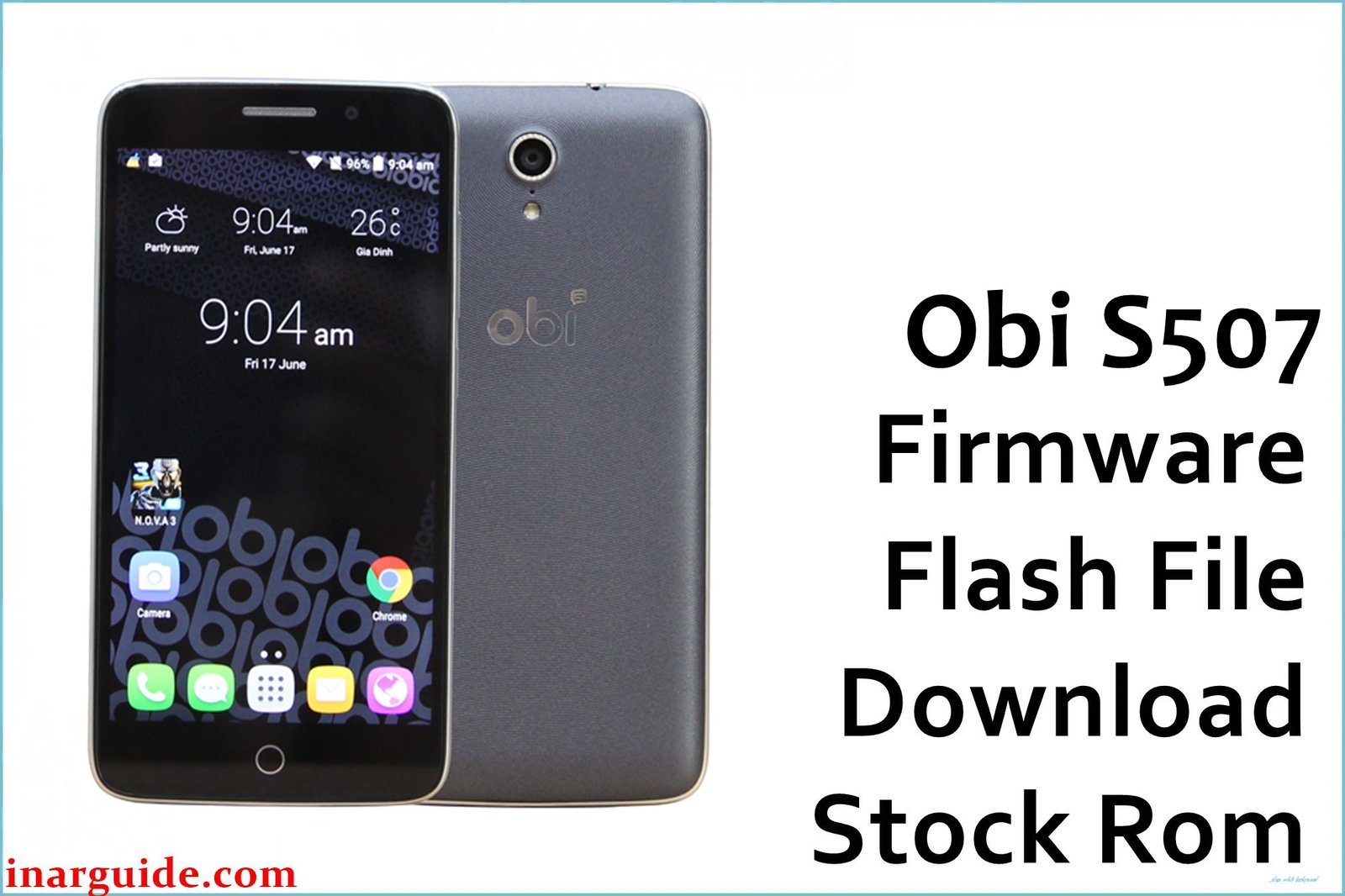
This page provides the official stock ROM for the Obi S507 smartphone. This firmware is critical for fixing major software issues, including bootloops (stuck on logo), system errors, virus infections, and reviving a soft-bricked device. Restoring the stock firmware will return your phone to its original factory state.
We will cover two methods to flash this firmware: the simple All-in-One Tool (recommended) and the manual SP Flash Tool method. Please read the instructions to determine which method is right for you.
Obi S507 Firmware Details
Here are the complete specifications for this firmware package:
| Attribute | Details |
|---|---|
| 📱 Device | Obi S507 |
| 🆔 Chipset | MediaTek MT6580 |
| 🤖 Android OS | 6.0 Marshmallow |
| 🔢 Build Number | 6FA6_ZP1_P5002 |
| 🌍 Region | Global |
⚠️ Important Prerequisites for Both Methods
Before you begin, please complete these essential steps:
- Backup Your Data: The flashing process will completely erase all your personal data.
- Charge Your Phone: Ensure your Obi S507 has at least a 50% charge to prevent accidental shutdowns.
- Install Drivers: Your PC must have the correct drivers. Download and install the MediaTek VCOM USB drivers. You may need to disable Driver Signature Enforcement on Windows to install them.
Download Official Firmware for Obi S507
- File Name: Obi_S507_6FA6_ZP1_P5002.zip
- Size: 855 MB
- 🔗 Download Link (MediaFire): Obi S507 Firmware Download
How to Flash the Firmware: Choose Your Method
After downloading and extracting the firmware zip file, check the contents of the folder. This will determine which method you should use.
Method 1: The All-in-One Flasher (Recommended & Easiest)
Use this method if you find an executable file named similar to “6FA6-ZP1-P5002-Flashtool.exe” inside the extracted folder. This is a pre-packaged tool that makes the process simple and safe.
- Ensure you have installed the MediaTek VCOM drivers as mentioned in the prerequisites.
- Find the “Flashtool.exe” file inside the extracted firmware folder and run it as an administrator.
- The flashing tool will launch with the firmware files already loaded and configured.
- Completely power off your Obi S507 phone.
- Click the “Flash” or “Download” button in the tool.
- Connect your powered-off phone to the computer via a USB cable.
- The tool will automatically detect the phone and begin the flashing process.
- Wait until you see a success message or a green checkmark. You can then disconnect your phone and power it on.
Method 2: The Manual SP Flash Tool (Universal Method)
Use this method if the extracted folder does not contain a special “.exe” flasher, and you only see firmware files (like system.img, boot.img) and a MT6580_Android_scatter.txt file.
- Download the latest version of the SP Flash Tool and extract it to a separate folder on your PC.
- Launch flash_tool.exe from the SP Flash Tool folder.
- Click on the “Scatter-loading File” button.
- Navigate to the folder where you extracted the Obi S507 firmware and select the
MT6580_Android_scatter.txtfile. - Ensure the dropdown box is set to “Download Only” to prevent erasing your phone’s IMEI.
- Click the large green “Download” button.
- Completely power off your Obi S507.
- Connect the powered-off phone to your PC. The tool will detect it and start flashing. If it doesn’t, try reconnecting while holding the Volume Down button.
- Wait for the process to complete, which will be indicated by a pop-up window with a green checkmark.
- Disconnect your phone and power it on. The first boot will take longer than usual.
Disclaimer: Flashing firmware is a technical process that carries risks. If instructions are not followed carefully, it can damage your device. We are not responsible for any data loss or damage. Proceed with caution.





