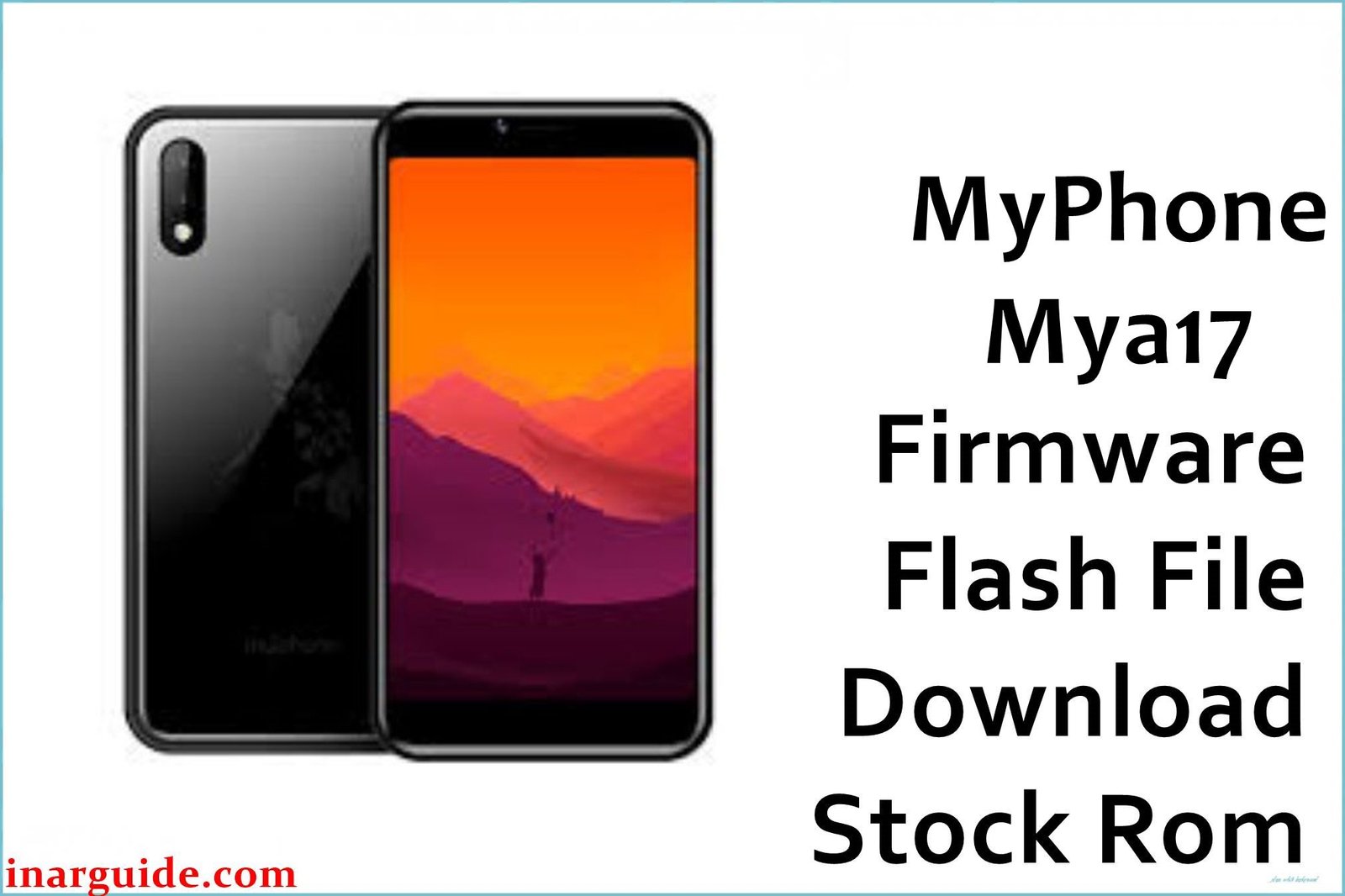
The MyPhone Mya17 is a budget-friendly smartphone, primarily available in the Philippines, running on Android 9.0 Pie (Go Edition). It is powered by a Spreadtrum/UNISOC SP7731E chipset, which is tailored for entry-level devices. While functional for basic tasks, the limited hardware can lead to software issues over time, such as the phone becoming stuck on the MyPhone logo (bootloop), significant performance lag, or even becoming completely unresponsive (bricked) after a software glitch. For these critical errors, reinstalling the official stock firmware is the most reliable and effective solution.
This guide provides the official .pac firmware for the MyPhone Mya17. The installation process must be performed using the SPD Upgrade Tool on a Windows computer.
MyPhone Mya17 Firmware Details
Below are the key details for the MyPhone Mya17 stock ROM. Flashing this firmware will restore your device to a clean, factory state of Android 9.0 Pie (Go Edition). As this is a Spreadtrum device, you must use the SPD Upgrade Tool.
| Attribute | Details |
|---|---|
| 📱 Device | MyPhone Mya17 |
| 🆔 Chipset | Spreadtrum SC7731E |
| 🤖 Android OS | 9.0 Pie (Go Edition) |
| ✅ Build Version | 20190717 |
| 📂 File Type | PAC Firmware |
| 💻 Flashing Tool | SPD Upgrade Tool / ResearchDownload |
Download Official Firmware for MyPhone Mya17
- Build: 20190717
- File Name: MyPhone_Mya17_SP7731E_20190717_9.0_SPD.zip
- Size: 919MB
- 🔗 Download Link: Download (Google Drive)
Why Flash This Specific Firmware?
Based on common issues reported by users in Filipino tech communities, flashing the stock ROM is the best solution for these specific MyPhone Mya17 problems:
- Fix Bootloop (Stuck on MyPhone Logo): This is the most common critical error. If your phone fails to boot past the startup screen, flashing this firmware will replace the corrupted system files and allow it to start correctly.
- Unbrick a Dead or Unresponsive Device: If your Mya17 is completely dead and will not power on due to a software crash (hard brick), this firmware is the standard tool to revive it.
- Resolve “System UI has stopped” Errors: Persistent system-level crashes are a sign of a corrupt operating system. A clean flash provides a stable environment and eliminates these errors.
- Restore Performance of Android Go: Over time, even the lightweight Android Go can become sluggish. A fresh installation removes all residual files and restores the phone’s original performance.
- Crucial Step for Bypassing FRP Lock: If you are locked out of your phone by Google’s Factory Reset Protection, flashing the stock ROM is an essential first step to ensure the system is clean before you attempt a bypass.
Crucial Prerequisites Before Flashing
This process will permanently erase all user data. Back up your files if possible before you begin.
- The latest version of the SPD Upgrade Tool.
- The correct Spreadtrum/UNISOC USB drivers installed on your PC.
- The
.pacfirmware file downloaded from the link above.
How to Flash the Firmware
This .pac firmware must be installed using the SPD Upgrade Tool. The general procedure involves loading the firmware packet into the tool, clicking “Start Downloading,” and then connecting your powered-off phone while holding the Volume Down key to begin the flashing process.
For a complete, step-by-step tutorial with screenshots, please follow our master guide:
→ How to Use the SPD Upgrade Tool to Flash Your Smartphone
Disclaimer: Flashing firmware is an advanced procedure that will erase all your data and carries a risk of permanently damaging your device if not performed correctly. We are not responsible for any data loss, hardware failures, or bricked devices. Proceed with extreme caution.





