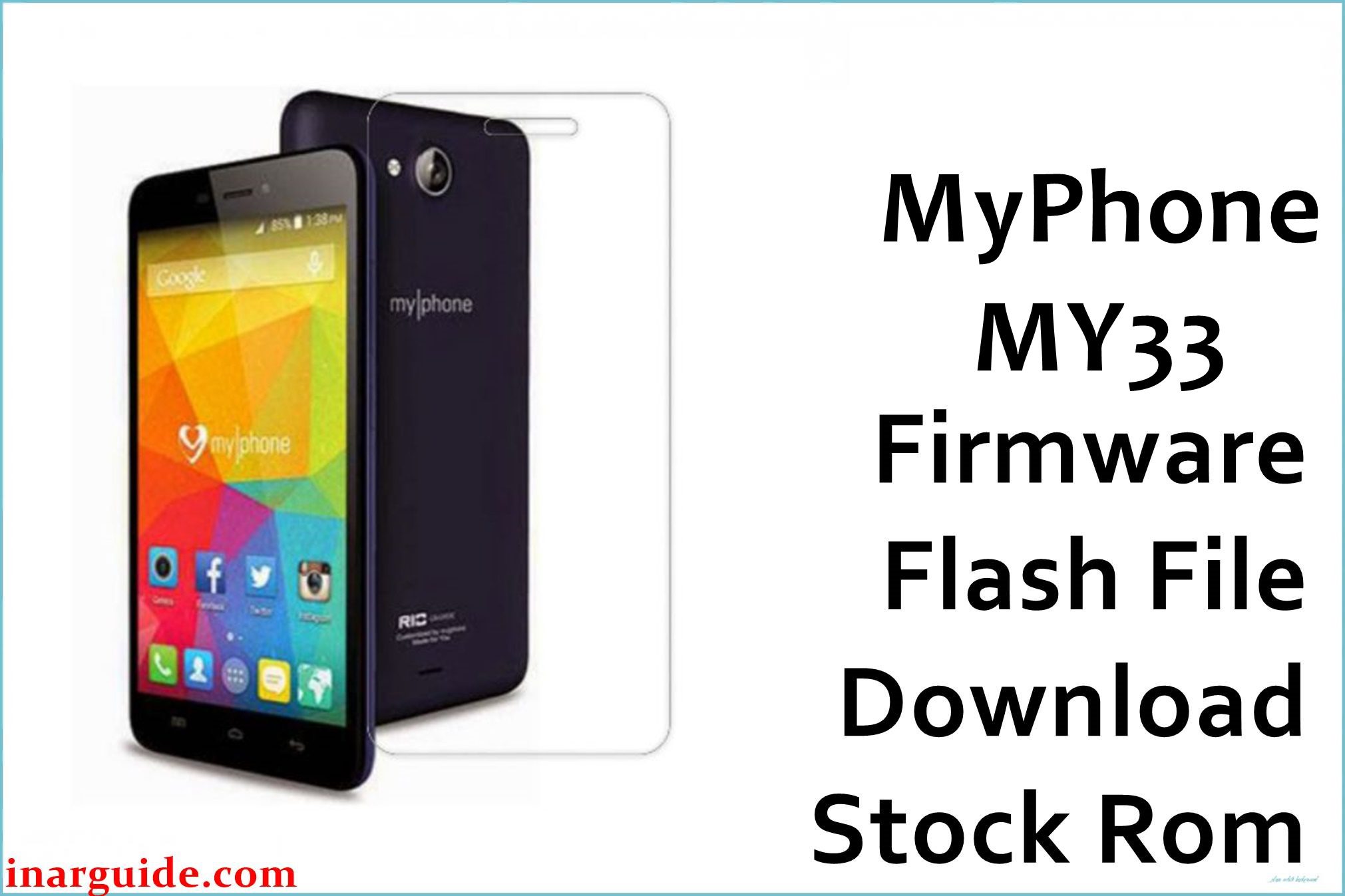
The MyPhone MY33, powered by the MediaTek MT6592 chipset, originally shipped with Android 5.1 Lollipop. While a capable device for its time, many users in tech forums and repair communities have reported issues over the years, most notably the phone becoming completely unresponsive or getting stuck on the MyPhone logo after accumulated software updates or third-party app installations. Flashing the stock firmware is the most reliable method cited by technicians to restore the device to its original, functional state.
MyPhone MY33 Firmware Details
| Attribute | Details |
|---|---|
| Device Model | MyPhone MY33 |
| Chipset | MediaTek MT6592 |
| Firmware Version | MyPhone_MY33_MT6592_20170602_5.1 |
| Android OS Version | 5.1 (Lollipop) |
| Flash Tool | SP Flash Tool |
| File Size | 887MB |
Download Official Firmware for MyPhone MY33
- File Name: MyPhone_MY33_MT6592_20170602_5.1.zip
File Size: 887MB
Download Link: Click Here to Start Download
Why Flash This Specific Firmware?
- Fix for Deadboot or “Hang on Logo” State: Many users report that after a failed over-the-air (OTA) update or installing certain applications, the phone refuses to boot past the logo. This firmware package contains the full preloader, boot, and system files necessary to completely rebuild the software partition table and restore a non-responsive device.
- Removal of Malware and Performance Restoration: As a budget device, the MY33 was often susceptible to adware and performance degradation over time. Flashing the stock ROM provides a clean, factory-state system, removing any third-party malware and restoring the phone’s original speed and battery life by eliminating resource-hogging background processes.
Some of the Bug / Firmware Fixes
- Restores devices that went into a “deadboot” state (no power, no charge indication) after an incorrect flash attempt.
- This build (20170602) specifically addresses memory management leaks that caused the phone to become sluggish and apps to crash after prolonged use.
- Fixes an issue where the phone would fail to detect the SIM card or lose network signal intermittently.
- Resolves software conflicts that led to the device hanging indefinitely on the boot screen logo.
Crucial Prerequisites Before Flashing
- Charge Your Battery: Ensure your MyPhone MY33 has at least 60% battery charge to prevent accidental shutdowns during the flashing process.
- Install MTK VCOM Drivers: Your computer must have the correct MediaTek VCOM USB drivers installed to detect the phone.
- Use the Right Tool: Download and use a compatible version of the SP Flash Tool.
- Backup Your Data: The flashing process will completely erase all personal data, including contacts, photos, and apps. Backup important files to a PC or cloud storage.
- Use a Good USB Cable: A faulty USB cable can interrupt the flashing process and brick your device. Use the original cable if possible.
How to Flash the Firmware
Flashing the MyPhone MY33 requires a Windows PC, the SP Flash Tool, and the correct USB drivers. The general process involves loading the scatter file (included in the firmware zip) into the SP Flash Tool, selecting “Firmware Upgrade” or “Download Only” mode, and connecting your powered-off phone to the computer to begin the flash. For a detailed, step-by-step guide, please refer to our complete MTK SP Flash Tool flashing tutorial.
Disclaimer: Flashing firmware carries inherent risks. Proceed at your own risk. We are not responsible for any damage to your device, including a bricked phone or data loss. Ensure you are flashing the correct firmware for your specific device model.





