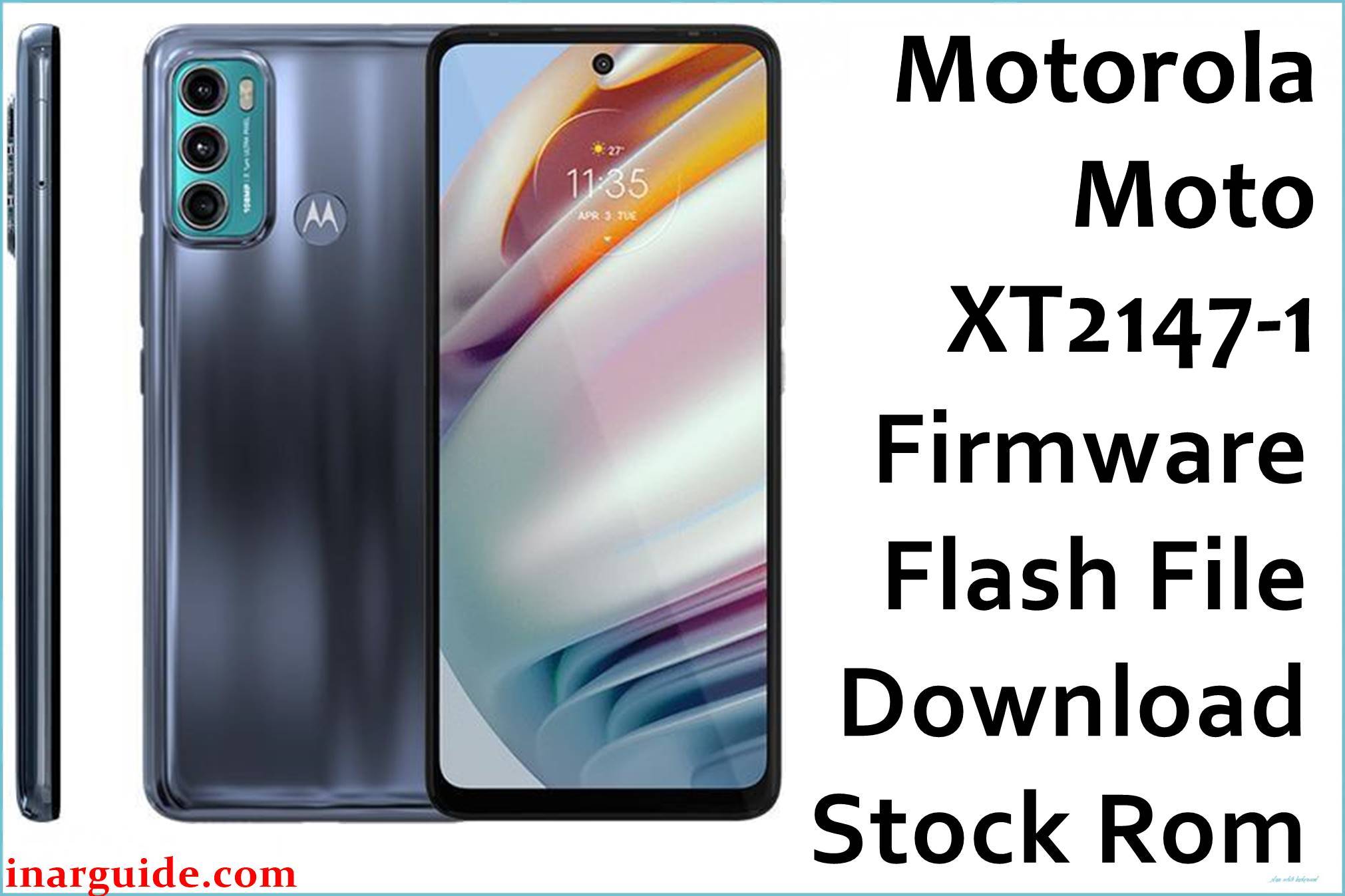
Looking to install the stock ROM on your Motorola Moto G40 Fusion XT2147-1? This comprehensive guide provides direct download links for the firmware flash file and clear, step-by-step instructions to get your phone back on track.
This file can help you reset your phone for bootloop, password reset, hanging, and fix many other problems.
This file is strictly for the Motorola Moto G40 Fusion XT2147-1.
Downloads:
| Filename | Download Link |
|---|---|
| Motorola_Moto_G40_Fusion_XT2147-1_HANOIP_RETAIL_S2RIS32.32-20-7-5_CFC.zip | Download RETAIL_S2RIS32.32-20-7-5 (Google Drive) |
| (XT2147-1-DS_Pagdet) (PANV0004IN) (Carrier India Retail – India – GSM) (Android 12) HANOIP_RETAIL_S2RIS32.32-20-7-2_subsidy-DEFAULT_regulatory-DEFAULT_CFC.xml.zip | Download RETAIL_S2RIS32.32-20-7-2 (Google Drive) |
Flash Motorola Moto G40 Fusion XT2147-1 Firmware With RSD Lite
Download and install RSD Lite on your PC.
Locate the RSD_Lite_v6.2.4 in your PC and install the RSD Lite v6.2.4.msi.
Complete the RSD Lite installation process.
Go to the PC Start Menu and launch the RSD Lite.
When open, allow connectivity access and proceed.
Click the three(…) alongside filename to locate the .xml.zip firmware file you downloaded.
Load the filename.xml.zip to the RSD Lite.
Boot your phone into Fastboot mode by powering down the phone.
While off, press and hold the power and volume buttons until the Fastboot mode appears.
Connect your phone to your PC via USB.
Hit Start and let it do its thing.
When the flashing completes, boot up your phone and enjoy.
Follow the procedures here to flash Motorola phones using other methods





