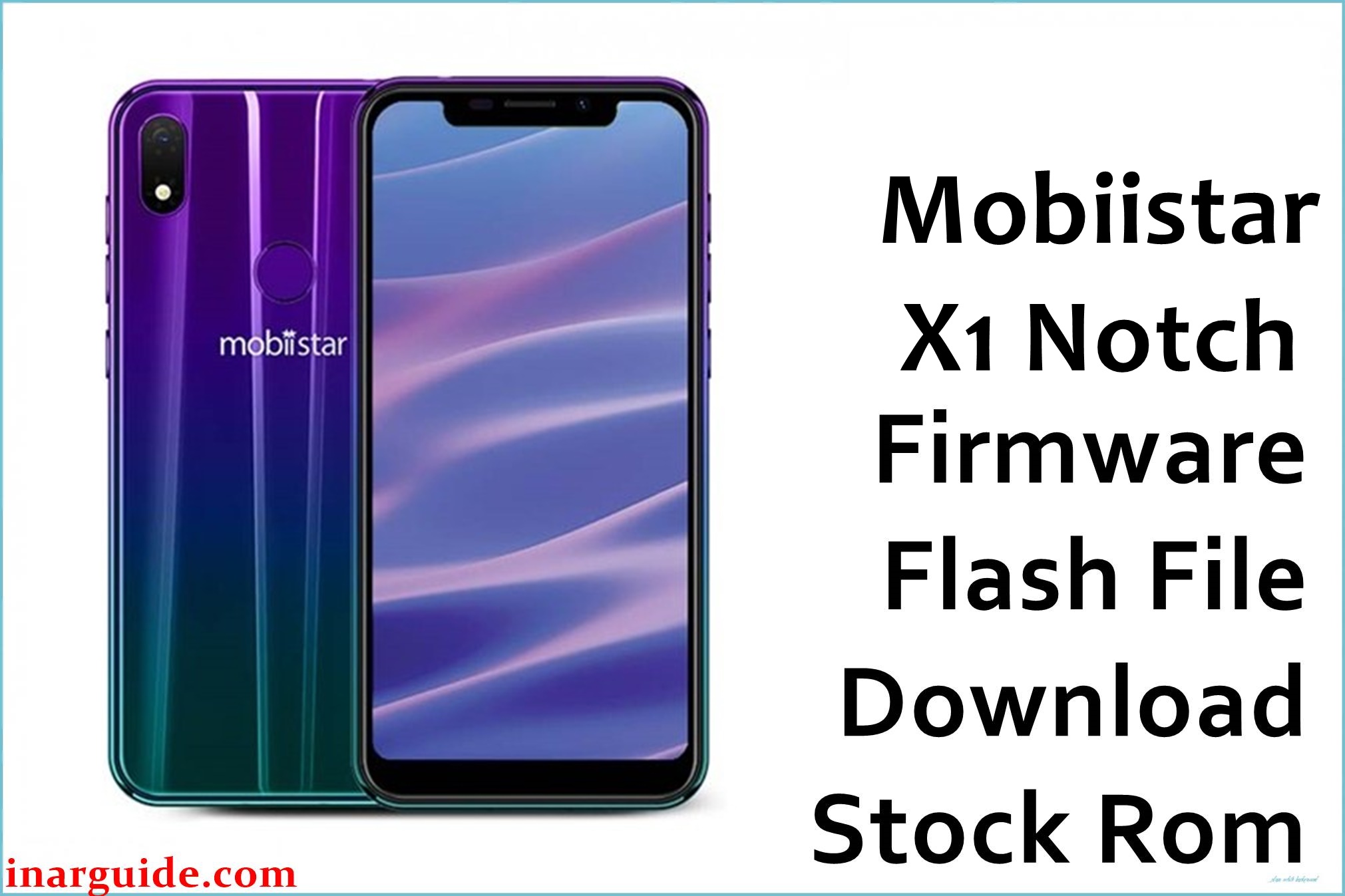
The Mobiistar X1 Notch is an entry‑level Android smartphone built on the MediaTek Helio A22 (MT6761) quad‑core platform with a 5.7‑inch HD+ notch display and Android 8.1 Oreo out of the box.
On this device, repeated budget‑segment use (tight 16–32 GB storage, frequent app installs) and OTA glitches can lead to problems such as bootloops, failed updates, or unstable performance after attempted modifications, and flashing a clean MT6761 factory ROM like the V1.12 20181220 build can help bring the phone back to a stable software state without guaranteeing that every issue is resolved.
Mobiistar X1 Notch Firmware Details
| Field | Details |
|---|---|
| Device Name | Mobiistar X1 Notch |
| Model Identifier | X1 Notch (Indian retail variants, 2/16 GB and 3/32 GB) |
| Codename | MediaTek Helio A22 MT6761 platform; no widely published public codename |
| Chipset / Platform | MediaTek Helio A22 (MT6761), quad‑core 2.0 GHz Cortex‑A53 with PowerVR GE8300 GPU |
| Launch Android Version | Android 8.1 Oreo |
| Firmware on this page | Mobiistar_X1_Notch_MT6761_IN_V1.12_20181220 (India region, Helio A22 / MT6761) |
| Current Firmware Line | V1.x Android 8.1 Oreo line for the Indian X1 Notch, build V1.12 dated 2018‑12‑20 |
| Typical File Size Range | Around 1.2–1.6 GB for compressed SP Flash Tool packages; this archive is approximately 1.38 GB as provided in ZIP format |
| Firmware Type | Scatter‑based stock ROM (preloader, boot, system and other partitions for SP Flash Tool) |
| Flashing Tool | SP Flash Tool (MTK Download mode via scatter file) for MT6761 |
| Bootloader Requirement | Standard locked bootloader is usually sufficient; flashing is done through preloader/Download mode with USB drivers |
| Region / Branch Notes | “IN” in the filename indicates Indian firmware; only flash on Mobiistar X1 Notch units built for the same region and MT6761 hardware to avoid modem or configuration mismatches. |
⚠️ Flashing Risks & Disclaimer
Flashing this Mobiistar X1 Notch MT6761 firmware carries real risks including complete data wipe, loss of IMEI or modem calibration if the wrong NVRAM layout is overwritten, and a non‑booting phone if an incompatible preloader or scatter file is used with this Helio A22 platform.
This package is an original Mobiistar X1 Notch stock ROM mirrored for preservation, as the manufacturer no longer maintains a centralized public firmware portal for this model; all trademarks and software belong to their respective owners, and the files are provided solely for legitimate repair and maintenance with no implication of endorsement or modification.
Download Official Firmware for Mobiistar X1 Notch (MT6761)
The following entry describes the Mobiistar_X1_Notch_MT6761_IN_V1.12_20181220.zip firmware archive, hosted on Google Drive as a preserved stock package for Indian Mobiistar X1 Notch units built on the Helio A22 MT6761 chipset.
| Region / Variant | Filename | Build / Version | Android / Firmware Version | File Type | Build Date | File Size | Download Link |
|---|---|---|---|---|---|---|---|
| India (IN) MT6761 variant | Mobiistar_X1_Notch_MT6761_IN_V1.12_20181220.zip | V1.12_20181220 (Helio A22 MT6761, India) | Android 8.1 Oreo | ZIP archive containing SP Flash Tool scatter firmware | 20 December 2018 (20181220) | ≈ 1.38 GB (compressed archive) | Download V1.12 IN build (Google Drive mirror) |
This package is an original stock ROM mirrored for preservation, as the manufacturer no longer provides public downloads for this Mobiistar X1 Notch firmware line and official links are difficult to obtain.
Flashing Requirements
- A Windows PC (Windows 7 or later recommended) with administrative rights.
- MediaTek USB VCOM / CDC drivers installed so the Helio A22 (MT6761) X1 Notch is detected properly in preloader/Download mode.
- SP Flash Tool compatible with MT6761 devices, extracted to a local folder.
- The full Mobiistar_X1_Notch_MT6761_IN_V1.12_20181220.zip downloaded and extracted, including the MT6761 scatter file for this firmware.
- A genuine Mobiistar X1 Notch handset (model X1 Notch) sold for the Indian market, verified via Settings > About phone or the retail box.
- Battery level preferably above 50% to minimize the risk of shutdown during flashing.
- Backup of any important user data, as SP Flash Tool operations on this device family often erase system and data partitions during a clean recovery.
- A reliable USB cable and direct motherboard USB port (avoid unstable USB hubs while flashing).
How to Flash the Firmware
- Download the Mobiistar_X1_Notch_MT6761_IN_V1.12_20181220.zip firmware for the Mobiistar X1 Notch, then extract it on the PC and confirm that the MT6761 scatter file is present in the firmware folder.
- Install the necessary MediaTek VCOM drivers, launch SP Flash Tool, and use the “Scatter‑loading” button to select the extracted MT6761 Android scatter file so that all partitions for this V1.12 IN build are loaded.
- Choose the desired flashing mode (commonly “Download Only” for a standard restore on this type of Helio A22 device), ensure that the correct preloader for the X1 Notch is selected, and press the Download button in SP Flash Tool.
- Power off the phone completely, connect it to the PC via USB, and allow the MT6761 preloader to enumerate; SP Flash Tool should begin transferring the firmware and will show a progress bar until a green checkmark or success message appears.
- Disconnect the device and power it on; the first boot into Android 8.1 Oreo after flashing V1.12 can take several minutes as the system initializes and optimizes apps, which is normal for this firmware line.
For a more detailed walkthrough of SP Flash Tool usage on MediaTek devices, including error codes and driver troubleshooting, see this external guide: how to flash MediaTek firmware with SP Flash Tool.
Frequently Asked Questions (FAQs)
Can this MT6761 firmware be used on other Mobiistar models?
No. This ROM is specific to the Mobiistar X1 Notch on the Helio A22 (MT6761) platform and must not be flashed on other Mobiistar or Helio A22 devices, or IMEI, radio, or display issues may occur.
Is the V1.12 20181220 build an upgrade over the original retail firmware?
The V1.12 20181220 firmware belongs to the same Android 8.1 Oreo generation as the launch software but includes later bug fixes and optimizations for the Indian X1 Notch line, making it suitable for restoring phones that previously updated via OTA.
Will flashing this ROM improve storage space on the 16 GB version?
Flashing stock firmware does not increase total storage, but it can reclaim space lost to corrupted system data or failed modifications, which is particularly helpful on the 16 GB Mobiistar X1 Notch where internal storage is limited.
Does SP Flash Tool flashing on this device wipe user data?
On the X1 Notch, typical SP Flash Tool operations that fully write system and userdata partitions will erase installed apps and personal files, so backing up photos, documents, and account data before flashing is strongly recommended.
Can this firmware fix bootloops after a failed OTA update?
If the bootloop is caused by incomplete or corrupted system partitions from a failed OTA, a complete flash of the V1.12 MT6761 IN firmware can often restore the phone to a bootable state, assuming there is no underlying hardware damage.
Does flashing stock firmware affect VoLTE or network support on Indian carriers?
Because this ROM is an Indian “IN” build for the Mobiistar X1 Notch, it retains support for 4G, VoLTE, and the LTE bands used in India; however, flashing firmware from a different region could alter carrier‑specific configuration and is not recommended.
Is the bootloader required to be unlocked for this procedure?
For this Helio A22 device family, SP Flash Tool works through the MTK preloader layer and typically does not require an officially unlocked bootloader, as long as secure boot or authentication restrictions have not been changed by the vendor.





