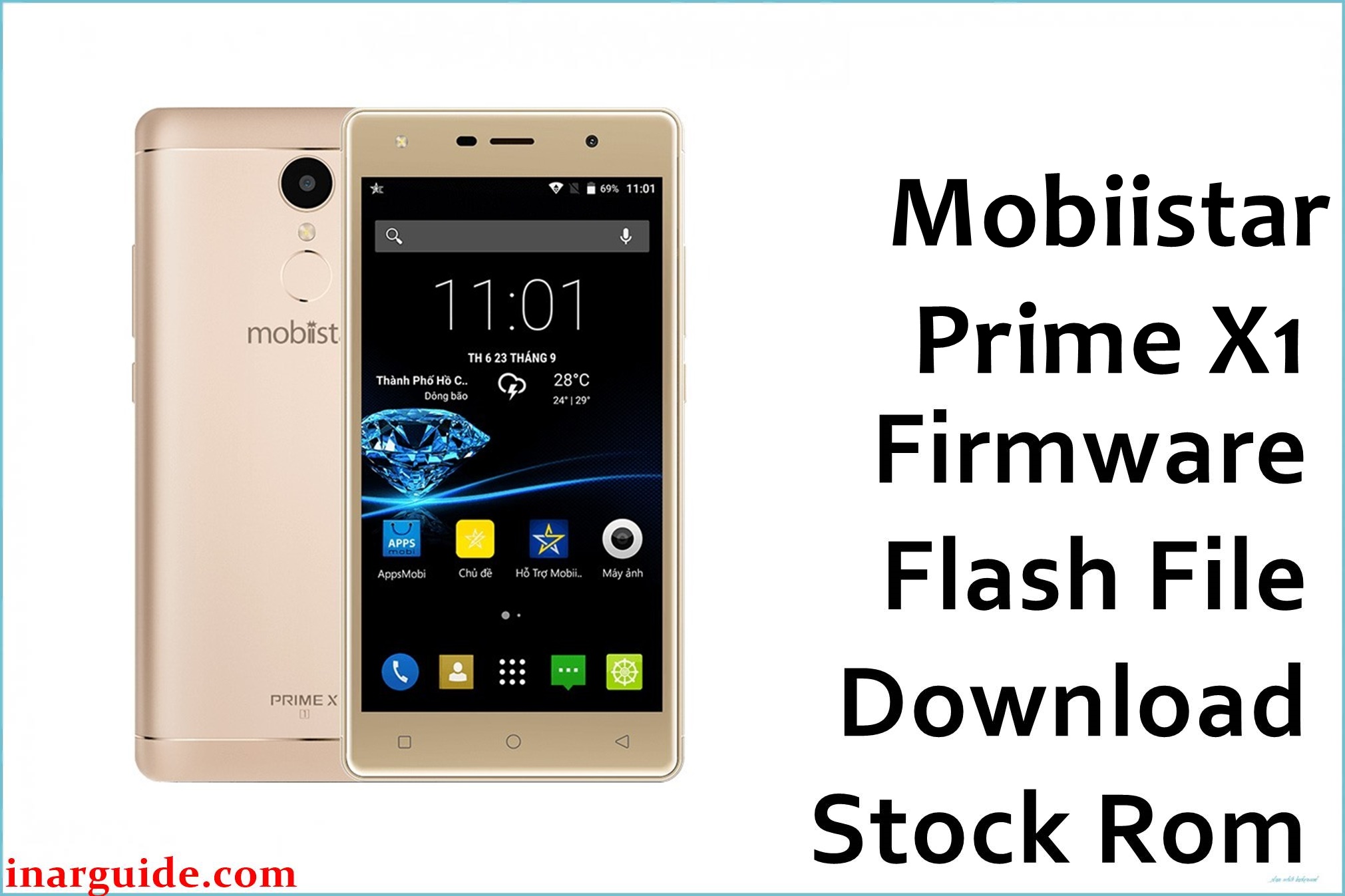
The Mobiistar Prime X1 is a mid‑range Android smartphone built on a MediaTek MT6737M platform, typically paired with 3 GB RAM, 16 GB internal storage, and an HD IPS display. On this type of device, repeated app installs, failed OTA updates, or incomplete root attempts can trigger bootloops, crashes, or a phone stuck on the Mobiistar logo. Flashing the correct stock ROM can help restore the original Android 6.0 Marshmallow system, repair corrupted partitions, and stabilize performance without addressing any underlying hardware defects.
This page provides the Mobiistar_Prime_X1_MT6737M_6.0.zip stock firmware package, intended for use with SP Flash Tool on MediaTek devices. The file is mirrored from a third‑party host and targets technically capable users who already understand scatter‑based flashing on MTK phones.
Mobiistar Prime X1 Firmware Details
| Device Name | Mobiistar Prime X1 |
| Model Identifier | Prime X1 (Mobiistar_Prime_X1) |
| Codename | Mobiistar_Prime_X1_MT6737M |
| Chipset / Platform | MediaTek MT6737M, quad‑core Cortex‑A53 with Mali‑T720 GPU |
| Launch Android Version | Android 6.0 Marshmallow (stock line for this build) |
| Current Firmware Line | Official Mobiistar Prime X1 Android 6.0 MT6737M builds (e.g. PRIME_X1_V16) |
| Typical File Size Range | Approximately 1.0 GB – 1.2 GB for full stock ZIP archives |
| Firmware Type | Scatter-based stock ROM (SP Flash Tool‑compatible ZIP) |
| Flashing Tool | SP Flash Tool for Windows or Linux |
| Bootloader Requirement | Factory (locked) bootloader; flashing via preloader/download mode |
| Region / Branch Notes | Prime X1 MT6737M line; do not cross‑flash with Prime X Grand (MT6753) or X1 Dual variants |
⚠️ Flashing Risks & Disclaimer
Flashing this model with an incorrect MT6737/MT6737M scatter file or interrupting SP Flash Tool during a write can lead to a hard brick, IMEI/NVRAM loss, or a device that no longer boots or charges correctly. Because the Prime X1 relies on tightly coupled preloader, modem, and display driver partitions, using firmware from other Mobiistar variants (such as Prime X Grand or X1 Dual) may result in no network, black screen, or persistent instability that is difficult to repair.
The Mobiistar_Prime_X1_MT6737M_6.0.zip package is provided strictly for recovery and maintenance of legitimately owned Prime X1 devices and remains the property of its original rights holders. This is an original stock ROM mirrored for preservation from a third‑party host, as direct manufacturer downloads are no longer generally available, and all trademarks and copyrights belong to their respective owners.
Download Official Firmware for Mobiistar Prime X1
This package is an original stock ROM mirrored for preservation, as the manufacturer no longer provides public downloads for this exact build.
| Region / Variant | Filename | Build / Version | Android Version | File Type | File Size | Download Link |
|---|---|---|---|---|---|---|
| Mobiistar Prime X1 MT6737M | Mobiistar_Prime_X1_MT6737M_6.0.zip | Android 6.0 stock line (MT6737M‑only ROM) | Android 6.0 Marshmallow | ZIP archive (scatter-based stock ROM) | ≈ 1.0–1.16 GB | Download Mobiistar Prime X1 MT6737M stock ROM (MediaFire mirror) |
Flashing Requirements
- PC & OS: Windows (7 or newer) or Linux PC with permissions to install MediaTek VCOM/USB drivers.
- Flashing Tool: SP Flash Tool configured with the MT6737M scatter file extracted from the Mobiistar_Prime_X1_MT6737M_6.0 package.
- Drivers: Proper MediaTek preloader/VCOM (or CDC) drivers so the powered‑off phone is detected in download mode over USB.
- Bootloader & Modes: Stock locked bootloader is sufficient; flashing is executed through the preloader handshake with the device powered off.
- Data & Wipe Behavior: Modes like “Firmware Upgrade” or “Format All + Download” can erase user data and NVRAM; back up internal storage and, where possible, NVRAM/IMEI before starting.
- Device Verification: Confirm the phone is the Mobiistar Prime X1 MT6737M, not Prime X Grand (MT6753) or X1 Dual; verify via About Phone and hardware references.
- Power & Cable: Charge to at least 50% and use a reliable USB cable/port to minimize disconnections during the flash.
How to Flash the Firmware
- Download and extract the ROM: Download Mobiistar_Prime_X1_MT6737M_6.0.zip and extract it on the PC to reveal the MT6737M scatter file and partition images for the Prime X1.
- Install drivers and launch SP Flash Tool: Install MediaTek USB/VCOM drivers, open SP Flash Tool on Windows or Linux, and load the MT6737M scatter file so all partitions for this model are listed in the tool.
- Select flashing mode: Choose “Download Only” for a focused repair or “Firmware Upgrade” for a clean reinstall, taking care not to use “Format All + Download” unless required for deep unbrick scenarios because it may erase NVRAM/IMEI.
- Connect the powered‑off device: With the Prime X1 powered off, click “Download” in SP Flash Tool, then connect the phone via USB so the preloader port is detected and the flashing process starts automatically.
- Let the phone complete first boot: After SP Flash Tool shows a green success indicator, disconnect the cable and power on the device; the first Android 6.0 boot may take several minutes while the system rebuilds caches and optimizes apps.
For a detailed reference on scatter‑based flashing, see this SP Flash Tool guide: How to flash MediaTek firmware with SP Flash Tool.
Frequently Asked Questions (FAQs)
Is this firmware only for the MT6737M variant of Prime X1?
Yes. The ROM explicitly targets the Mobiistar Prime X1 MT6737M line and should not be used on Prime X Grand (MT6753) or other Mobiistar models.
What kind of issues can this stock ROM help resolve on the Prime X1?
It can help fix bootloops, devices stuck on the logo after failed OTAs, repeated system app crashes, and soft‑bricks caused by unsuccessful rooting or manual modification of system partitions.
Does flashing this package update Android beyond version 6.0?
No. This firmware restores the original Android 6.0 Marshmallow environment for the Prime X1 and does not provide an upgrade path to later Android versions.
Do SP Flash Tool operations on this device require an unlocked bootloader?
Typically no; SP Flash Tool communicates through the preloader interface on MediaTek devices like the Prime X1, so a factory‑locked bootloader is usually sufficient for stock ROM restoration.
Is it safer to leave the preloader partition unchecked when the phone still enters download mode?
Yes, when preloader functions correctly, leaving it untouched reduces the risk of hard‑bricking due to board‑specific preloader mismatches on MT6737‑series devices.
Why is the firmware hosted on MediaFire instead of an official Mobiistar server?
Official Mobiistar download endpoints for this device are no longer widely available, so this original stock ROM is mirrored on MediaFire to preserve access for users maintaining Prime X1 units.





