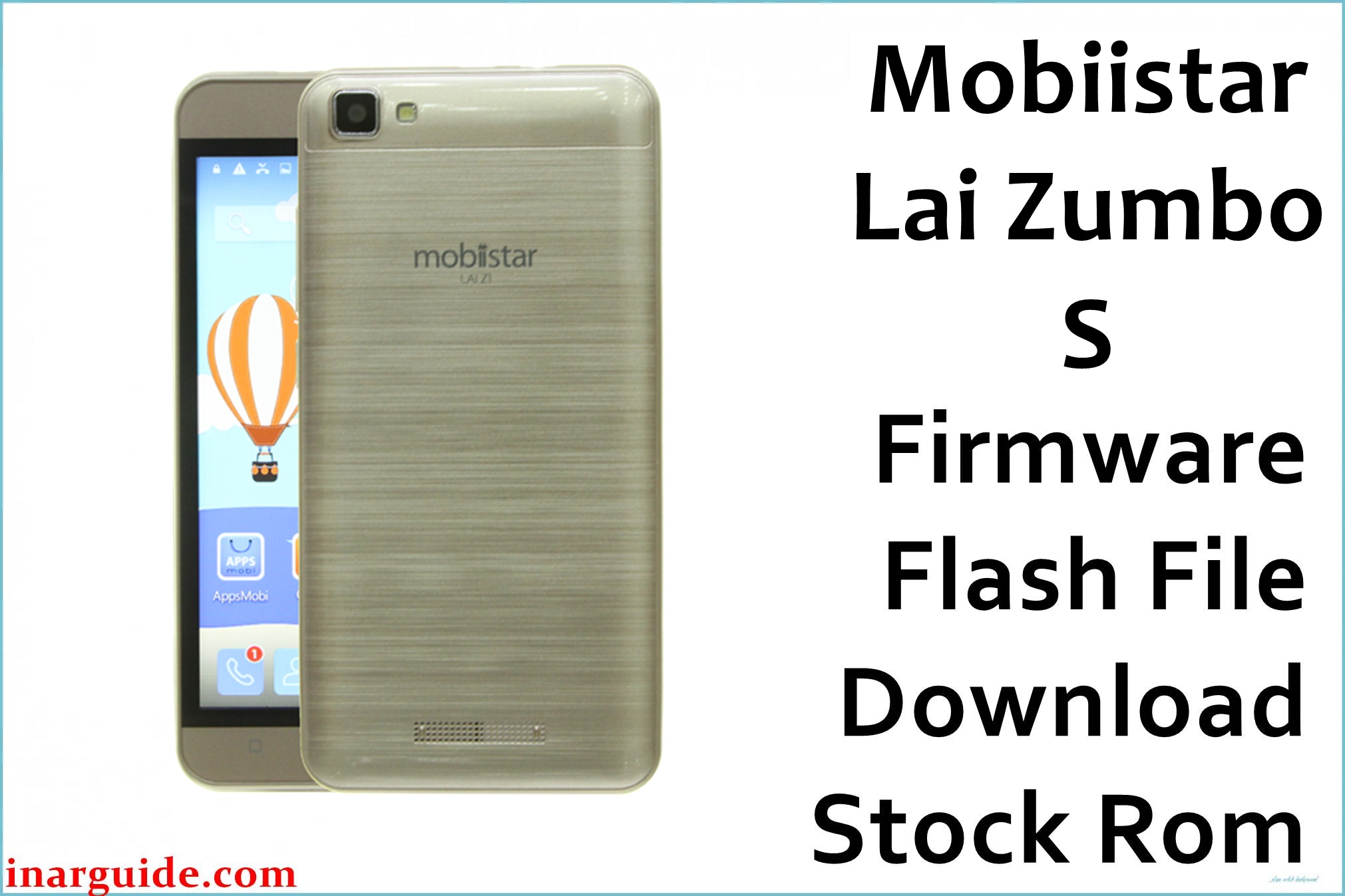
Mobiistar LAI Zumbo S is a 2016-era Android phone based on the MediaTek MT6735 platform, typically shipped on Android 6.0 (Marshmallow).
On older Marshmallow builds, common software failures include bootloops after interrupted updates, “stuck on logo” states after failed rooting/modding attempts, and OTA installs failing due to low free space on 16GB storage variants.
Installing the correct stock ROM package can help restore a clean boot chain and return the device to a known-good software state, but results depend on using a firmware that matches the exact hardware variant and partition layout.
Mobiistar LAI Zumbo S Firmware Details
| Device Name | Mobiistar LAI Zumbo S |
|---|---|
| Chipset / Platform | MediaTek MT6735 |
| Launch Android Version(s) | Android 6.0 (Marshmallow) |
| Current Firmware Line | V1.x (2016-era vendor builds; this page lists V1.0) |
| Firmware Type | MediaTek scatter-based stock firmware package (ZIP archive; contents should include a scatter file and partitions) |
| Flashing Tool | SP Flash Tool (MediaTek) |
| Bootloader Requirement | Bootloader unlock is not typically required for SP Flash Tool flashing; correct preloader/DA handling is required. |
| Typical File Size Range | ~1.3GB for full stock packages (this build is ~1.33GB). |
| Region / Branch Notes | This package does not clearly state a region tag in the filename; treat it as a generic/unspecified branch and verify compatibility before flashing. |
⚠️ Flashing Risks & Disclaimer
On the MT6735 LAI Zumbo S, the main technical risk is flashing a mismatched preloader or partition set, which can prevent the phone from booting or being detected correctly in MediaTek preloader mode.
This page provides preserved stock firmware links for repair and restore purposes; firmware packages remain the property of their respective owners and should be used only on devices that are legally owned and intended for service.
Download Official Firmware for Mobiistar LAI Zumbo S
This package is an original stock ROM mirrored for preservation, as the manufacturer no longer provides public downloads for this model.
| Region / Variant | Filename | Build / Version | Android / Firmware Version | File Type | Build Date | File Size | Download Link |
|---|---|---|---|---|---|---|---|
| Unspecified / MT6735 variant | Mobiistar_Lai_Zumbo_S_MT6735_V1.0_20160829_6.0.zip | V1.0 | Android 6.0 (Marshmallow) | SP Flash Tool package (ZIP) | 2016-08-29 | 1.33GB | Download V1.0 build (MediaFire mirror) |
Flashing Requirements
- Windows PC (SP Flash Tool is most commonly used on Windows for MTK service flashing).
- SP Flash Tool installed and extracted, plus the MediaTek USB VCOM / Preloader drivers so the device can enumerate in preloader mode.
- A reliable USB data cable and stable USB port (avoid hubs during flashing).
- Battery charge: keep the device at a safe level before starting to reduce the risk of power loss mid-flash.
- Backup plan: full flashes often wipe userdata; if the phone still boots, back up internal storage and any important app data first.
- Device verification: confirm the phone is the MT6735 LAI Zumbo S variant and that the firmware package contains the correct scatter + partitions for that exact hardware.
How to Flash the Firmware
- Download the correct stock package for Mobiistar LAI Zumbo S (MT6735), then extract the ZIP and confirm a MediaTek scatter file is present.
- Install MediaTek VCOM/Preloader drivers and launch SP Flash Tool on the PC; load the scatter file from the extracted firmware folder.
- Power off the phone, then connect it in MediaTek preloader mode (often by connecting USB while the device is powered off; some units require holding Volume Up/Down).
- Start the flash in SP Flash Tool; use “Download Only” for a straightforward restore, and use “Firmware Upgrade” only when the package explicitly requires a partition/layout update (wrong mode selection can change partitions unexpectedly).
- After flashing completes, first boot on Android 6.0 can take longer than usual; allow several minutes before assuming a boot issue, especially after a clean reflash.
Frequently Asked Questions (FAQs)
Is this firmware only for the MT6735 LAI Zumbo S variant?
Yes—this package is labeled for the MT6735 platform, so it should only be used on LAI Zumbo S units that match that chipset and board configuration.
What if SP Flash Tool shows a DRAM/initialization error (for example, “S_FT_ENABLE_DRAM_FAIL”)?
That usually indicates a mismatch between the firmware’s preloader/DRAM settings and the device hardware; for this model, stop flashing and re-check that the ROM matches the exact LAI Zumbo S hardware variant before retrying.
Can flashing this stock ROM help if the phone is stuck on the logo after a failed update?
A full stock reflash can help when the boot image, system partition, or verified boot chain is corrupted, but it will not bypass account locks and still requires a compatible build for the device.
Can a wrong preloader hard-brick the LAI Zumbo S?
Flashing a mismatched preloader can prevent normal boot and may also interfere with USB detection in preloader mode, which is why chipset/board matching is critical on MTK devices like this one.
Is it normal that the downloadable package is hosted on MediaFire?
Yes—this file is hosted on a third-party mirror and appears to be a preserved stock ZIP package rather than an active manufacturer-hosted download.





