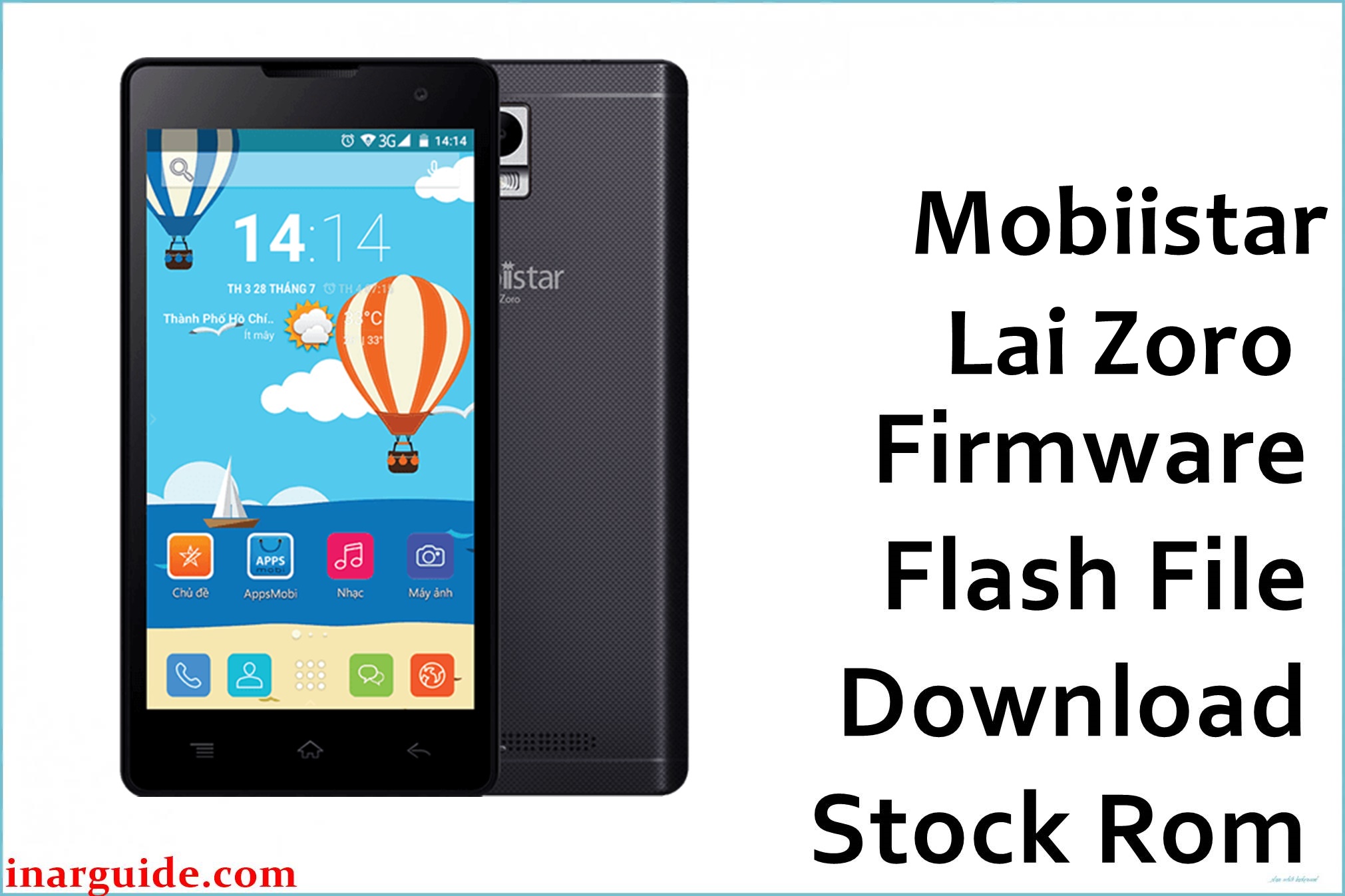
Mobiistar Lai Zoro is an early budget Android smartphone powered by a Spreadtrum/Unisoc chipset (likely SC7731 series) in the LAI lineup, targeting entry‑level users with basic 3G connectivity.
The Mobiistar_Lai_Zoro_V11_151123_SPD.zip package is a stock PAC firmware for SPD Flash Tool, designed to restore the original software on this model after bootloops, failed updates, or corruption.
This is a 2015 build confirmed in multiple firmware archives, so it must be used only on the exact Lai Zoro hardware to avoid partition or baseband issues.
Mobiistar Lai Zoro Firmware Details
| Field | Information |
|---|---|
| Device Name | Mobiistar Lai Zoro |
| Model Identifier | Lai Zoro (SPD/Unisoc chipset family; early LAI series) |
| Codename | Not publicly documented / not confirmed |
| Chipset / Platform | Spreadtrum/Unisoc (likely SC7731C or SC7731E series, quad‑core ARM Cortex‑A7) |
| Launch Android Version(s) | Android 5.x Lollipop generation (based on 2015 build date and SPD platform) |
| Current Firmware Line | Stock Mobiistar Android Lollipop line for Lai Zoro (V11 build) |
| Firmware Type | PAC stock ROM for SPD Upgrade Tool / Research Download Tool (ZIP archive) |
| Flashing Tool | SPD Flash Tool (SPD Upgrade Tool or Research Download Tool) |
| Bootloader Requirement | For service flashing on locked SPD bootloader via download mode; no user OEM unlock required. |
| Region / Branch Notes | Targets Vietnam/SEA markets for Lai Zoro; cross‑flash to Zoro 2 (MT6580) or other LAI models unsupported. |
| Typical File Size Range | This package: 948 MB ZIP archive |
| Scatter / Package Contents | SPD PAC format with full partition images for Upgrade Tool (supports PCBA/whole device modes). |
| Verification Note | Flashing tool family verified via external references for this exact filename. |
⚠️ Flashing Risks & Disclaimer
Flashing SPD PAC firmware with Upgrade Tool risks permanent brick, IMEI loss, or no‑boot if used on wrong hardware or interrupted; NVRAM/ProdNV partitions may require separate handling. Only use on confirmed Mobiistar Lai Zoro and backup parameters where possible. Firmware and trademarks remain property of owners; for restoring owned devices only.
Download Official Firmware for Mobiistar Lai Zoro
Original Mobiistar public firmware for Lai Zoro is unavailable, preserved via third‑party archives. This package is an original stock ROM mirrored for preservation, as the manufacturer no longer provides public downloads for this model.
| Region / Variant | Filename | Build / Version | Android / Firmware Version | File Type | Build Date | File Size | Download Link |
|---|---|---|---|---|---|---|---|
| Vietnam/SEA – SPD | Mobiistar_Lai_Zoro_V11_151123_SPD.zip | V11 151123 | Android 5.x Lollipop stock ROM | ZIP (SPD PAC inside) | 2015‑11‑23 (from filename tag 151123) | 948 MB | Download V11 151123 (MediaFire mirror) |
Flashing Requirements
- Windows PC, as SPD Flash Tools are Windows‑native.
- SPD Upgrade Tool or Research Download Tool and Unisoc/SPD USB drivers.
- Stable USB cable/port for reliable connection.
- Battery 40–50%+ to prevent power loss.
- Backup data/parameters (ProdNV/NVRAM if possible), as upgrades may wipe them.
- Verify device is Mobiistar Lai Zoro SPD (not Zoro 2 MT6580 or Zoro 4G MT6737M).
How to Flash the Firmware
- Download Mobiistar_Lai_Zoro_V11_151123_SPD.zip and extract to access PAC file.
- Install SPD/Unisoc drivers, open SPD Upgrade Tool, load PAC via “Load Packet”.
- Select PCBA/whole machine mode, ensure “Erase All” or parameter handling as needed.
- Power off Lai Zoro, connect USB, start “Upgrade” when detected.
- Wait for success, disconnect/boot; first boot may take time.
For SPD PAC flashing details: How to flash Spreadtrum/Unisoc firmware with SPD Upgrade Tool.
Frequently Asked Questions (FAQs)
Can this firmware be used on Mobiistar Lai Zoro 2?
No, V11 151123 SPD is for original Lai Zoro; Zoro 2 uses MT6580 PAC files.
Does SPD Upgrade Tool wipe data?
Yes, typically; “Erase All” wipes userdata/NVRAM—backup parameters first.
Is bootloader unlock required?
No, SPD tools use download mode for locked devices.
Can it fix logo/bootloop?
Full PAC flash often resolves software bootloops on matching Lai Zoro.
What are SPD flashing risks?
Wrong PAC/preloader bricks device; interrupted flashes corrupt partitions.
Tool not detecting phone?
Reinstall SPD drivers, try USB/cable, power off fully before connect.





