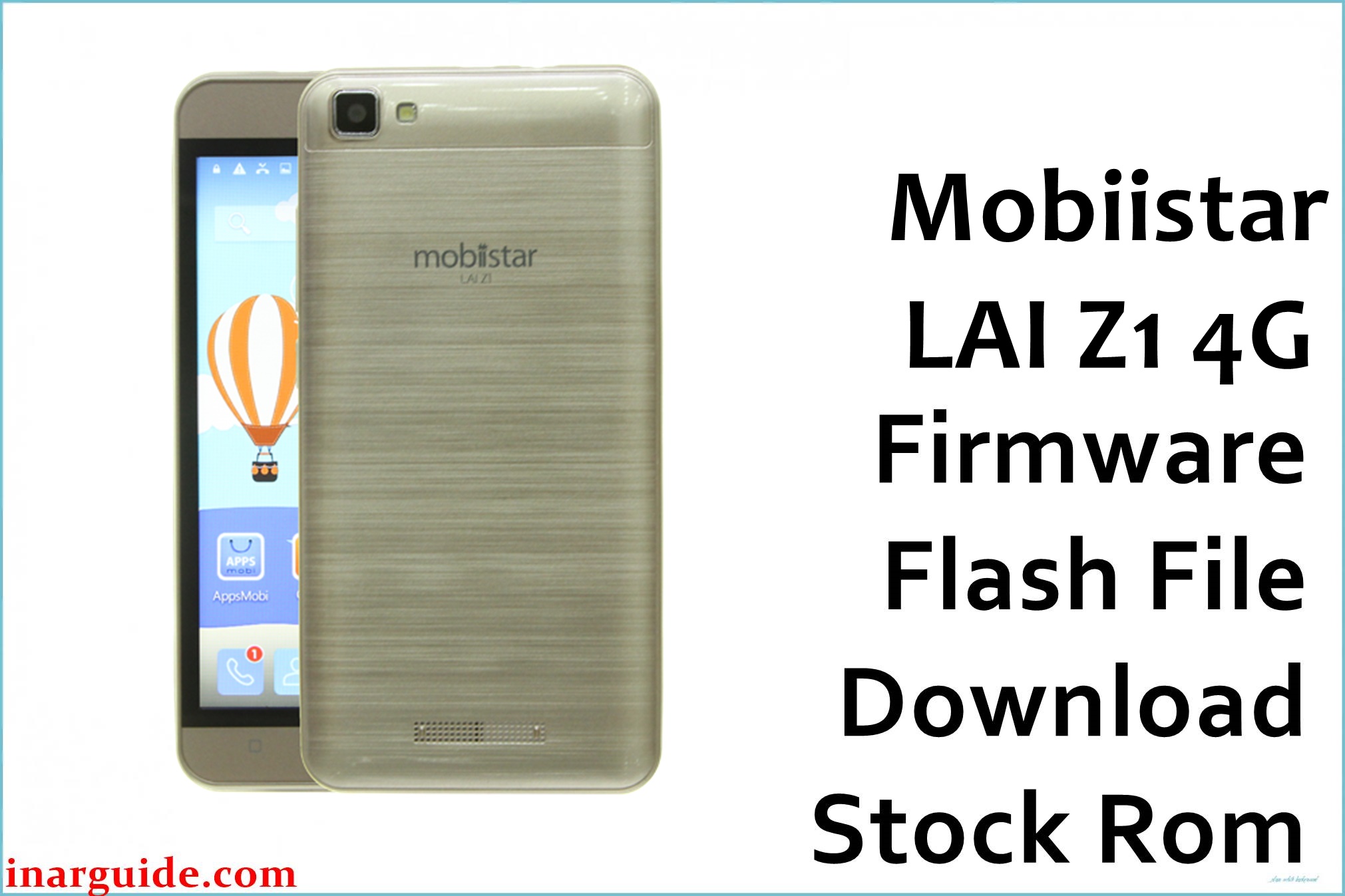
The Mobiistar LAI Z1 4G (LAI_Z1_4G) is a budget 4G smartphone built on the MediaTek MT6737M platform, commonly paired with a Mali‑T720 GPU.
Because this model is often used as a basic daily/backup phone, software issues typically show up after interrupted updates, low-storage pressure, or incomplete system modifications (for example, bootloops or a device that only boots to recovery).
Flashing the matching stock firmware can help return the phone to a known-good software state when the installed system is corrupted, while keeping expectations realistic and device-specific.
Mobiistar LAI Z1 4G Firmware Details
| Device Name | Mobiistar LAI Z1 4G |
| Model Identifier | LAI_Z1_4G (as referenced in firmware/device lists) |
| Chipset / Platform | MediaTek MT6737M |
| Launch Android Version(s) | Android 7.0 (Nougat) for the firmware branch listed below |
| Current Firmware Line | Stock Android (vendor build branch “LAI”, version V1.0.2) |
| Firmware Type | MediaTek scatter-based firmware archive (SP Flash Tool style package). |
| Typical File Size Range | ~1.0–1.2 GB for full system archives (this build downloads at ~1.15 GB on MediaFire). |
| Flashing Tool | SP Flash Tool (MediaTek) |
| Bootloader Requirement | Not based on a “fastboot unlock” flow; flashing is performed through MediaTek preloader/bootrom USB detection (device powered off and connected). |
| Region / Branch Notes | This package is labeled “LAI” in the filename; avoid cross-flashing to similarly named Z1/Zoro variants that do not match LAI_Z1_4G. |
⚠️ Flashing Risks & Disclaimer
On the LAI Z1 4G, the most common hard-failure risk is flashing an incompatible preloader/scatter set (or the wrong “Z1” variant), which can cause a no-boot state or unreliable USB detection during recovery.
Firmware files linked on this page are referenced for restore/repair purposes; all trademarks and software remain the property of their respective owners, and the downloads should only be used on the exact matching device/variant.
Download Official Firmware for Mobiistar LAI Z1 4G
This package is an original stock ROM mirrored for preservation, as the manufacturer no longer provides public downloads for this model.
| Region / Variant | Filename | Build / Version | Android / Firmware Version | File Type | Build Date | File Size | Download Link |
|---|---|---|---|---|---|---|---|
| LAI (as labeled) / Z1 4G | Mobiistar_LAI_Z1_4G_MT6737M_V1.0.2_20181222_7.0.zip | V1.0.2 | Android 7.0 (Nougat) | ZIP (MTK firmware archive) | 2018-12-22 | ~1.16 GB (MediaFire shows 1.15 GB) | Download V1.0.2 build (MediaFire mirror) |
Flashing Requirements
- PC: Windows PC recommended for stable MTK driver support and uninterrupted flashing sessions.
- Tool: SP Flash Tool compatible with MediaTek MT6737M scatter packages.
- Drivers: MediaTek USB VCOM / Preloader drivers so the phone is detected while powered off.
- Backup: A clean restore commonly wipes userdata; back up photos, documents, and app data before flashing.
- Device verification: Confirm the phone is LAI Z1 4G / LAI_Z1_4G and not another “Lai Z1” or “Zoro” variant before loading the scatter/package.
How to Flash the Firmware
- Download the Mobiistar LAI Z1 4G (LAI_Z1_4G) V1.0.2 Android 7.0 package and extract it fully before opening any tool.
- Install MTK USB drivers, open SP Flash Tool, and load the firmware’s scatter file from the extracted folder.
- Power the device off, then connect it to the PC so it enumerates in MediaTek preloader/bootrom mode (detection usually happens only while the phone is powered off).
- Start the flash with an appropriate mode for the recovery goal (a clean restore is typically preferred after severe corruption or repeated bootloops, while targeted flashing may be safer if only a single partition was damaged).
- After “Download OK”, disconnect and boot normally; the first boot after reinstalling a full Android 7.0 system image (build date 2018‑12‑22) may take several minutes.
Frequently Asked Questions (FAQs)
Is this firmware for “LAI Z1 4G” only, or will it work on other Lai Z1 models?
This package is labeled for LAI Z1 4G / LAI_Z1_4G on MT6737M, so it should not be used for non‑4G or differently labeled Z1 variants.
What does “MT6737M” in the filename indicate?
It identifies the MediaTek platform family the build targets; flashing an MT6737M package on a different MT67xx variant can cause boot failure or DRAM/preloader handshake errors.
Why is the download around 1.15–1.16 GB?
This size typically indicates a full system archive rather than a small OTA increment, which is useful for restoring multiple partitions after corruption.
Will flashing stock firmware fix “no service” or missing IMEI after a bad flash?
Not always; baseband/IMEI issues can be related to NVRAM/NVDATA partitions, and flashing the wrong scatter can worsen modem calibration problems even if Android boots.
Should “preloader” be flashed on this model?
Only when required for an unbrick scenario; if the device is still detected and only Android is damaged, avoiding preloader reduces risk on MTK platforms.
Is the download link an official Mobiistar server?
No; the file is hosted on a MediaFire mirror, and it is presented as a preserved stock package rather than OEM-hosted distribution.





