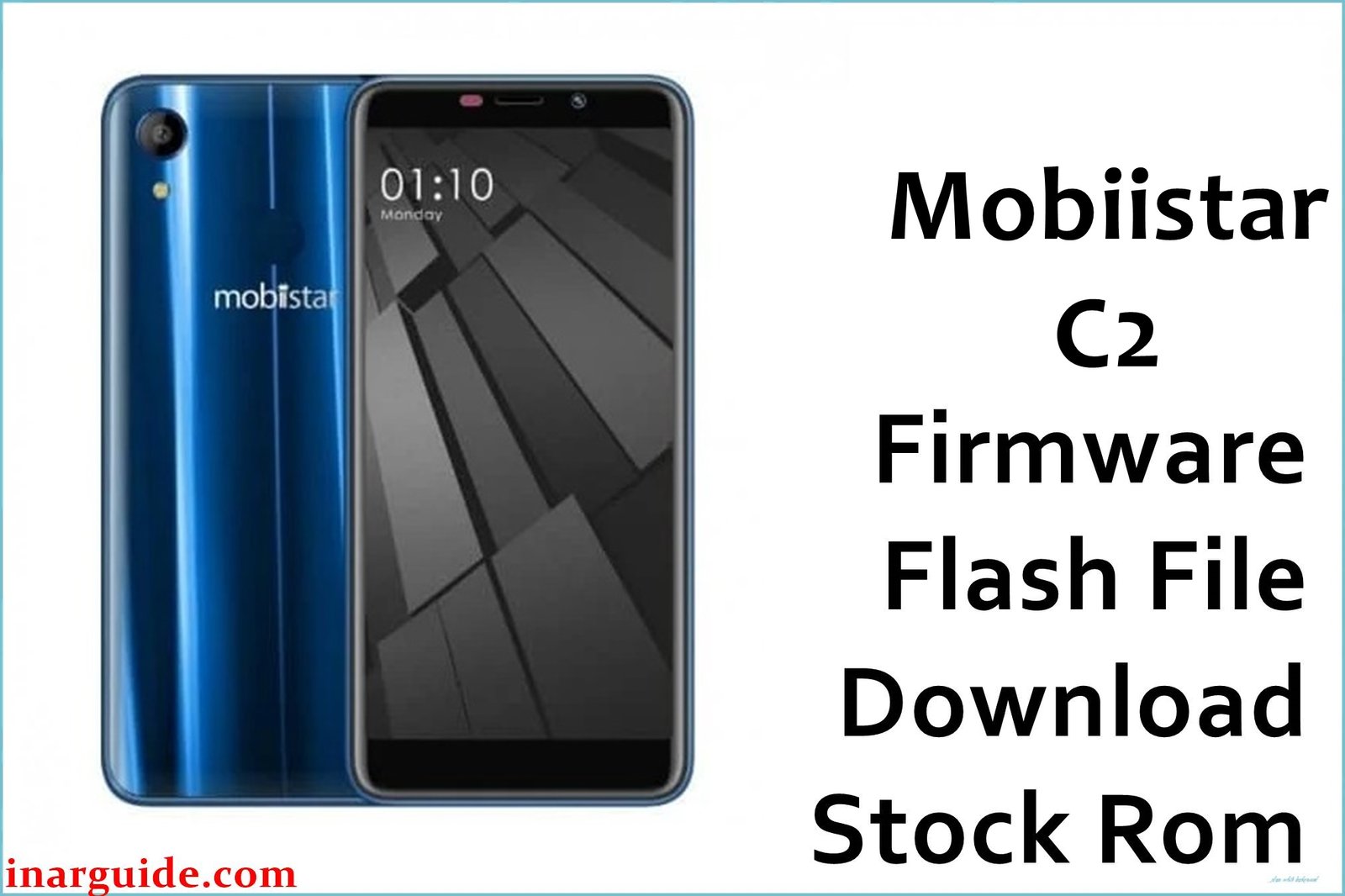
Mobiistar C2 (MediaTek MT6739) stock firmware packages on this page are intended for restoring the phone back to official software when dealing with bootloops, failed OTA updates, or soft-brick states caused by incomplete flashes or system corruption.
The device is commonly listed with Android 8.1 (Oreo), and MT6739-based firmware packages are typically flashed using SP Flash Tool when provided in a scatter-based format.
Mobiistar C2 Firmware Details
| Item | Details |
|---|---|
| Device Name | Mobiistar C2 |
| Model Identifier | Not provided in the supplied firmware filename |
| Codename | Not publicly listed in the provided firmware data |
| Chipset / Platform | MediaTek MT6739 |
| Launch Android Version(s) | Android 8.1 (Oreo) is commonly listed for this model. |
| Current Firmware Line | Stock Android 8.1 (Oreo) line (no custom ROM modifications implied). |
| Typical File Size Range | ~1.2 GB for a full package (this build is ~1.21 GB). |
| Firmware Type | Stock ROM package intended for MediaTek flashing workflows (commonly scatter-based for SP Flash Tool). |
| Flashing Tool | SP Flash Tool (Windows). |
| Bootloader Requirement | Bootloader unlocking is not the function of SP Flash Tool; requirements depend on the exact device security state. |
| Region / Branch notes | IN (India) build as indicated by the filename. |
⚠️ Flashing Risks & Disclaimer
On MT6739 phones, flashing a mismatched preloader/scatter (or using an incorrect “Format” workflow) can prevent the device from booting or can wipe modem/NVRAM data such as IMEI.
This download is provided for device recovery and preservation; all trademarks and software ownership remain with their respective owners, and the package should be used only on hardware that is legitimately owned and matches the same model/variant.
Download Official Firmware for Mobiistar C2
This package is an original stock ROM mirrored for preservation, as the manufacturer no longer provides public downloads for this model.
| Region / Variant | Filename | Build / Version | Android / Firmware Version | File Type | Build Date | File Size | Download Link |
|---|---|---|---|---|---|---|---|
| IN (India) | Mobiistar_C2_MT6739_IN_V1.08_20180824.zip | V1.08 | Android 8.1 (Oreo) (device line) | ZIP firmware package | 2018-08-24 (from filename) | 1.21 GB (MediaFire listing) | Download IN V1.08 build (MediaFire mirror) |
Flashing Requirements
- Windows PC/laptop and a stable USB data cable (avoid loose ports during flashing).
- SP Flash Tool installed (compatible version for the firmware package).
- MediaTek USB VCOM / Preloader drivers installed so the powered-off phone is detected correctly.
- A firmware folder that includes the correct scatter file for the Mobiistar C2 MT6739 build (do not substitute scatter files from other MT6739 devices).
- Backup plan: a clean flash commonly wipes userdata; avoid “Format All + Download” unless a verified service workflow is required, because it can remove IMEI/NVRAM data.
- Device verification: confirm the phone is a Mobiistar C2 and that the intended region/branch (IN) matches the target device variant before flashing.
How to Flash the Firmware
- Download the Mobiistar C2 MT6739 IN V1.08 package, then extract the ZIP to a simple folder path on the PC (avoid deep paths and special characters).
- Install MediaTek USB VCOM/Preloader drivers and open SP Flash Tool on Windows (run as Administrator when required).
- In SP Flash Tool, load the firmware scatter file, then select Download Only unless a verified “Firmware Upgrade” workflow is specifically required for this exact build.
- Power the phone off completely, click Download in SP Flash Tool, then connect the device via USB (some units require holding Volume Up/Down while connecting for detection).
- After a green check/success state, disconnect and boot normally; first boot after a full flash can take longer than usual, so allow time before assuming a bootloop.
External guide (SP Flash Tool): How to Flash MediaTek Firmware Using SP Flash Tool
Frequently Asked Questions (FAQs)
Is this firmware compatible with every “Mobiistar C2” listing?
Compatibility depends on matching the exact model family and MT6739 firmware layout; if the phone is a different revision or regional variant, a mismatched scatter/preloader can cause a non-booting state.
Can the IN (India) build be flashed on a non‑India unit?
Cross-flashing between regions can introduce modem/config differences and may require a clean flash; use an exact matching variant when possible, especially on MediaTek partitions that store radio/NVRAM data.
Should “preloader” be flashed for this MT6739 package?
Preloader mismatches are a known source of flashing failure or hard-brick risk; flash only the partitions required by the correct scatter and avoid mixing preloaders across similar devices.
Does SP Flash Tool unlock the bootloader on Mobiistar C2?
No—SP Flash Tool is a flashing utility; bootloader state and security requirements are device-dependent and not “unlocked” by the tool itself.
What if IMEI/baseband is missing after flashing?
Using incorrect flashing modes (especially formatting workflows) can wipe critical calibration/NVRAM; restoring those values typically requires a proper backup or service-level tools.
Why does the first boot take a long time after flashing?
After a full firmware rewrite, Android may rebuild caches and optimize apps, so initial boot time can be noticeably longer than a normal restart.





