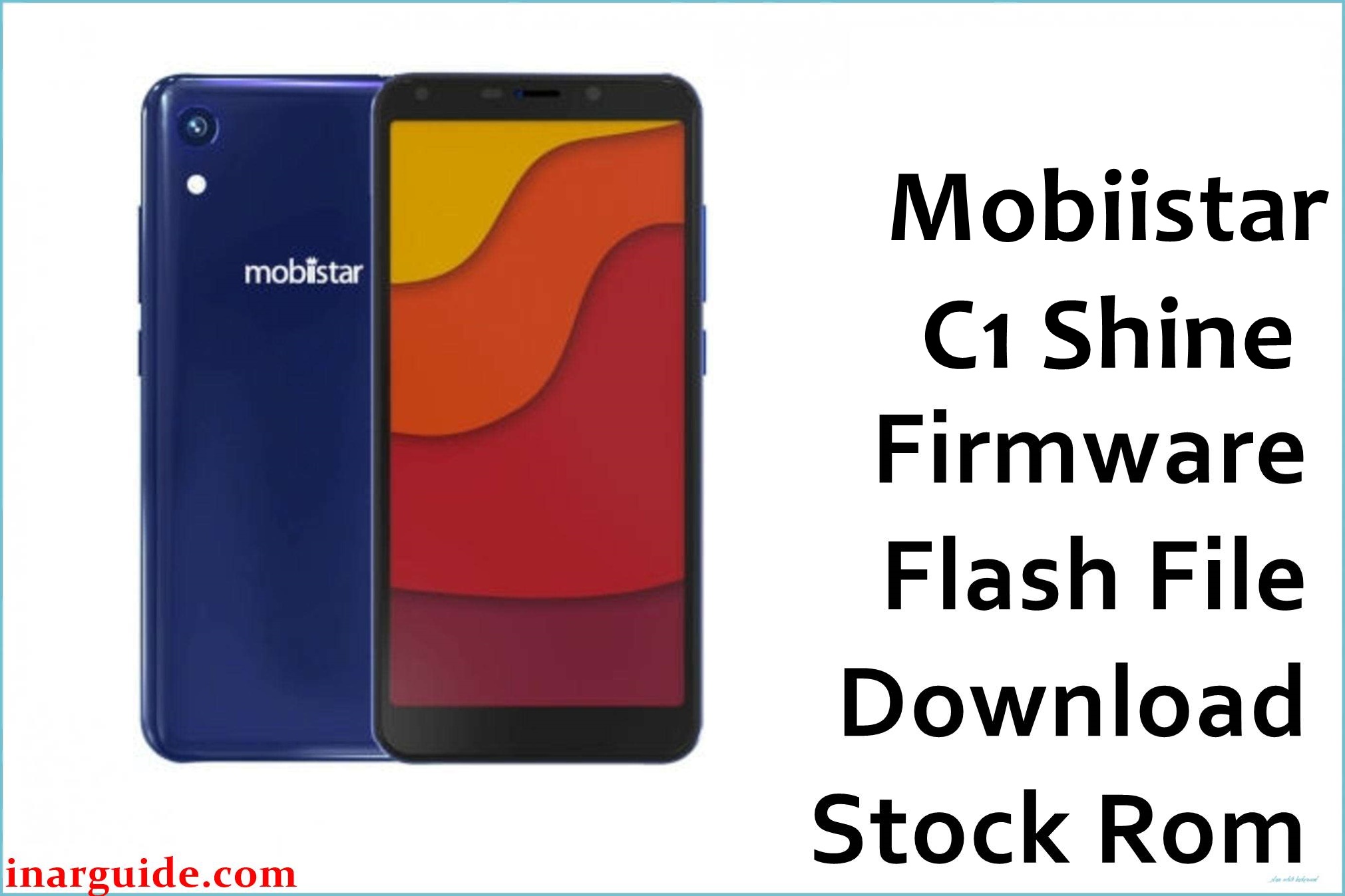
Mobiistar C1 Shine (MT6739) stock firmware files on this page are intended for restoring official software after issues such as bootloops, failed OTA updates, or instability caused by incomplete flashing and corrupted system partitions.
This model is commonly sold as an entry-level Android 8.1 device with limited internal storage, so OTA installs can fail when free space is low, leaving the phone stuck at the boot animation or in recovery.
Mobiistar C1 Shine Firmware Details
| Item | Details |
|---|---|
| Device Name | Mobiistar C1 Shine |
| Model Identifier | Not provided in the supplied firmware filename |
| Codename | Not provided in the supplied firmware data |
| Chipset / Platform | MediaTek MT6739 |
| Launch Android Version(s) | Android 8.1 (Oreo) |
| Current Firmware Line | Stock Android 8.1 (Oreo) firmware line (no OEM skin/version label supplied with this package name). |
| Typical File Size Range | ~1.3 GB for a full SP Flash Tool package (this build is listed as 1.36GB). |
| Firmware Type | MediaTek stock ROM package (typically scatter-based for SP Flash Tool workflows). |
| Flashing Tool | SP Flash Tool (Windows). |
| Bootloader Requirement | SP Flash Tool does not “unlock” the bootloader; requirements depend on the phone’s security state and the exact partitions being flashed. |
| Region / Branch notes | IN (India) branch, as indicated by the firmware filename. |
⚠️ Flashing Risks & Disclaimer
On the C1 Shine MT6739 platform, using a mismatched scatter/preloader (or selecting “Format All + Download” without a verified recovery plan) can wipe radio/NVRAM data or prevent normal boot.
This page documents preserved stock packages for recovery use; all software ownership remains with the original rights holders, and this firmware should only be installed on matching hardware owned by the user.
Download Official Firmware for Mobiistar C1 Shine
This package is an original stock ROM mirrored for preservation, as the manufacturer no longer provides public downloads for this model.
| Region / Variant | Filename | Build / Version | Android / Firmware Version | File Type | Build Date | File Size | Download Link |
|---|---|---|---|---|---|---|---|
| IN (India) | Mobiistar_C1_Shine_MT6739_IN_V1.12_12012018.zip | V1.12 | Android 8.1 (Oreo) (device line) | ZIP firmware package | 12012018 (date tag from filename) | 1.36GB (MediaFire listing) | Download IN V1.12 build (MediaFire mirror) |
Flashing Requirements
- Windows PC/laptop and a reliable USB data cable (avoid unstable hubs).
- SP Flash Tool installed and extracted locally (run flash_tool.exe as Administrator when needed).
- MediaTek USB VCOM / Preloader drivers installed so the powered-off phone is detected correctly.
- Correct firmware package for the exact device variant, including the scatter.txt file in the extracted folder.
- Backup plan: flashing can erase user data, and high-risk modes (especially “Format All + Download”) can remove IMEI/NVRAM data.
- Device verification: confirm the handset is specifically “Mobiistar C1 Shine” (not a different C1/C2 variant) and that the branch is IN before flashing.
How to Flash the Firmware
- Download the Mobiistar C1 Shine MT6739 IN V1.12 package and extract the ZIP to a short folder path on the PC (for example, C:\MTK\C1Shine\).
- Install MediaTek USB VCOM/Preloader drivers, then open SP Flash Tool on Windows.
- In SP Flash Tool, load the scatter.txt from the extracted firmware folder and select Download Only to reduce risk when restoring a booting system.
- Power the phone off completely, click Download in SP Flash Tool, then connect the device via USB (some units require holding Volume Up or Volume Down during connection).
- After the green checkmark appears, disconnect and boot normally; first boot after a full flash can take longer than a normal restart, especially after a clean restore on Android 8.1.
External guide (SP Flash Tool): How to Flash MediaTek Firmware Using SP Flash Tool
Frequently Asked Questions (FAQs)
Is this firmware only for “Mobiistar C1 Shine” and not the regular C1/C2?
Yes, the safest approach is to use a ROM that matches the exact model name and MT6739 partition layout, since cross-device scatter/preloader mismatches can break boot or flashing detection.
Can the IN (India) firmware be flashed on a different region variant?
Cross-flashing between regional branches can introduce baseband/config differences, so matching the same region tag (IN) is recommended when available.
Why is this stock ROM package so large (1.36GB)?
This is a full firmware archive intended for SP Flash Tool workflows, so it typically includes multiple partition images rather than a small incremental OTA update.
Does flashing with SP Flash Tool erase user data?
It can, especially when flashing system-related partitions or when a clean restore is required after update corruption, so a backup should be assumed necessary before starting.
What is the most common mistake that causes “BROM” or connection errors?
Missing MediaTek USB drivers, a bad USB cable/port, or an incorrect scatter file are common causes of failed detection and flashing errors.
Should “Format All + Download” be used for a bootloop on this model?
No, it is a high-risk mode that can wipe IMEI/NVRAM, so it should be avoided unless there is a verified recovery path for those partitions.
What if the phone keeps restarting after a successful flash?
A repeated reboot after flashing can indicate a mismatch between the firmware build and the exact hardware revision (or incomplete flashing), so the firmware package and selected partitions should be re-validated.





