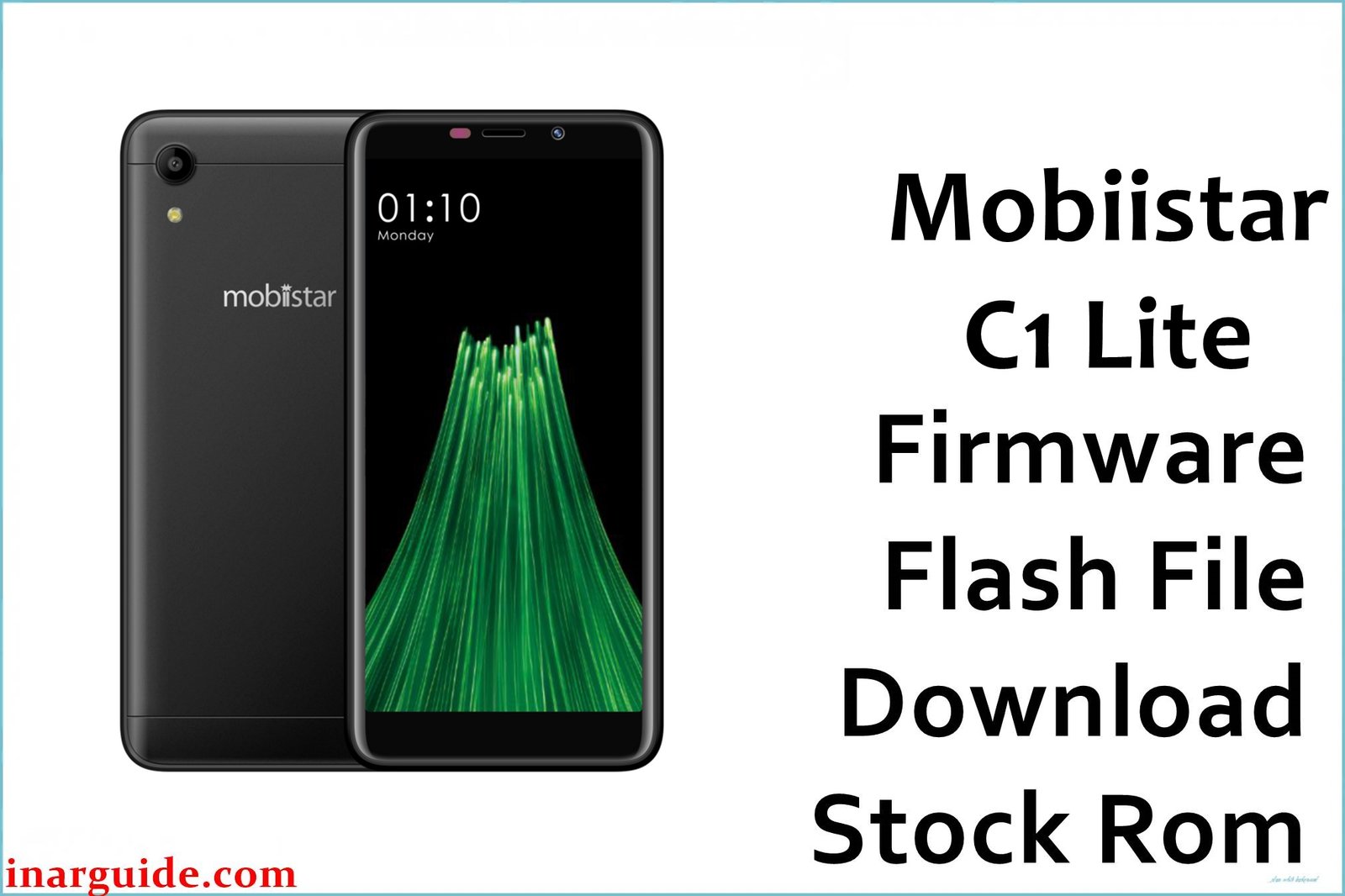
The Mobiistar C1 Lite is an entry-level Android smartphone based on the MediaTek MT6739 platform and shipped with Android 8.1 Oreo. This model is commonly used with limited internal storage (8 GB), so failed OTAs, “insufficient storage” update errors, and app-related bootloops after a system update are common recovery reasons for reinstalling stock firmware.
Installing the correct stock package can help restore the original software state after a soft-brick, a corrupted update, or an incorrect system modification, without promising guaranteed fixes.
Mobiistar C1 Lite Firmware Details
| Device Name | Mobiistar C1 Lite |
| Chipset / Platform | MediaTek MT6739 (Helio MT6739) |
| Launch Android Version(s) | Android 8.1 Oreo |
| Current Firmware Line | Stock Android 8.1 (vendor firmware branch: IN) |
| Firmware Type | MediaTek scatter-based flashing package (ZIP archive; intended for SP Flash Tool workflows) |
| Typical File Size Range | ~0.7–1.0 GB for full firmware archives (this page includes an ~0.8 GB package). |
| Flashing Tool | SP Flash Tool (MTK) |
| Bootloader Requirement | Not typically based on “bootloader unlock” for scatter flashing; the phone must be detectable over MediaTek preloader USB mode. |
| Region / Branch Notes | Package in this table targets the IN (India) branch; cross-flashing between different branches can introduce modem and OTA mismatch issues. |
⚠️ Flashing Risks & Disclaimer
On the MT6739 platform, the main flashing risk is writing an incompatible preloader/scatter combination, which can prevent the device from booting or being detected reliably by a PC for recovery.
This download is provided for device recovery and repair use-cases; firmware packages remain the property of their respective owners and should be used only on the matching Mobiistar C1 Lite variant.
Download Official Firmware for Mobiistar C1 Lite
This package is an original stock ROM mirrored for preservation, as the manufacturer no longer provides public downloads for this model.
| Region / Variant | Filename | Build / Version | Android / Firmware Version | File Type | Build Date | File Size | Download Link |
|---|---|---|---|---|---|---|---|
| IN (India) | Mobiistar_C1_Lite_MT6739_IN_V1.15_20180907.zip | IN V1.15 | Android 8.1 (stock) | ZIP (MTK scatter firmware package) | 2018-09-07 | ~799 MB (MediaFire shows ~798.14 MB) | Download IN V1.15 (MediaFire mirror) |
Flashing Requirements
- PC: Windows PC recommended for driver availability (MTK USB / preloader drivers) and stable flashing sessions.
- Tool: SP Flash Tool (MediaTek) compatible with MT6739 scatter packages.
- Drivers: MediaTek USB VCOM / Preloader drivers (so the phone can be detected when powered off and connected).
- Backup: Userdata is commonly wiped during “Firmware Upgrade” / clean restore workflows; back up photos, messages, and app data before proceeding.
- Device verification: Confirm the device is specifically Mobiistar C1 Lite and the package matches the MT6739 platform and IN branch before flashing.
How to Flash the Firmware
- Download the IN V1.15 package for the Mobiistar C1 Lite and extract the ZIP to a simple folder path (avoid long paths and special characters).
- Install MediaTek USB drivers, then launch SP Flash Tool and load the extracted scatter file (if included in the archive).
- Power the phone off completely, then connect it to the PC in its MediaTek preloader connection state (often detected only while powered off and plugged in).
- Select the appropriate flashing action (typically “Download Only” for targeted repair, or a clean restore option when recovering from severe system corruption), then start the flash and wait for completion.
- Disconnect the device and boot normally; the first boot after reinstalling a full system image can take longer than usual, especially after a clean restore.
Frequently Asked Questions (FAQs)
Is IN V1.15 compatible with every Mobiistar C1 Lite unit?
It is intended for the C1 Lite on the MT6739 platform and the IN branch; avoid using it on other Mobiistar models (for example C1, C1 Shine, or C2) even if the chipset family looks similar.
Can this firmware help if the phone is stuck on the boot logo after an update?
A full stock reinstall can help in cases like a failed OTA, corrupted system partitions, or a broken root/unroot attempt, but it will not repair hardware faults or physical damage.
Should the “preloader” partition be flashed?
Flashing preloader is one of the higher-risk operations on MTK devices; if the phone is still detected by the PC and only Android is broken, it is safer to avoid flashing preloader unless a proper unbrick requires it.
What does “MT6739” mean in the filename?
It identifies the MediaTek platform family the firmware was built for, and it must match the device’s SoC to avoid DRAM/boot failures during flashing.
Will cross-flashing a different region/branch work?
Cross-flashing between branches can boot but may introduce modem configuration issues and block future OTAs; matching the IN branch is the safer route for predictable updates.
What if SP Flash Tool shows a DRAM-related error (for example “Enable DRAM Fail”)?
This often points to a mismatch between the loaded scatter/preloader set and the device’s memory configuration; re-check that the package is for the exact C1 Lite MT6739 variant before retrying.
Is this an official download?
The file link is hosted on MediaFire as a third-party mirror; it is presented as a preserved stock package rather than an OEM-hosted download.





