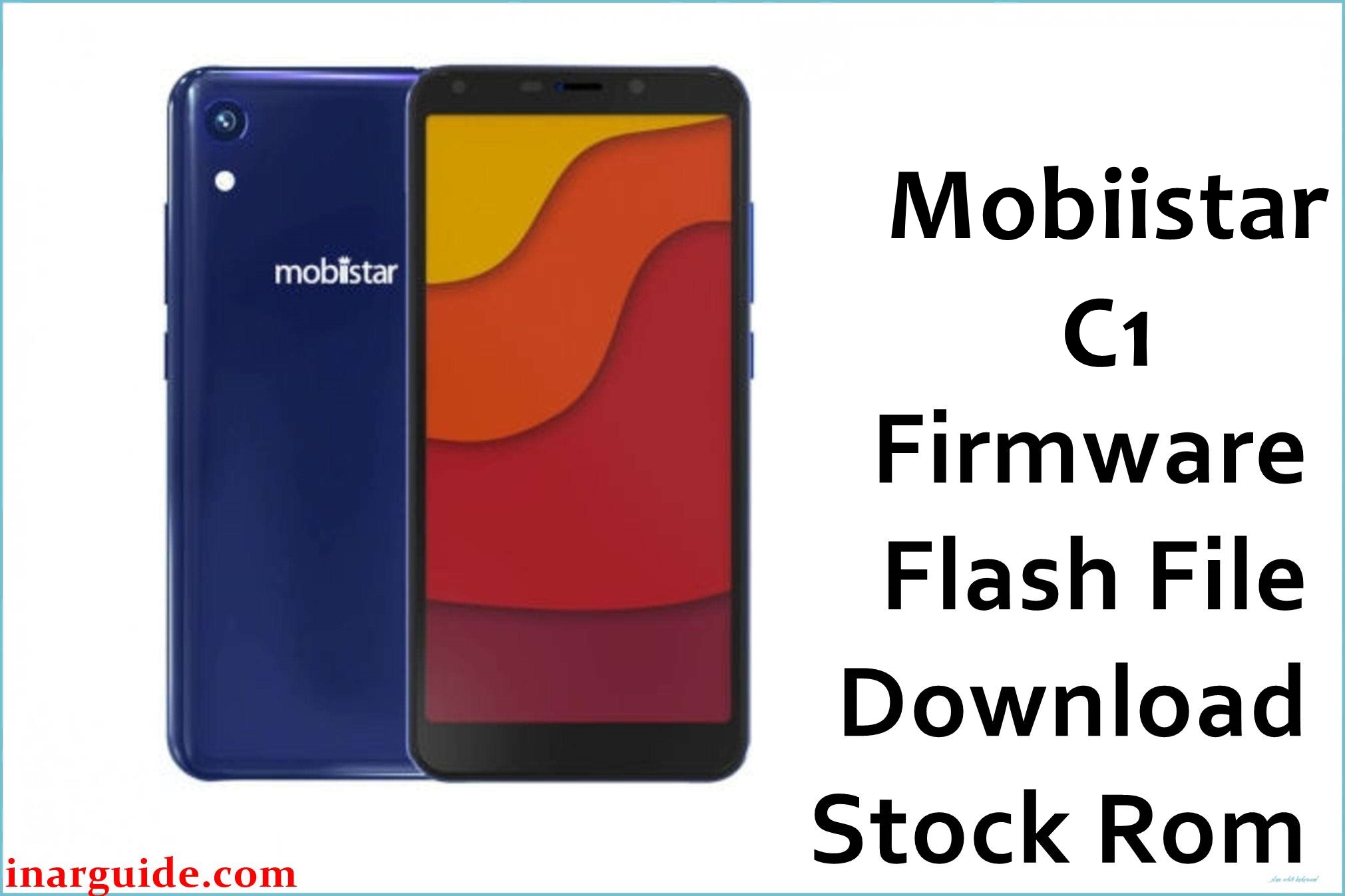
The Mobiistar C1 is an entry‑level Android smartphone based on the MediaTek MT6739 quad‑core platform, with 2 GB RAM, 16 GB storage, a 5.34‑inch 18:9 FWVGA+ display, and Android 8.1 Oreo out of the box for the Indian market.
On this model, limited internal storage, heavy app use, and failed OTA updates can lead to issues such as bootloops, system instability, or devices stuck on the logo screen; flashing a matching MT6739 stock ROM like the IN V1.13 20180505 or IN V1.22 12042019 builds can help restore a clean, stable software state without guaranteeing that all problems will be resolved.
Mobiistar C1 Firmware Details
| Field | Details |
|---|---|
| Device Name | Mobiistar C1 |
| Model Identifier | Mobiistar C1 (2 GB RAM / 16 GB storage, Indian retail units) |
| Codename | MediaTek Helio MT6739 / MT6739WA entry‑level platform (no widely used public codename) |
| Chipset / Platform | MediaTek MT6739 / MT6739WA, quad‑core Cortex‑A53 (≈1.28 GHz) with PowerVR GE8100 GPU |
| Launch Android Version | Android 8.1 Oreo, with Mobiistar UI customizations for India |
| Firmware on this page | Two India (“IN”) MT6739 stock ROM builds: V1.13_20180505_8.1.0 and V1.22_12042019 (Android 8.1 line) |
| Current Firmware Line | Android 8.1 Oreo MT6739 IN builds for Mobiistar C1; later versions mainly improve stability and security for Indian networks. |
| Typical File Size Range | Roughly 1.0–1.3 GB compressed; the V1.13 archive is about 1.16 GB, and the V1.22 archive is about 1.2 GB. |
| Firmware Type | Scatter‑based stock ROM (preloader, boot, system and other partitions for SP Flash Tool) |
| Flashing Tool | SP Flash Tool for MediaTek MT6739 (scatter loading) |
| Bootloader Requirement | Standard locked MTK bootloader is typically sufficient; flashing is performed via preloader/Download mode with correct drivers. |
| Region / Branch Notes | “IN” denotes Indian firmware branch; these builds should only be used on Indian Mobiistar C1 units with MT6739 to prevent modem, VoLTE, or configuration mismatches. |
⚠️ Flashing Risks & Disclaimer
Flashing these Mobiistar C1 MT6739 ROMs involves real risks, including complete data loss, loss of IMEI or network calibration if NVRAM is overwritten, or a non‑booting device if an incorrect preloader, scatter file, or wrong model firmware is used on this low‑end MT6739 platform.
Both packages below are original Mobiistar stock ROMs mirrored for preservation, because the manufacturer no longer maintains easy public download access for this model; all trademarks and software remain the property of their respective owners, and these files are provided strictly for legitimate repair and maintenance without any implication of endorsement or modification.
Download Official Firmware for Mobiistar C1 (MT6739)
The following table lists two Android 8.1 MT6739 “IN” stock firmware builds for the Mobiistar C1, one early 2018 base release and a later 2019 update, both suitable for SP Flash Tool when used with the correct scatter file.
| Region / Variant | Filename | Build / Version | Android / Firmware Version | File Type | Build Date | File Size | Download Link |
|---|---|---|---|---|---|---|---|
| India (IN) MT6739 – early build | Mobiistar_C1_MT6739_IN_V1.13_20180505_8.1.0.zip | V1.13_20180505_8.1.0 (MT6739, India) | Android 8.1.0 Oreo | ZIP archive with SP Flash Tool scatter firmware | 05 May 2018 (20180505) | ≈ 1.16 GB (compressed) | Download V1.13 IN build (MediaFire mirror) |
| India (IN) MT6739 – later update | Mobiistar_C1_MT6739_IN_V1.22_12042019.zip | V1.22_12042019 (MT6739, India) | Android 8.1 Oreo (updated branch) | ZIP archive with SP Flash Tool scatter firmware | 12 April 2019 (12042019) | ≈ 1.2 GB (compressed) | Download V1.22 IN build (Google Drive mirror) |
These packages are original stock ROMs mirrored for preservation, as unified public firmware downloads for the Mobiistar C1 are no longer easily available from the manufacturer.
Flashing Requirements
- A Windows PC (Windows 7 or newer) with administrator privileges.
- MediaTek USB VCOM / CDC drivers installed so the MT6739‑based C1 is detected correctly in preloader/Download mode.
- SP Flash Tool (a version compatible with MT6739/MT6739WA) extracted on the PC.
- The chosen firmware archive (V1.13 or V1.22) fully downloaded and extracted, including the MT6739 Android scatter file (for example, MT6739_Android_scatter.txt).
- A genuine Mobiistar C1 handset, confirmed via Settings > About phone or printed on the box; do not use these ROMs on C1 Lite or C1 Shine even though they share MT6739 variants.
- Battery charge ideally above 50% to reduce the risk of shutdown during flashing.
- Backup of all accessible user data, as a full SP Flash Tool operation can erase system and userdata partitions.
- A stable USB cable and direct motherboard USB port (avoid unstable hubs while flashing).
How to Flash the Firmware
- Download either Mobiistar_C1_MT6739_IN_V1.13_20180505_8.1.0.zip or Mobiistar_C1_MT6739_IN_V1.22_12042019.zip for the Mobiistar C1, extract the archive, and locate the MT6739 Android scatter file in the firmware folder.
- Install the required MediaTek USB VCOM drivers, open SP Flash Tool, click the “Scatter‑loading” button, and select the extracted MT6739 scatter file so the tool loads all partitions for the chosen IN build.
- Select an appropriate mode in SP Flash Tool (typically “Download Only” for a straightforward restore on this device) and double‑check that the preloader entry corresponds to the Mobiistar C1 firmware, then click the Download button.
- Power off the phone completely, connect it to the PC via USB, and allow the MT6739 preloader to be recognized; SP Flash Tool should begin writing the firmware and show a progress bar until a green success checkmark appears.
- Disconnect the device and power it on; the first boot into Android 8.1 after flashing may take several minutes as system partitions are initialized and apps are optimized, which is normal for this firmware line.
For a detailed step‑by‑step SP Flash Tool tutorial on MediaTek devices, including driver troubleshooting and error codes, see this external guide: how to flash MediaTek firmware with SP Flash Tool.
Frequently Asked Questions (FAQs)
Which build should be used: V1.13 or V1.22?
For most Indian Mobiistar C1 units, V1.22_12042019 is preferable because it is the newer Android 8.1 IN build and typically includes later stability and security fixes, while V1.13_20180505 is useful mainly for reverting to an early baseline or matching older OTA branches.
Can these MT6739 firmware files be used on Mobiistar C1 Lite or C1 Shine?
No. Although C1 Lite and C1 Shine also use MT6739 variants, each model has its own partition layout, display drivers, and camera configuration, so cross‑flashing can break graphics, radio, or cause non‑booting behavior.
Will flashing V1.22 improve performance compared to V1.13?
The V1.22 firmware can help reduce software‑related lag or bugs introduced by previous OTAs, but it cannot overcome the inherent limits of 2 GB RAM, 16 GB storage, and the MT6739 entry‑level chipset.
Does SP Flash Tool flashing on the Mobiistar C1 wipe user data?
When system and userdata partitions are included in the SP Flash Tool operation, the device is effectively factory‑reset, so apps, settings, and personal files on the internal storage will be erased unless they were backed up beforehand.
Can this firmware fix bootloops after a failed OTA update?
If the bootloop is caused by corrupted system or boot partitions from an interrupted OTA, flashing the full MT6739 IN stock ROM with SP Flash Tool can often restore the C1 to a bootable state, assuming the underlying hardware is intact.
Will VoLTE and Indian LTE bands still work after flashing?
Because these ROMs are “IN” builds for the Mobiistar C1, they preserve the LTE bands and VoLTE support designed for Indian carriers, but erasing or corrupting NVRAM or modem partitions could still impact connectivity if done incorrectly.





