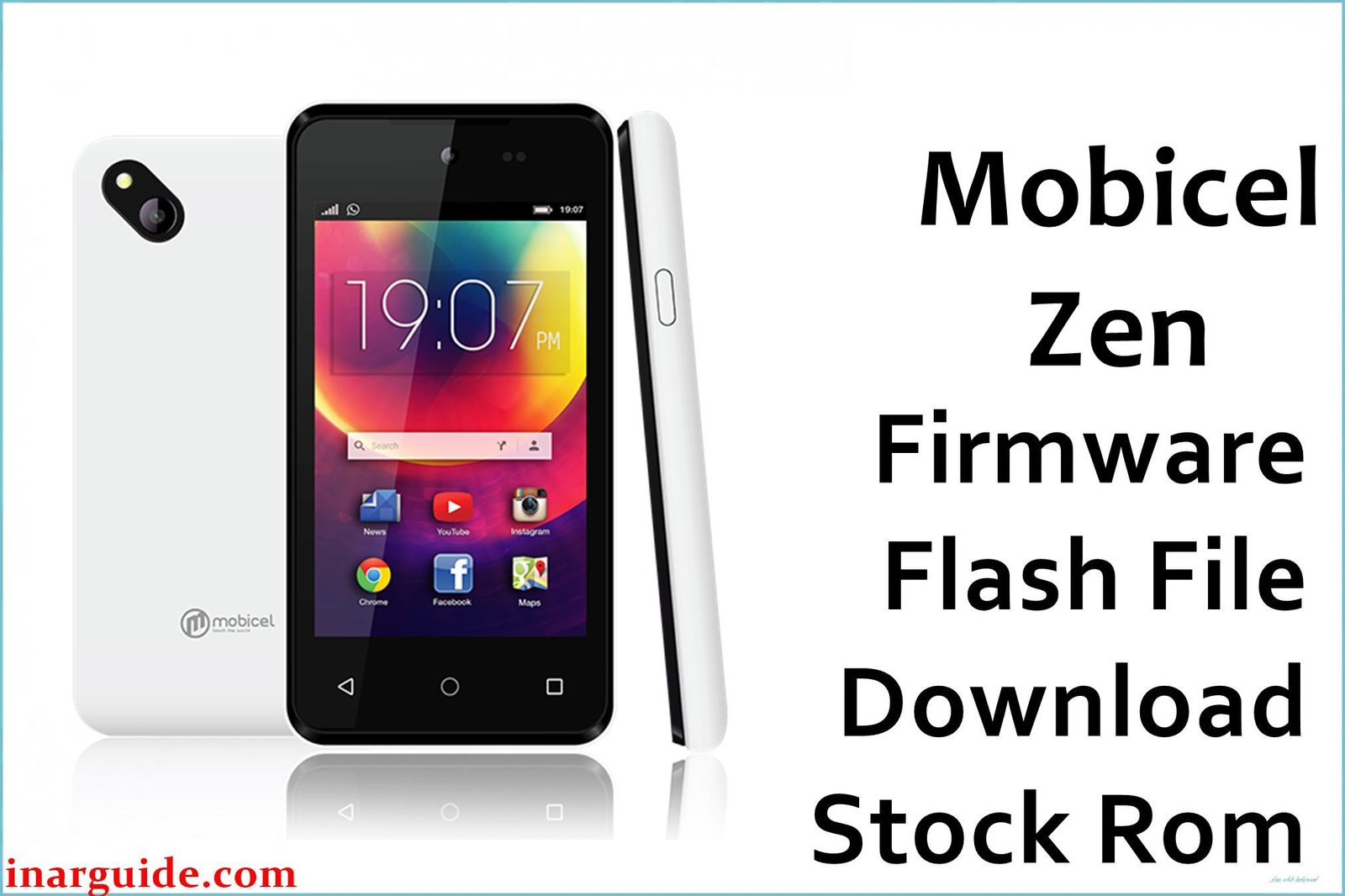
The Mobicel Zen is a low-cost Android phone with a MediaTek MT6580 quad-core chip, 1GB RAM, and 8GB storage, preinstalled with Android 7.0 Nougat. Like all entry-level Mediatek devices, it is highly prone to system slowdowns, app crashes, random freezing, and especially bootloops (getting stuck at Mobicel or Android logo, or constant restarting). Persistent updates, storage overload, malware, and battery wear can all corrupt the system partitions. Reflashing the official scatter firmware with SP Flash Tool is the most dependable repair for most deep software faults.
Only use the official scatter firmware, flashed with SP Flash Tool on a Windows PC, for full restoration.
Mobicel Zen Firmware Details
Check your hardware configuration against the table below to ensure a proper match before flashing:
| Attribute | Details |
|---|---|
| 📱 Device | Mobicel Zen |
| 🆔 Chipset | MediaTek MT6580 quad-core 1.3GHz |
| 🤖 Android OS | 7.0 Nougat |
| ✅ Build | 080617_7.0 |
| 📂 File Type | Scatter Firmware |
| 💻 Flashing Tool | SP Flash Tool |
Download Official Firmware for Mobicel Zen
- Build: 080617_7.0
- File Name: Mobicel_Zen_MT6580_080617_7.0.zip
- Size: 1.26GB
- 🔗 Download Link: Download (Google Drive)
Why Flash This Specific Firmware?
- Fix Persistent Bootloop and Black Screen: If stuck on Mobicel logo or restarting after update/storage error, scatter ROM reflash repairs partitions.
- End System Lag, Freezing, and App Crash: Stock firmware reinstall fixes slow/unresponsive phones, app crashes, rogue configurations, and malware problems.
- Repair Camera and Battery Bugs: Camera launch/app bugs and battery-related restarts are often fixed with a clean firmware flash.
- Bricked/Unresponsive Device Recovery: “Dead” or stubborn phones typically revive unless there’s hardware damage, as long as flashing proceeds without interruption.
Crucial Prerequisites Before Flashing
Back up all user data before proceeding—firmware flashing erases all apps, files, settings, and accounts.
- Latest SP Flash Tool for MT6580 scatter flashing.
- MediaTek VCOM (preloader) USB drivers installed on PC.
How to Flash the Firmware
- Download and extract Mobicel_Zen_MT6580_080617_7.0.zip.
- Install MediaTek USB VCOM drivers.
- Launch SP Flash Tool, click “Scatter-loading”, and select
MT6580_Android_scatter.txt. - Leave tool on “Download Only” mode.
- Turn off phone and (if possible) remove battery.
- Click “Download”, then connect USB; wait for the green “Download OK”.
See: How to Flash Stock Firmware to Mediatek (MTK) Smartphones
Disclaimer: Flashing erases all data and may brick if interrupted or mismatched. Proceed at own risk.





