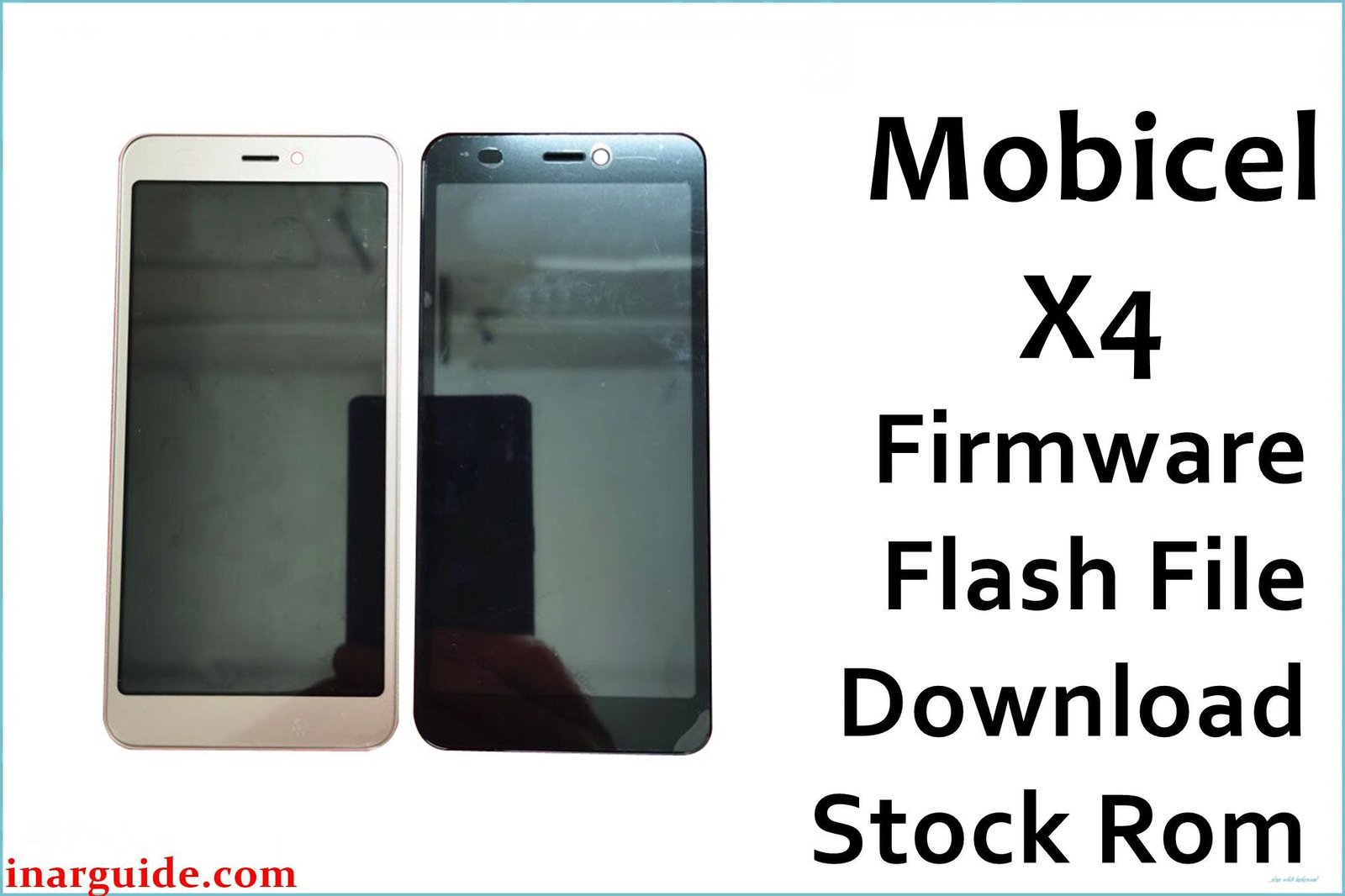
The Mobicel X4 is an affordable Android Go Edition phone built with a Spreadtrum SC7731E quad-core CPU, 1GB RAM, 8GB storage, and a compact 5.45″ display. Like most ultra-budget SPD devices, it can develop severe lag, freezing, random reboots, persistent “stuck at Mobicel logo” bootloops, app crash errors, power drain, dropped Wi-Fi, and camera bugs. When these issues persist after basic resets and maintenance, a full flash using the factory PAC firmware is the most effective fix.
All Mobicel X4 PAC firmware must be flashed only via SPD Upgrade Tool (also known as Spreadtrum/Unisoc Download Tool) on a Windows PC.
Mobicel X4 Firmware Details
Reference hardware/spec list to match device before flashing:
| Attribute | Details |
|---|---|
| 📱 Device | Mobicel X4 |
| 🆔 Chipset | Spreadtrum SC7731E quad-core 1.3GHz |
| 🤖 Android OS | 8.1 Go Edition |
| ✅ Build | 300520_SPD |
| 📂 File Type | PAC Firmware |
| 💻 Flashing Tool | SPD Upgrade Tool |
Download Official Firmware for Mobicel X4
- Build: 300520_SPD
- File Name: Mobicel_X4_300520_8.1.0_SPD.zip
- Size: 700MB
- 🔗 Download Link: Download (MediaFire)
Why Flash This Specific Firmware?
- Bootloop and Startup Recovery: Phone stuck at logo, infinite restart—PAC flash updates/restores all critical partitions to original factory state.
- Repair App Crash, Persistent Freezing, and Lag: Wipes out buggy/corrupted apps, malware, rogue configs, and fixes lingering errors causing crash/freeze.
- Fix Camera, Battery, and Wireless Issues: Usually resolves camera errors, Wi-Fi/Bluetooth dropping, battery management bugs unless hardware is damaged.
- Unbrick or Recover Unresponsive X4: Full PAC flash via SPD Upgrade Tool often revives devices that can boot to flashing mode, unless there’s board/memory failure.
Crucial Prerequisites Before Flashing
Make a backup first—flashing will erase everything.
- SPD Upgrade Tool for PAC firmware (Windows PC only).
- Spreadtrum/Unisoc USB drivers for phone connection.
How to Flash the Firmware
- Download and extract Mobicel_X4_300520_8.1.0_SPD.zip.
- Install all required Spreadtrum/Unisoc USB drivers on your PC.
- Open SPD Upgrade Tool (UpgradeDownload.exe).
- Click the gear icon, select the
.pacfile from the extracted ROM folder. - Power off phone (remove battery if possible).
- Hold Volume Down and connect device via USB.
- Click “Start Downloading” and wait for green “Passed” message.
Visual help/FAQ: How to Use the SPD Upgrade Tool
Disclaimer: Firmware flashing erases all user data and may brick device if interrupted or mismatched. Proceed at your own risk.





