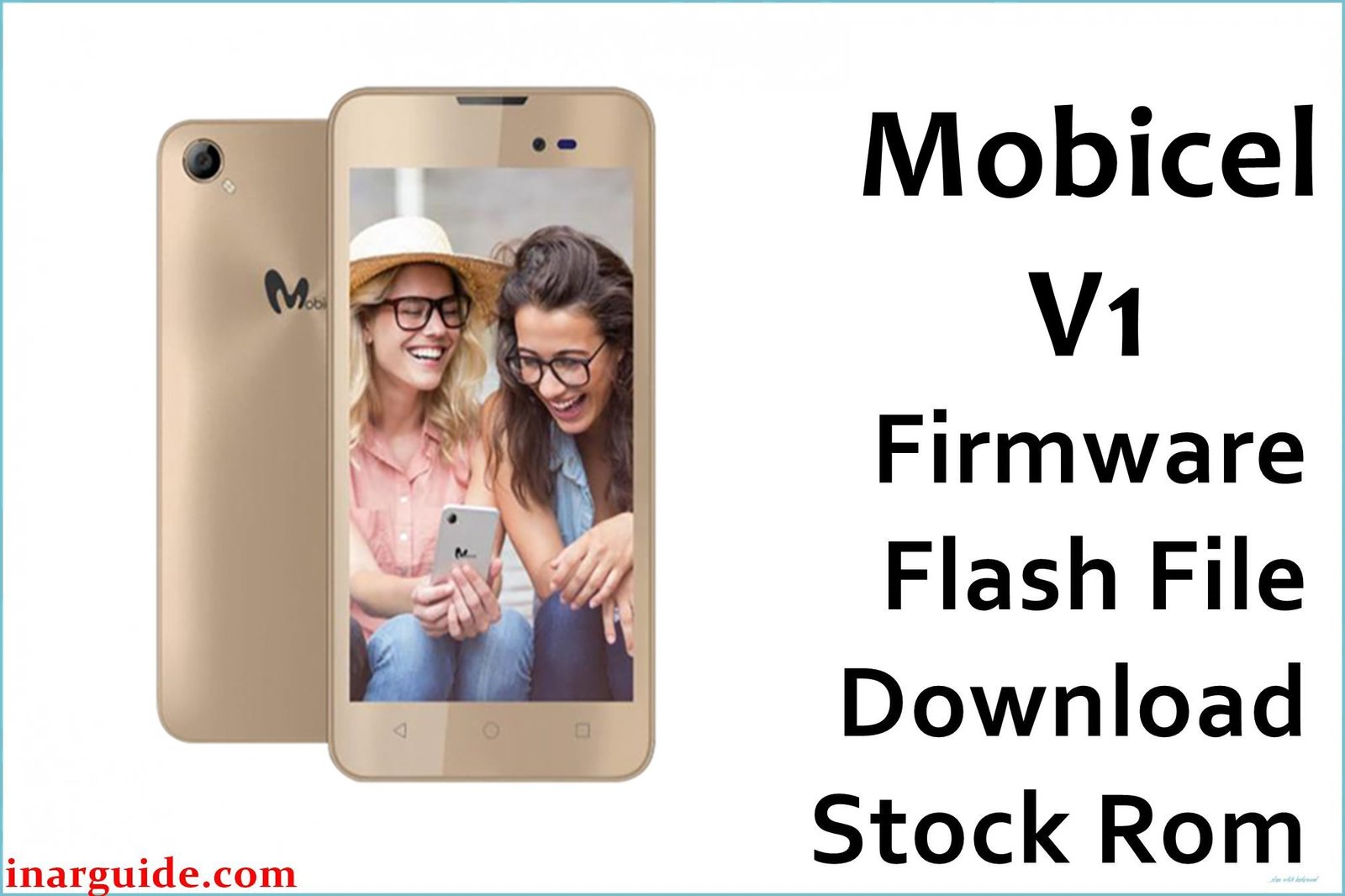
The Mobicel V1 is a popular, affordable Android 7.0 smartphone with a MediaTek MT6580 chipset, 1GB RAM, and 8GB storage, heavily used in African and Asian regions. User reports and service centers routinely cite bootloops, stuck Mobicel/Android logo, “dead after flash,” forgotten FRP or screen lock, persistent lag, failed OS update, or malware issues. The only reliable solution is to flash the official scatter-format firmware using SP Flash Tool; SPD Upgrade Tool and QFIL are not compatible with MTK chipsets.
Mobicel V1 Firmware Details
The technical info for selecting and flashing the correct ROM safely:
| Attribute | Details |
|---|---|
| 📱 Device | Mobicel V1 |
| 🆔 Chipset | MediaTek MT6580 |
| 🤖 Android OS | Android 7.0 Nougat |
| ✅ Build Version | SW08_V20_190620 |
| 📂 File Type | Scatter File (SP Flash Tool) |
| 💻 Flashing Tool | SP Flash Tool |
Download Official Firmware for Mobicel V1 (MT6580)
- Build: SW08_V20_190620 (Android 7.0)
- File Name: Mobicel_V1_MT6580_SW08_V20_190620_7.0.zip
- Size: 1.44GB
- 🔗 Download Link: Download (MediaFire)
Why Flash This Specific Firmware?
- Fix Bootloops and Logo Hang: Resolves phones stuck at Mobicel or Android logo or looping endlessly.
- Unbrick After Dead Flash, Failed Mods, or OTA: Full official ROM restores dead/unresponsive device.
- Clear Pattern/Password or FRP Lock: Removes security and Google account locks for access recovery.
- Repair Lag, App Crashes, Malware Issues: Clean stock firmware solves persistent lag and deep software infections.
Crucial Prerequisites Before Flashing
Backup all content—flashing erases user data!
- Latest SP Flash Tool for Windows
- MTK USB drivers installed
- SW08_V20_190620 firmware for V1
How to Flash the Firmware
- Extract
Mobicel_V1_MT6580_SW08_V20_190620_7.0.zipto a folder. - Install MTK USB drivers (skip if done).
- Launch SP Flash Tool.
- Select “Scatter-loading,” choose MT6580_Android_scatter.txt from the extracted folder.
- Power off device and connect to PC by USB (hold Volume Down).
- Click “Download” in SP Flash Tool and wait for an OK/green checkmark.
- Disconnect and start phone normally.
Step-by-step illustrated flashing guide:
How to Flash Stock Firmware to MediaTek (MTK) Smartphones (SP Flash Tool)
Disclaimer: Flashing erases all data and may damage device if the wrong files/steps are used. Always confirm exact model/build and follow safe instructions.





