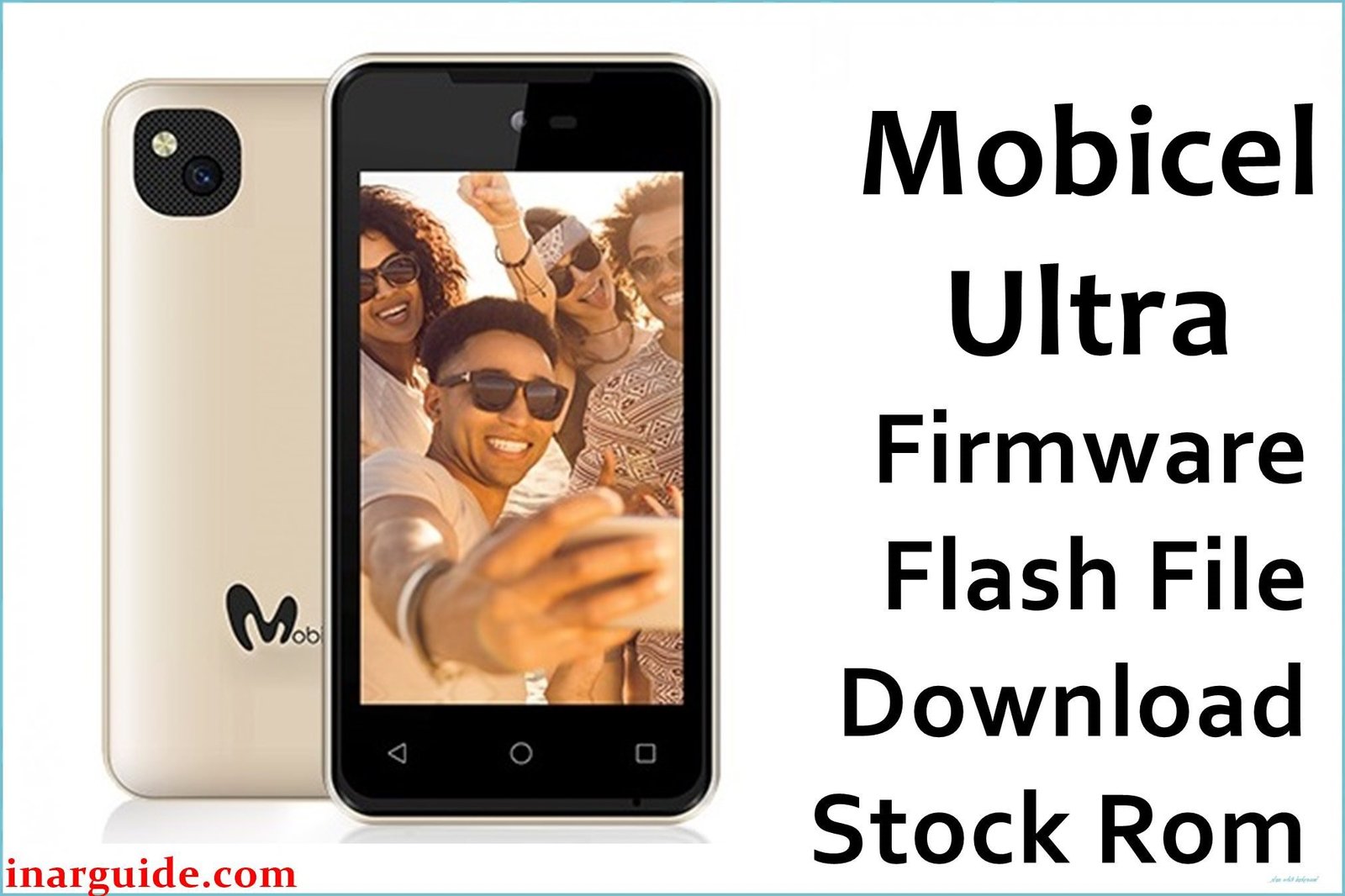
The Mobicel Ultra is a basic Android Go Edition smartphone featuring the Spreadtrum SC7731 platform, usually paired with 1GB RAM and 8GB storage. Widely sold as a low-cost option, these phones often develop severe lag, app crashes, frequent random reboots, or become stuck at the Mobicel logo (bootloop) or black screen after prolonged use. Issues such as dropped Wi-Fi, Bluetooth failure, battery-related power-offs, and unresponsive touch are often due to software-level damage, system clutter, or partition corruption. A clean reflash using the factory PAC firmware remains the most effective fix for persistent software issues on this platform.
All Mobicel Ultra PAC files must be flashed only with the SPD Upgrade Tool or compatible Unisoc/Spreadtrum flashing software.
Mobicel Ultra Firmware Details
Specifications below for reference during flashing and troubleshooting:
| Attribute | Details |
|---|---|
| 📱 Device | Mobicel Ultra |
| 🆔 Chipset | Spreadtrum SC7731 quad-core 1.3GHz (assumed) |
| 🤖 Android OS | Go Edition (likely Android 8.1) |
| ✅ Available Builds | MDD_190220, MDD_200220 |
| 📂 File Type | PAC Firmware |
| 💻 Flashing Tool | SPD Upgrade Tool/Research Download |
Download Official Firmware for Mobicel Ultra
- Build: MDD_190220
- File Name: Mobicel_Ultra_MDD_190220_SPD.zip
- Size: 676MB
- 🔗 Download Link: Download (MediaFire)
- Build: MDD_200220
- File Name: Mobicel_Ultra_MDD_200220_SPD.zip
- Size: 706MB
- 🔗 Download Link: Download (MediaFire)
Crucial Prerequisites Before Flashing
Flashing will completely erase the phone—backup all important data first.
- SPD Upgrade Tool or equivalent Spreadtrum PAC flasher for Windows.
- All Spreadtrum/Unisoc USB drivers must be installed.
How to Flash the Firmware
- Download and extract the chosen PAC firmware ZIP file.
- Install Spreadtrum USB drivers on your PC.
- Launch SPD Upgrade Tool (UpgradeDownload.exe).
- Click the gear icon and select the
.pacfile from the extracted folder. - Power off Mobicel Ultra completely (remove battery if possible).
- Hold Volume Down then connect phone to PC by USB cable.
- Click “Start Downloading” and wait for a green “Passed” result.
For step-by-step visuals: How to Use the SPD Upgrade Tool to Flash Your Smartphone
Disclaimer: Flashing can brick devices if interrupted or done incorrectly. All data will be wiped. Proceed only if confident—no liability for loss or damage.





