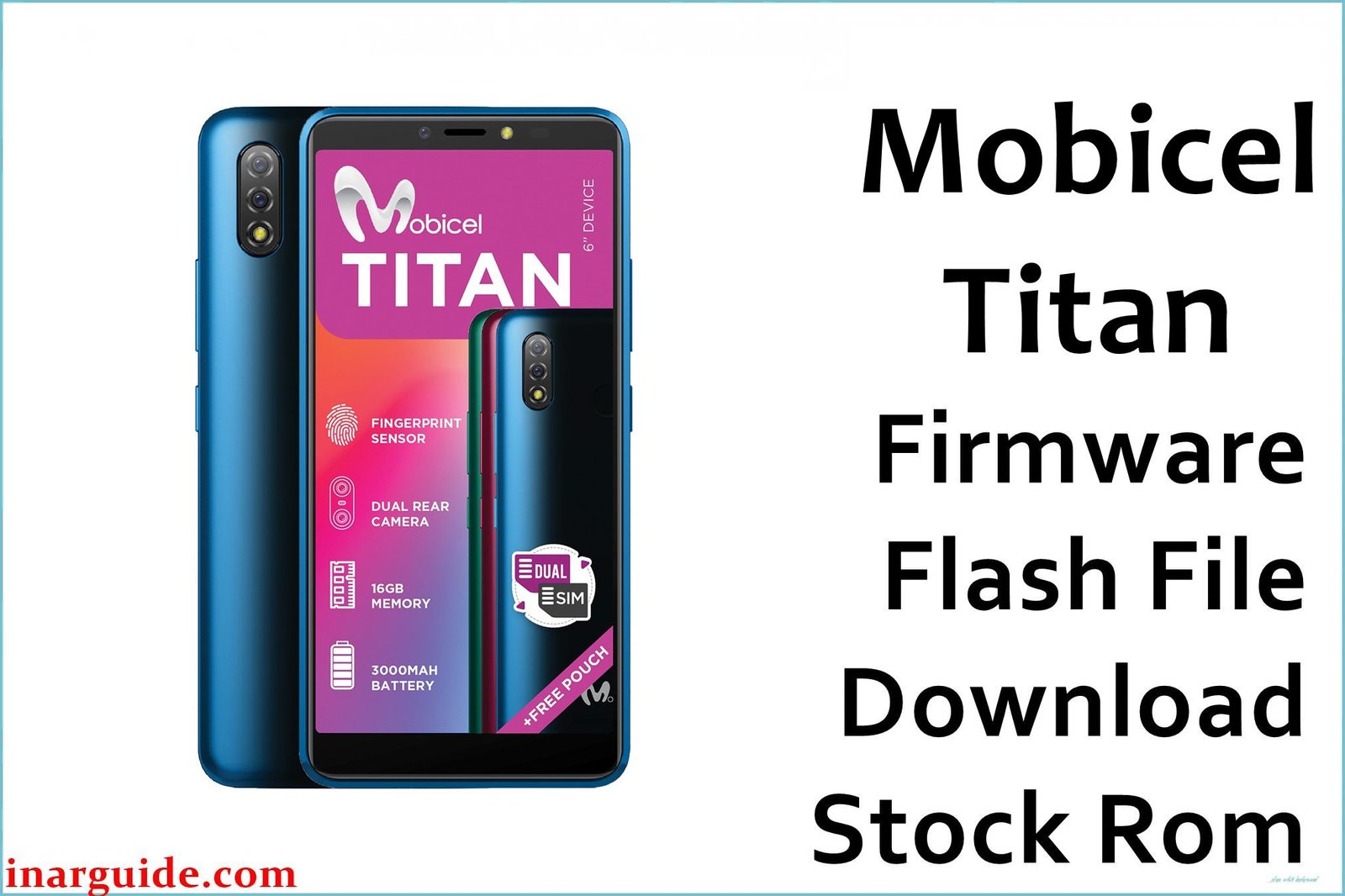
The Mobicel Titan is an affordable Android device based on the MediaTek MT6580 chipset, typically sporting 1GB RAM and 8GB storage, widely used for essential mobile and messaging in Southern Africa and Asia. Owners and service outlets routinely report bootloops, stuck Mobicel logo, “dead after flash,” lost IMEI/network, FRP lock, and random system errors especially after failed updates, malware, or use of the wrong flash file. The permanent solution for these failures is to re-flash the exact official scatter-format ROM using SP Flash Tool.
Bricked or unresponsive units are best revived by this process—tools like QFIL or SPD Upgrade are not supported for MTK-based Titan models.
Mobicel Titan Firmware Details
Reference specs ensuring a correct and safe ROM flash:
| Attribute | Details |
|---|---|
| 📱 Device | Mobicel Titan |
| 🆔 Chipset | MediaTek MT6580 |
| 🤖 Android OS | Android 7.0 (build-dependent, check device label) |
| ✅ Build Version | 270420_10 |
| 📂 File Type | Scatter File (SP Flash Tool) |
| 💻 Flashing Tool | SP Flash Tool |
Download Official Firmware for Mobicel Titan (MT6580)
- Build: 270420_10
- File Name: Mobicel_Titan_MT6580_270420_10.zip
- Size: 805MB
- 🔗 Download Link: Download (MediaFire)
Why Flash This Specific Firmware?
- Fix Bootloops, Stuck Logo, and Dead Device: Restores any device stuck on the boot screen, looping, or not powering up after failed updates or wrong flash.
- Unbrick from Failed/Corrupt Install: Revives phone after a botched custom ROM, OTA update, or system file loss.
- Remove FRP Lock or Pattern: Clears security codes and Google FRP locks.
- Repair IMEI/Network/Signal Issues: Rewriting official ROM restores lost IMEI numbers or fixes signal problems from corrupt flash.
Crucial Prerequisites Before Flashing
Backup all device data—flashing overwrites all storage.
- Latest SP Flash Tool (Windows, recommended)
- MTK USB drivers installed
- Official 270420_10 scatter firmware for Mobicel Titan
How to Flash the Firmware
- Extract
Mobicel_Titan_MT6580_270420_10.zipto a folder. - Install MTK USB drivers (if not yet done).
- Open SP Flash Tool.
- Select “Scatter-loading”, choose MT6580_Android_scatter.txt from the firmware folder.
- Power off device, connect to PC (hold Volume Down as needed for detection).
- Click “Download” and wait for an “OK” green checkmark screen.
- Disconnect, reboot, and device should start up normally.
Step-by-step guide with visuals:
How to Flash Stock Firmware to MediaTek (MTK) Smartphones (SP Flash Tool)
Disclaimer: Flashing wipes all user data and may permanently brick the device if the wrong file or steps are used. Double-check model/build, always follow official procedures and take full backup first.





