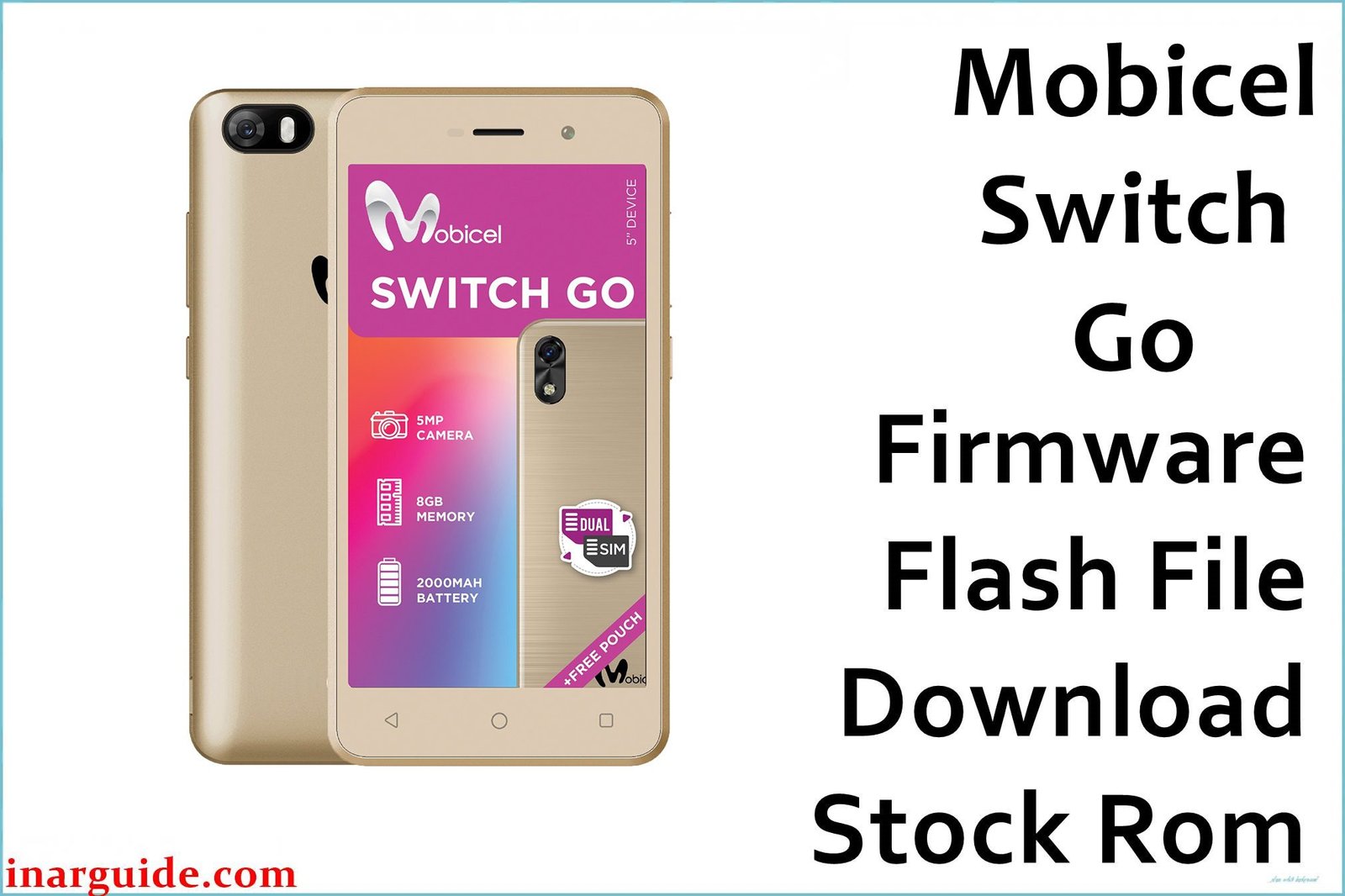
The Mobicel Switch Go is an entry-level smartphone running Android 8.1 Oreo on a MediaTek MT6580 chipset. Despite its Go edition optimization, users frequently report the device becoming unbearably slow and freezing during basic tasks, with persistent “Insufficient storage” errors even when space is available. Another common issue is the front camera failing to work in apps like WhatsApp or Instagram. These problems are often caused by memory management issues on the limited hardware and corrupted app data. Flashing the official stock firmware provides a clean slate, resolving these performance bottlenecks and software conflicts.
This guide provides the official stock ROM package for the Mobicel Switch Go. As a MediaTek (MTK) device, it must be flashed using the SP Flash Tool.
Mobicel Switch Go Firmware Details
Below are the key specifications for the Mobicel Switch Go. This firmware will restore the device to its original Android 8.1 Oreo software. Note that this is a MediaTek (MTK) device and requires SP Flash Tool.
| Attribute | Details |
|---|---|
| 📱 Device | Mobicel Switch Go |
| 🆔 Chipset | MediaTek MT6580 |
| 🤖 Android OS | 8.1 Oreo (Go edition) |
| ✅ Build Version | 050519 |
| 📂 File Type | MTK Firmware (Scatter File) |
| 💻 Flashing Tool | SP Flash Tool |
Download Official Firmware for Mobicel Switch Go
- Build: 050519
- File Name: Mobicel_Switch_Go_MT6580_050519_8.1.0.zip
- Size: 646 MB
- 🔗 Download Link: Download (MediaFire)
Why Flash This Specific Firmware?
Flashing the official 050519 firmware addresses the specific performance and functionality issues that commonly affect the Mobicel Switch Go:
- Fix Extreme Sluggishness and Constant Freezing: The limited RAM on the Switch Go leads to severe performance degradation over time. This firmware performs a complete system reset, clearing all cached data and corrupted system files that cause the device to freeze and become unresponsive.
- Resolve “Insufficient Storage” Errors Despite Free Space: A known bug in Android Go editions can cause incorrect storage calculations. Flashing the firmware reformats the internal storage partitions, eliminating this error and restoring accurate storage management.
- Restore Front Camera Functionality in Social Apps: Many users report the front camera failing to initialize in third-party applications. This reinstalles the camera HAL and drivers, ensuring proper compatibility with popular social media and messaging apps.
- Eliminate Random App Crashes and Bootloops: Corrupted system applications can cause persistent crashes or prevent the device from booting properly. A clean firmware install replaces all system apps with stable, factory versions.
Crucial Prerequisites Before Flashing
Before you begin, back up any accessible data. This procedure will permanently delete everything on the phone.
- The latest version of the SP Flash Tool.
- The correct MediaTek MT65xx Preloader USB VCOM Drivers installed on your PC.
- A reliable USB cable and a PC with a stable power supply.
- Ensure your Mobicel Switch Go has at least 50% battery charge.
How to Flash the Firmware
This firmware must be installed using the SP Flash Tool on a Windows computer. The process involves connecting the powered-off phone to the PC.
- Download and extract the
Mobicel_Switch_Go_MT6580_050519_8.1.0.zipfile to a new folder. - Install the MediaTek USB drivers and the SP Flash Tool on your computer.
- Launch SP Flash Tool and load the scatter file (MT6580_Android_scatter.txt) from the extracted folder.
- Select the “Format All + Download” option to ensure a complete system refresh.
- Click “Download” and then connect your powered-off Mobicel Switch Go to the PC via USB cable.
- Wait for the flashing process to complete successfully (green circle checkmark).
For a complete, step-by-step tutorial with screenshots, please follow our master guide:
→ How to Flash Stock Firmware to MediaTek (MTK) Smartphones
Disclaimer: Flashing your device is an advanced procedure that will erase all your data and carries a risk of permanently damaging your device if not done correctly. We are not responsible for any data loss or hardware failures. Proceed with extreme caution.





