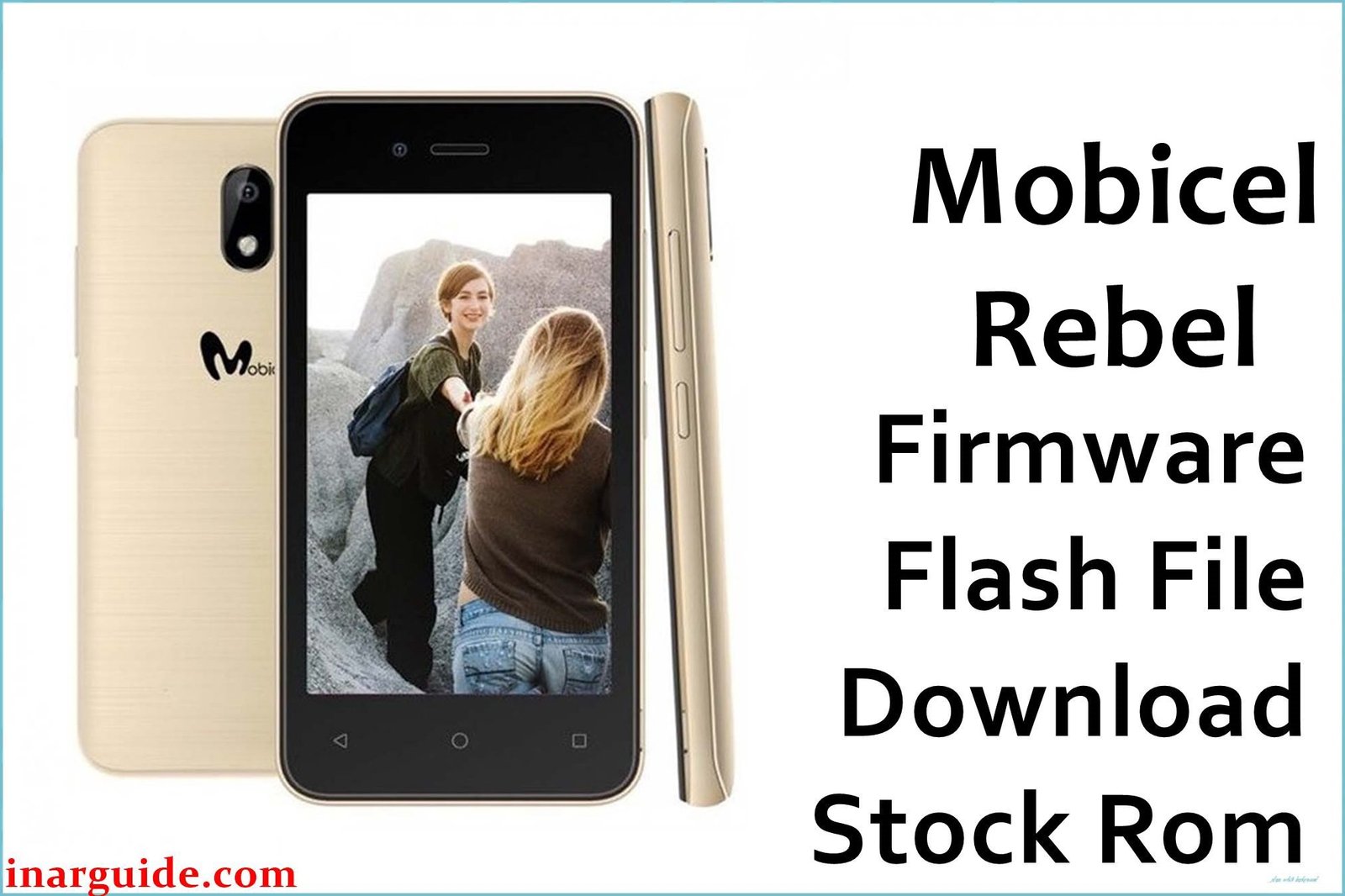
The Mobicel Rebel comes in two chipset variants—MediaTek MT6572 and MediaTek MT6570—and both are vulnerable to issues commonly seen in budget MTK devices: bootloops (logo/freezes), dead after flash, persistent malware/pop-ups, rapid battery drain, “null IMEI,” camera/LCD failures, or FRP/Google lock.
When a reset or battery pull doesn’t help, a complete firmware reinstallation using the correct scatter ROM and SP Flash Tool is the industry-standard solution.
Mobicel Rebel Firmware Details & Downloads
| Variant | File Name | Build/Version | Size | Download |
|---|---|---|---|---|
| MT6572 (Android 4.4.2/5.1/6.0) | Mobicel_Rebel_MT6572_02052017.zip | 02052017 | 501MB | MediaFire |
| MT6570 (Android 6.0) | Mobicel_Rebel_MT6570_V09_20170825_6.0.zip | V09_20170825_6.0 | 776MB | MediaFire |
Why Flash These Specific Firmwares?
- Fix Bootloop/Logo Stuck or Dead Phone: Both ROMs fix endless restart or stuck-at-logo problems after updates, resets, battery, or flash problems.
- Unbrick a Dead/Non-Detected Device: If your Rebel is “dead” after a bad flash, use the correct ROM for your chipset (MT6572 or MT6570) to restore function—see label/board or old settings for match.
- Remove Malware/Monkey Virus/Pop-ups & Restore Battery: Full scatter ROM flash is the only way to completely wipe stubborn malware/pop-ups that survive a device reset.
- Restore IMEI/Network, Camera/LCD: “Null IMEI,” no SIM/service, or broken camera/LCD are handled by stock ROM flashing.
- FRP/Google Lock: Wipe all user/data partitions and remove Google lock on Android 6.0 variants.
Crucial Prerequisites Before Flashing
- The latest SP Flash Tool
- Correct MediaTek VCOM USB drivers installed in Windows
Important: Flashing will erase all device data—always back up first if you can access storage.
How to Flash the Firmware
- Extract the correct ZIP for your device to a folder (match based on board/chip label).
- Install MediaTek VCOM USB drivers.
- Run SP Flash Tool, load
MT6572_Android_scatter.txtorMT6570_Android_scatter.txtfrom the ROM folder. - Choose “Download Only” and start flashing. Power off and connect device (remove/reinsert battery if needed).
Illustrated guide for every step:
→ How to Flash MediaTek Devices Using SP Flash Tool
Disclaimer: Flashed wrongly, this process can brick your device. Only use if you are certain of your exact hardware. Not liable for data/hardware loss.





