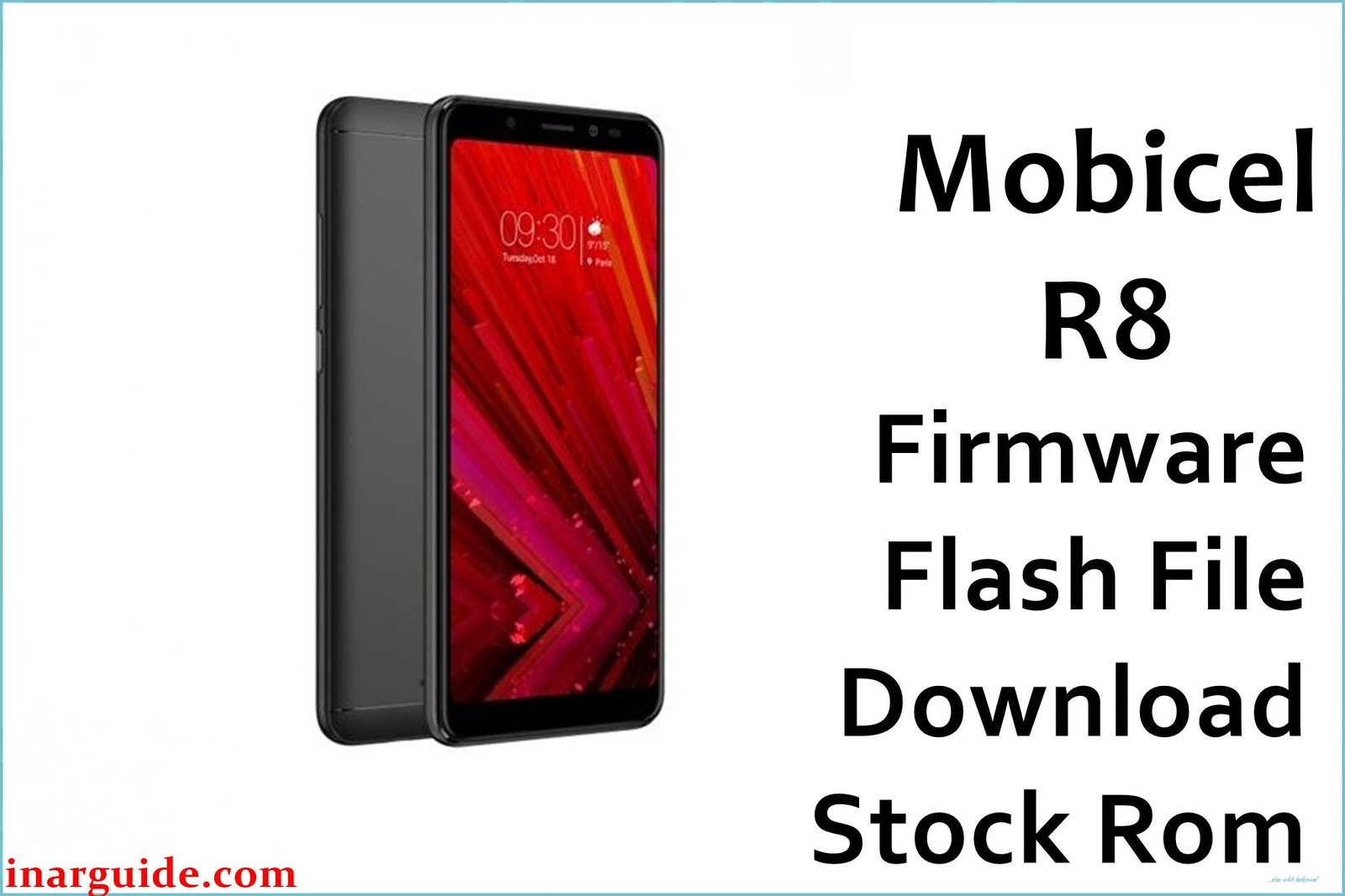
The Mobicel R8 is a budget Android smartphone built on the MediaTek MT6737T chipset. While affordable, users frequently encounter serious problems such as bootloops (stuck at Mobicel logo), a completely dead device after a failed flash, stubborn malware and pop-up ads, or losing network/IMEI after a factory reset or flash.
In these cases, a full stock firmware reinstallation from a computer is the most powerful fix available. This guide gives you the official Mobicel R8 firmware as a scatter ROM for the SP Flash Tool.
Mobicel R8 Firmware Details
| Attribute | Details |
|---|---|
| 📱 Device | Mobicel R8 |
| 🆔 Chipset | MediaTek MT6737T |
| 🤖 Android OS | Unknown |
| ✅ Build Version | SW_V12_HW_V1.0_01122017 |
| 📂 File Type | MT6737T Scatter Firmware |
| 💻 Flashing Tool | SP Flash Tool |
Download Official Firmware for Mobicel R8
- Build: SW_V12_HW_V1.0_01122017
- File Name: Mobicel_R8_MT6737T_SW_V12_HW_V1.0_01122017.zip
- Size: 1.43GB
- 🔗 Download Link: Download (MediaFire)
Why Flash This Specific Firmware?
- Fix Bootloop/Stuck at Logo or Dead Recovery: If your phone is stuck endlessly rebooting, only shows the Mobicel logo, or became unresponsive after a bad flash, this factory ROM and SP Flash Tool are the industry-standard solution.
- Remove Malware, Restore Battery Life: Stubborn pop-ups, sudden app installs, or extremely fast battery drain after a reset are signs of system-embedded malware. Flashing the official ROM is the only guaranteed solution to fully wipe malware and fix battery performance.
- Restore IMEI/Network or Fix Camera/LCD: If you lost cellular network (no IMEI displayed), face camera issues, or the LCD/touch doesn’t work after flashing other ROMs, this firmware restores all stock partitions and drivers.
Crucial Prerequisites Before Flashing
- The latest SP Flash Tool
- Install correct MediaTek VCOM USB drivers on your Windows PC
Backup your files first—the flash will erase all user data.
How to Flash the Firmware
- Extract
Mobicel_R8_MT6737T_SW_V12_HW_V1.0_01122017.zipto a folder. - Install MediaTek VCOM drivers (disable driver signature enforcement if required).
- Open SP Flash Tool, load the
MT6737_Android_scatter.txtfrom the folder. - Select “Download Only” and click Download.
- Power the phone off, then connect to your PC with USB (remove/re-insert battery if needed).
Need screenshots or step-by-step guidance?
→ How to Flash MediaTek Devices Using SP Flash Tool
Disclaimer: Flashing the wrong ROM can permanently brick your device. Use only if sure this is the correct exact model. Not responsible for data loss or unrecoverable hardware.





