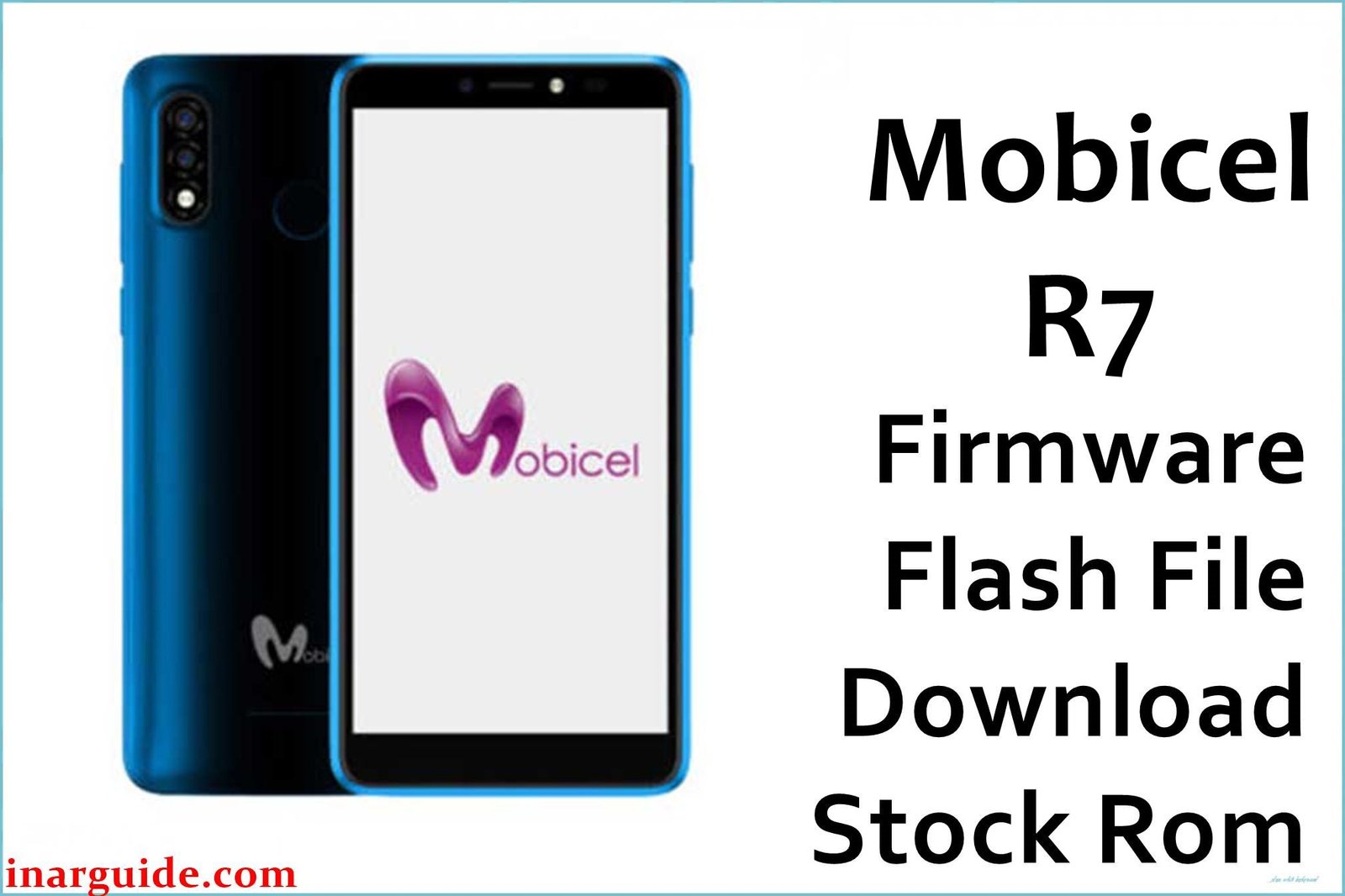
The Mobicel R7 NC_1 (also known as R7_1) is an Android smartphone (SP7731E platform, SPD/Unisoc) released for affordable mobile users, primarily in southern Africa. Owners and repair techs frequently face major issues after failed OTA updates, malware, or full storage: bootups stuck at the Mobicel/Android logo, security locks (forgotten PIN/pattern), bricking from flash errors, and random shutdowns. Feedback from forums and firmware sources confirms: the only permanent fix for these errors is to re-flash the original.PAC firmware using SPD Upgrade Tool. QFIL and SP Flash Tool are not compatible.
Mobicel R7 NC_1 Firmware Details
The table below lists core specifications from official firmware packages and repair docs. Correctly flashing the exact ROM version avoids “dead after flash” or touchscreen problems.
| Attribute | Details |
|---|---|
| 📱 Device | Mobicel R7 NC_1 (R7_1) |
| 🆔 Chipset | SPD/Unisoc (SP7731E) |
| 🤖 Android OS | Android 10 Q (build-dependent, check label) |
| ✅ Build Version | V07 LGM 301121 |
| 📂 File Type | .PAC file (SPD Firmware) |
| 💻 Flashing Tool | SPD Upgrade Tool (ResearchDownload, FactoryDownload, or compatible) |
Download Official Firmware for Mobicel R7 NC_1 (SPD)
- Build: V07 LGM 301121
- File Name: Mobicel_R7_NC_1_V07_LGM_301121_SPD.zip
- Size: 1.03GB
- 🔗 Download Link: Download (MediaFire)
Why Flash This Specific Firmware?
- Fix Logo Hang and Bootloop: The commonest R7 NC_1 failure is endless logo or Android animation—usually after malware or failed update. Flashing the official PAC with SPD tool restores full boot.
- Remove Locks/Pattern (FRP/PIN/Password): Resets all screen locks and wipes user security.
- Unbrick after Failed Flashing or Software Crash: Devices that become “dead after flash,” fail to turn on, or lose responsiveness can be brought back with the correct stock ROM.
- Clean Up Bugs, Random Resets, and System Lags: Flashing solves persistent crashing, lag, repeated restarts, or UI/app bugs.
Crucial Prerequisites Before Flashing
Backup user data—flashing overwrites the device.
- Latest SPD Upgrade Tool (Windows)
- Official SPD/Unisoc USB drivers
How to Flash the Firmware
- Extract
Mobicel_R7_NC_1_V07_LGM_301121_SPD.zipto a folder. - Install SPD (Unisoc) USB drivers.
- Launch SPD Upgrade Tool.
- Click “Load Packet” to select the .PAC file from the extracted folder.
- Power off device, hold Volume Down (or Up), and connect by USB.
- Press “Start Download” and wait for the green “Passed” sign.
- Disconnect and reboot the phone.
See detailed tutorial:
How to Use SPD Upgrade Tool to Flash Your Smartphone (.PAC Firmware)
Disclaimer: Flashing wipes all data and missteps may brick your device. Use only official files, confirm device model/build, and follow each step precisely.





