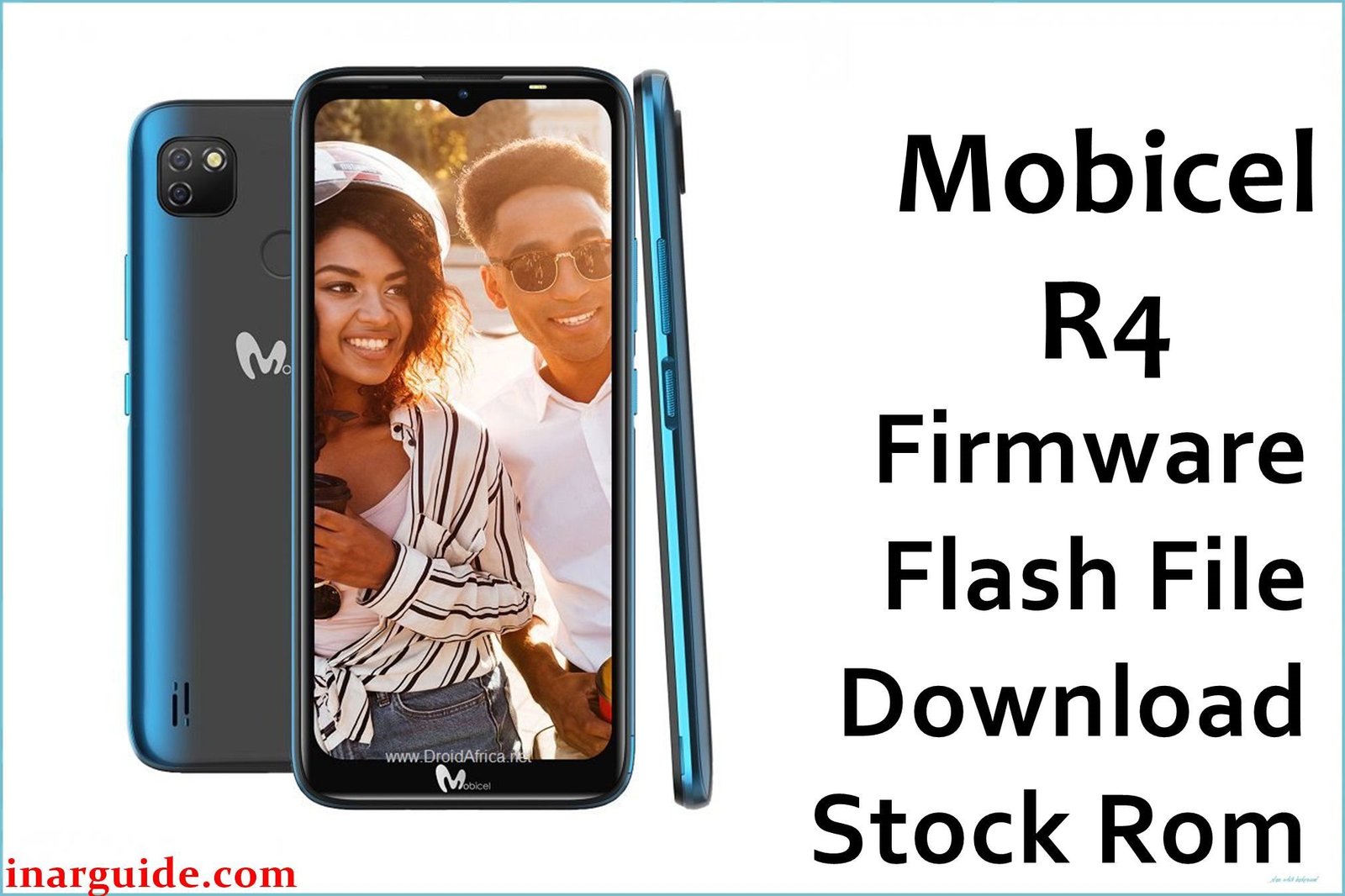
The Mobicel R4 is an affordable Android 7.0 smartphone built around the MediaTek MT6580 chipset with 1GB RAM, 8GB storage, and basic 3G/Wi-Fi support. Its popularity in Africa and Asia means it is widely encountered in repair shops for issues such as bootloops, stuck on logo, “dead after flash,” FRP lock, pattern/password problems, persistent lag, or failed OS updates. These problems are most reliably fixed by flashing the official scatter-format firmware with SP Flash Tool. Never use QFIL or SPD Upgrade Tool on MTK devices like the R4.
Mobicel R4 Firmware Details
Technical specs for matching the correct ROM and flashing without risk:
| Attribute | Details |
|---|---|
| 📱 Device | Mobicel R4 |
| 🆔 Chipset | MediaTek MT6580 |
| 🤖 Android OS | Android 7.0 Nougat |
| ✅ Build Version | ZA_190217 |
| 📂 File Type | Scatter File (SP Flash Tool) |
| 💻 Flashing Tool | SP Flash Tool |
Download Official Firmware for Mobicel R4 (MT6580)
- Build: ZA_190217 (Android 7.0)
- File Name: Mobicel_R4_MT6580_ZA_190217_7.0.zip
- Size: 1.43GB
- 🔗 Download Link: Download (MediaFire)
Why Flash This Specific Firmware?
- Fix Bootloops or Stuck Logo: Hang at Mobicel or Android logo is usually fixed by a full firmware reflash with scatter file.
- Unbrick after Dead Flash/Failed OTA/Custom ROM: The correct ROM restores completely dead or unresponsive units.
- Reset FRP Lock/Pattern/Password: Wipes security codes and FRP for access recovery.
- Resolve Lag, Signal and App Issues: Fresh flash solves random crashes, signal loss, and persistent lag.
Crucial Prerequisites Before Flashing
Backup all files—flashing deletes user data.
- Latest SP Flash Tool (Windows)
- MTK USB drivers installed
- Exact ROM for Mobicel R4 ZA_190217 build
How to Flash the Firmware
- Extract
Mobicel_R4_MT6580_ZA_190217_7.0.zipto a folder. - Install MTK USB drivers.
- Launch SP Flash Tool.
- Click “Scatter-loading,” select MT6580_Android_scatter.txt in the unpacked folder.
- Power off phone, connect to PC (hold Volume Down for detection).
- Click “Download” and await green checkmark (successful flash).
- Disconnect, reboot, and confirm boot-up.
Visual step-by-step guide:
How to Flash Stock Firmware to MediaTek (MTK) Smartphones (SP Flash Tool)
Disclaimer: Flashing erases all device data and may brick phone if wrong file/steps are used. Always double-check exact build and follow instructions.





