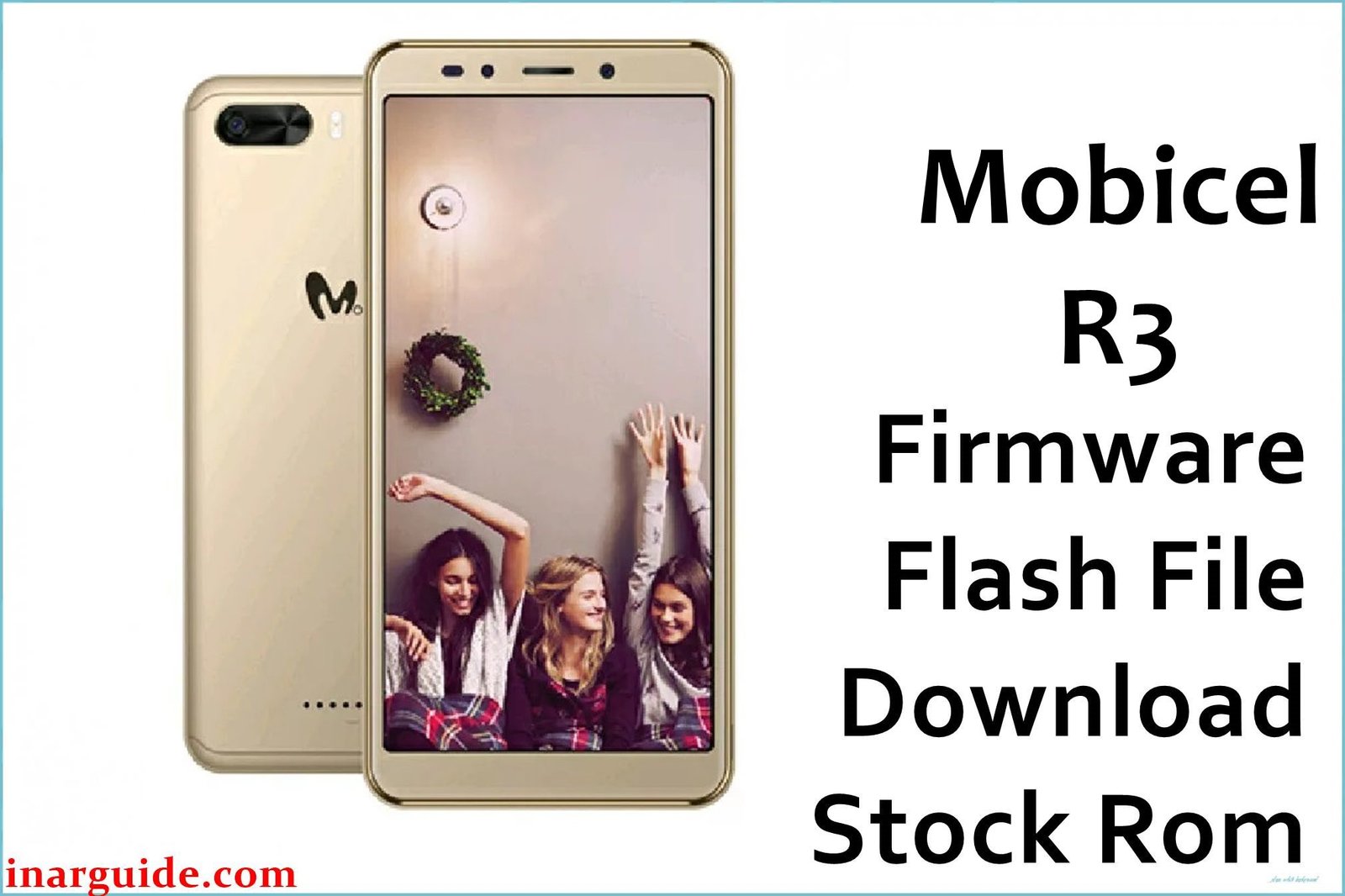
The Mobicel R3 is a budget Android device powered by the MediaTek MT6580 chipset. Real users frequently report critical problems such as bootloops (stuck on Mobicel logo), a dead device after failed or incomplete flashing, persistent malware/pop-ups, rapid battery drain, and IMEI, camera, or Wi-Fi issues after system or battery-related errors.
A full firmware reinstallation with the original scatter ROM is the proven repair for these problems. This guide provides the official Mobicel R3 scatter ROM, ready for SP Flash Tool flashing.
Mobicel R3 Firmware Details
| Attribute | Details |
|---|---|
| 📱 Device | Mobicel R3 |
| 🆔 Chipset | MediaTek MT6580 |
| 🤖 Android OS | 7.0 |
| ✅ Build Version | DG_P136_171006 |
| 📂 File Type | MT6580 Scatter Firmware |
| 💻 Flashing Tool | SP Flash Tool |
Download Official Firmware for Mobicel R3
- Build: DG_P136_171006
- File Name: Mobicel_R3_MT6580_DG_P136_171006_7.0.zip
- Size: 1.37GB
- 🔗 Download Link: Download (Google Drive)
Why Flash This Specific Firmware?
- Fix Bootloops/Logo Stuck: For phones stuck on Mobicel logo or in infinite reboot cycles after updates, battery issues, or failed resets.
- Unbrick a Dead or Non-detecting Device: If your phone doesn’t turn on or isn’t seen by the PC after bad/incomplete flashes, flashing the original ROM recovers it.
- Remove Malware, Monkey Virus, Battery Drain: Only a full scatter ROM flash guarantees removal of system-level malware, viruses, and pop-ups that survive hard resets.
- Restore IMEI/Network, Camera, or Wi-Fi: Invalid IMEI, no network, or camera/LCD not working? Flashing original firmware repairs partitions and restores phone functions.
- Fix Battery Loops After Power Loss: Battery drained and now the phone loops or freezes? Scatter flashing corrects the corrupted boot sequence.
Crucial Prerequisites Before Flashing
- The latest SP Flash Tool
- Proper MediaTek VCOM USB drivers installed on Windows
Critical: Always back up files—flashing wipes all data.
How to Flash the Firmware
- Extract
Mobicel_R3_MT6580_DG_P136_171006_7.0.zipto a new folder. - Install MediaTek VCOM drivers if needed.
- Open SP Flash Tool and choose
MT6580_Android_scatter.txtfrom the firmware folder. - Set “Download Only” mode and click Download.
- Power off the phone and connect via USB (remove/re-insert battery if needed).
Need more help? See:
→ How to Flash MediaTek Devices Using SP Flash Tool
Disclaimer: Incorrectly flashing or using the wrong ROM can brick the device. Proceed only if certain this file matches your hardware; not responsible for lost data or unrecoverable phone.





