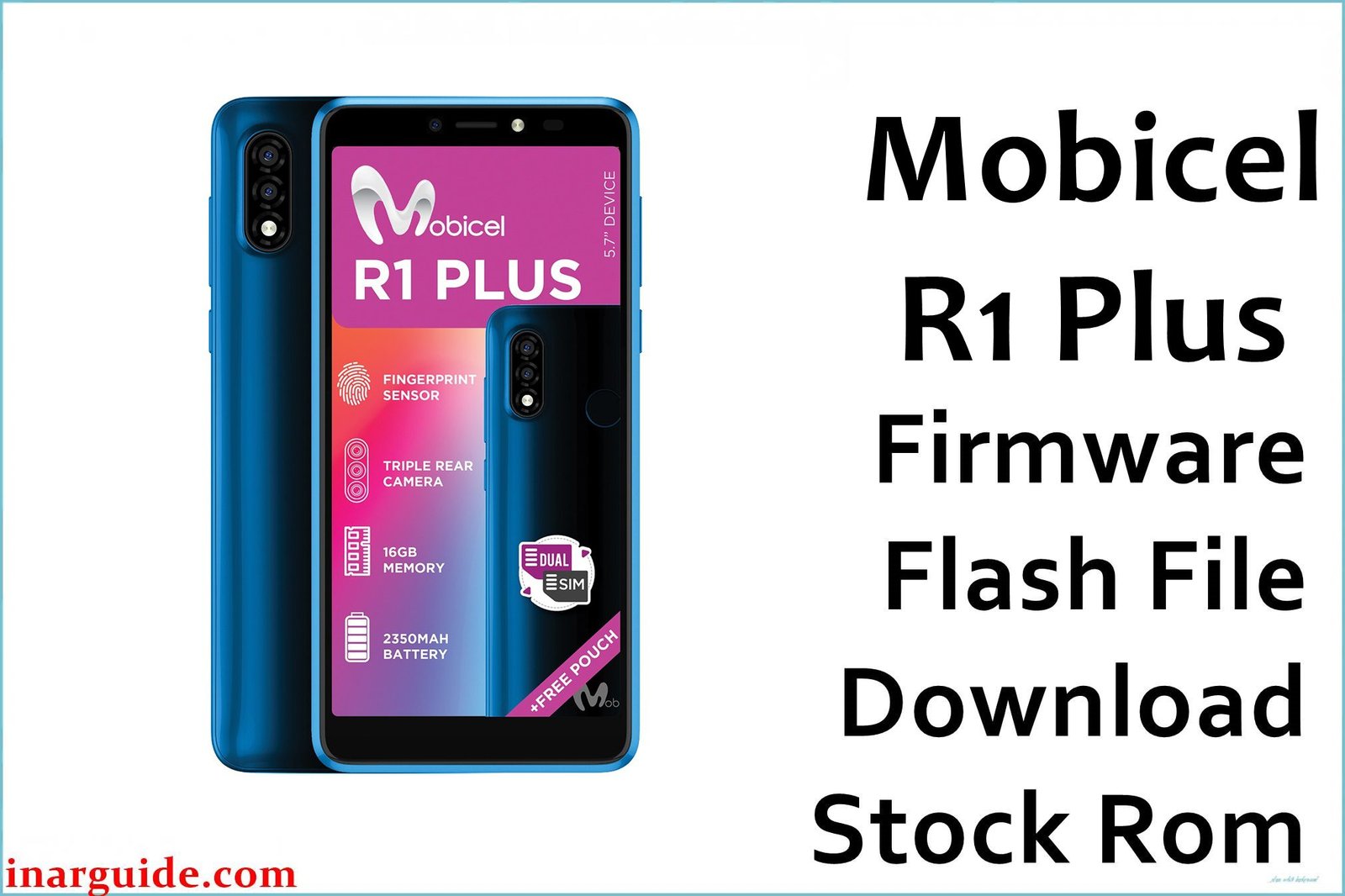
The Mobicel R1 Plus with 512MB RAM is an ultra-budget Android Go device based on the Mediatek MT6580 quad-core chipset and Android 8.1.0 Go Edition. This base hardware setup is highly susceptible to severe lag, frequent app crashes, random freezing, unresponsive touch, and recurring bootloops (black screen or stuck at Mobicel logo). Low memory, background bloat, or partition corruption can trigger these behaviors, as can a worn battery and heavy storage use. When basic resets and app removal fail, a full scatter firmware reflash using SP Flash Tool is the most effective and permanent fix for most deep-seated software faults.
All Mobicel R1 Plus (MT6580) scatter firmware must be flashed with SP Flash Tool (MTK, Windows), never SPD tools or QFIL.
Mobicel R1 Plus MT6580 512MB Firmware Details
Reference the hardware/spec table below for flashing compatibility:
| Attribute | Details |
|---|---|
| 📱 Device | Mobicel R1 Plus (512MB RAM) |
| 🆔 Chipset | MediaTek MT6580 quad-core 1.3GHz |
| 🤖 Android OS | 8.1.0 Go Edition |
| ✅ Build | 080220_8.1.0 |
| 📂 File Type | Scatter Firmware |
| 💻 Flashing Tool | SP Flash Tool |
Download Official Firmware for Mobicel R1 Plus (512MB, MT6580)
- Build: 080220_8.1.0
- File Name: Mobicel_R1_Plus_MT6580_512M_080220_8.1.0.zip
- Size: 787MB
- 🔗 Download Link: Download (MediaFire)
Why Flash This Specific Firmware?
- Fix Bootloop or Unresponsive Black Screen: If your phone is stuck at Mobicel logo or keeps restarting, flashing scatter firmware restores all partitions.
- Recover from Persistent Freezing, App Crash, and Lag: Clean install clears app/data bloat, malware, storage faults, and rogue apps that cause random bugs and slowdowns.
- Repair Dead Camera, Battery, and Connectivity: Camera or radio bugs, Wi-Fi/Bluetooth drops, or battery causative reboots are often resolved by full firmware wipe and reinstall.
- Unbrick or Recover After Modding Gone Wrong: Most “bricked” devices (that connect via USB) can be revived with correct scatter firmware unless mainboard/NAND is physically damaged.
Crucial Prerequisites Before Flashing
Always backup your content—flashing will erase all files, apps, and settings.
- Latest SP Flash Tool (scatter ROM for Mediatek, Windows only).
- Install MediaTek VCOM/Preloader USB drivers on Windows.
How to Flash the Firmware
- Download and extract
Mobicel_R1_Plus_MT6580_512M_080220_8.1.0.zip. - Install all necessary MTK VCOM USB drivers.
- Open SP Flash Tool, click “Scatter-loading”, choose
MT6580_Android_scatter.txtfrom the extracted folder. - Leave mode on “Download Only”.
- Power off phone (remove battery if possible).
- Click “Download” and connect phone by USB.
- Wait for the green “Download OK” message.
Step-by-step visual guide: How to Flash Stock Firmware to Mediatek (MTK) Smartphones
Disclaimer: Flashing erases all user data and may brick the phone if interrupted or mismatched. Proceed at your own risk only if confident with flashing procedure.





