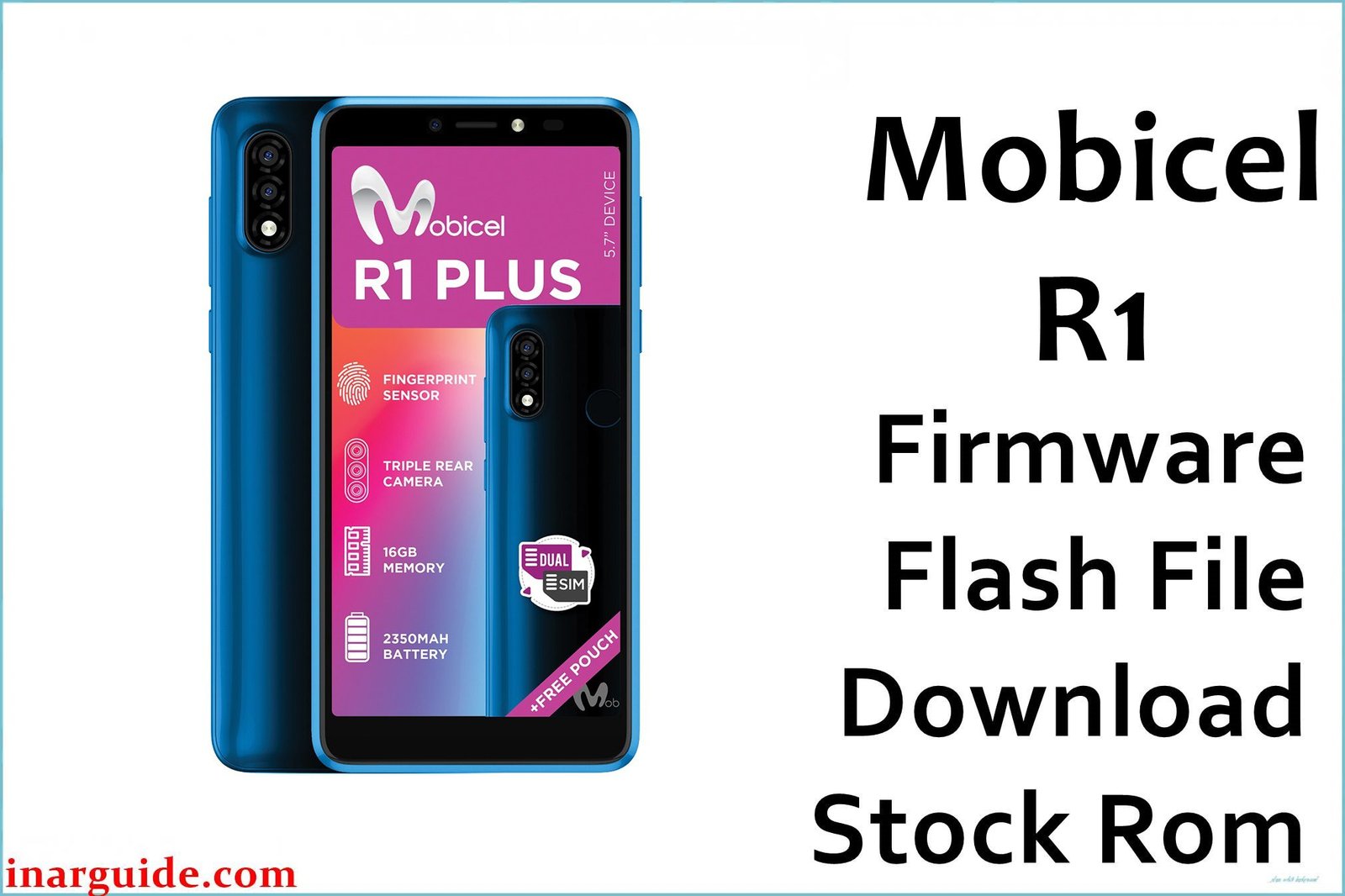
The Mobicel R1 is a budget Android smartphone equipped with the MediaTek MT6580 chipset. Released with Android 7.0 Nougat, its performance is constrained by its minimal 1GB of RAM, making it susceptible to various software-related problems. Over time, users often experience critical issues like the device being stuck in a bootloop, infiltration by stubborn adware and malware that a factory reset cannot remove, and severe system lag that renders the phone unusable. A complete reinstallation of the stock firmware is the definitive solution to these deep-rooted software problems, restoring the device to its original factory state.
This guide provides the official scatter firmware for the Mobicel R1, which must be flashed using the SP Flash Tool on a Windows computer.
Mobicel R1 Firmware Details
Below are the essential details for the Mobicel R1 stock ROM. This firmware will restore your device to Android 7.0 Nougat. Remember to use the SP Flash Tool, as this is a MediaTek (MTK) device.
| Attribute | Details |
|---|---|
| 📱 Device | Mobicel R1 |
| 🆔 Chipset | MediaTek MT6580 |
| 🤖 Android OS | 7.0 Nougat |
| ✅ Build Version | Mobicel_R1_MT6580_180917_7.0 |
| 📂 File Type | Scatter Firmware |
| 💻 Flashing Tool | SP Flash Tool |
Download Official Firmware for Mobicel R1
- Build: 180917
- File Name: Mobicel_R1_MT6580_180917_7.0.zip
- Size: 1.34GB
- 🔗 Download Link: Download (MediaFire)
Why Flash This Specific Firmware?
Based on user experiences in various tech communities, flashing the stock ROM is the most effective solution for these specific Mobicel R1 issues:
- Remove Persistent Viruses and Malware: Budget MediaTek devices are often targets for adware and other malware that integrate into the system. If you’re seeing pop-up ads or strange apps you didn’t install, a full flash is the only guaranteed way to remove them.
- Fix a Bootloop or Stuck Logo: If your phone won’t boot past the Mobicel logo, its operating system is corrupted. This firmware package replaces the damaged files and allows the phone to start correctly.
- Unbrick a Dead Device: For a Mobicel R1 that is completely unresponsive and appears dead (hard bricked) due to a software issue, using SP Flash Tool to flash this firmware can bring it back to life.
- Resolve Google Lock (FRP): If you are locked out of your phone after a factory reset, you must flash the stock firmware to ensure the system is clean before attempting any FRP bypass methods.
- Solve System Lag and Freezing: A clean installation of the operating system will eliminate the accumulated junk files and software conflicts that cause the phone to lag, freeze, or reboot randomly.
Crucial Prerequisites Before Flashing
Before proceeding, back up any data you can access. The flashing process will completely wipe the phone’s internal storage.
- The latest version of the SP Flash Tool.
- The correct MediaTek VCOM USB drivers installed on your Windows PC.
- The firmware file provided above.
How to Flash the Firmware
This firmware must be installed using the SP Flash Tool. The general process involves loading the MT6580_Android_scatter.txt file into the tool, selecting the “Download Only” option, and connecting your powered-off phone to the computer to begin flashing.
For a complete, step-by-step tutorial with screenshots, please follow our master guide:
→ How to Flash Stock Firmware on MediaTek (MTK) Smartphones
Disclaimer: Flashing firmware is an advanced procedure that will erase all your data and carries a risk of permanently damaging your device if not performed correctly. We are not responsible for any data loss, hardware failures, or bricked devices. Proceed with extreme caution.





