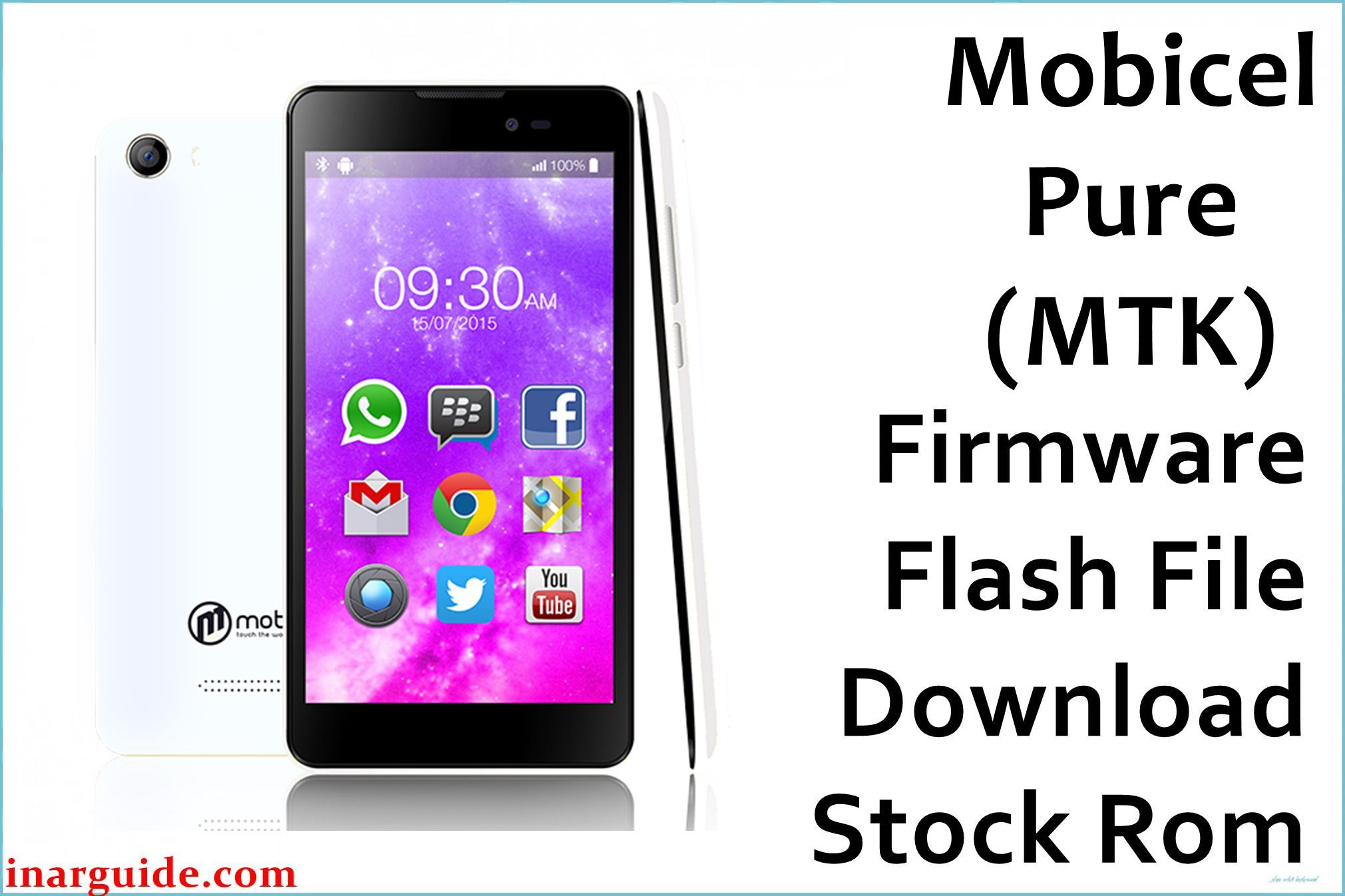
The Mobicel Pure with MediaTek MT6580 is a budget Android smartphone prone to bootloops (stuck at logo), being dead after flash, malware/adware/battery drain issues, or null IMEI, WiFi/Camera failures after failed wipes, updates, or malware.
When cache/data wipe is not enough, full stock firmware flashing (scatter ROM) using SP Flash Tool is the only technician-recommended fix. Here is the authentic ROM for Mobicel Pure MT6580.
Mobicel Pure MT6580 Firmware Details
| Attribute | Details |
|---|---|
| 📱 Device | Mobicel Pure |
| 🆔 Chipset | MediaTek MT6580 |
| 🤖 Android OS | 6.0 |
| ✅ Build Version | 12032016 |
| 📂 File Type | MT6580 Scatter Firmware |
| 💻 Flashing Tool | SP Flash Tool |
Download Official Firmware for Mobicel Pure (MT6580)
- Build: 12032016
- File Name: Mobicel_Pure_MT6580_12032016_6.0.zip
- Size: 825MB
- 🔗 Download Link: Download (MediaFire)
Crucial Prerequisites Before Flashing
- The latest SP Flash Tool
- Correct MediaTek VCOM USB drivers for Windows
Backup first: Flashing wipes all user data.
How to Flash the Firmware
- Extract
Mobicel_Pure_MT6580_12032016_6.0.zipto a folder. - Install MediaTek VCOM drivers as needed.
- Open SP Flash Tool, select
MT6580_Android_scatter.txtfrom the folder. - Choose Download Only mode, click Download.
- Power off and connect phone (remove reinsert battery if stuck).
Visual steps here:
→ How to Flash MediaTek Devices Using SP Flash Tool
Disclaimer: Mismatching ROM or power loss during flash can brick your device. Only use if model matches exactly—not liable for data/hardware loss.





