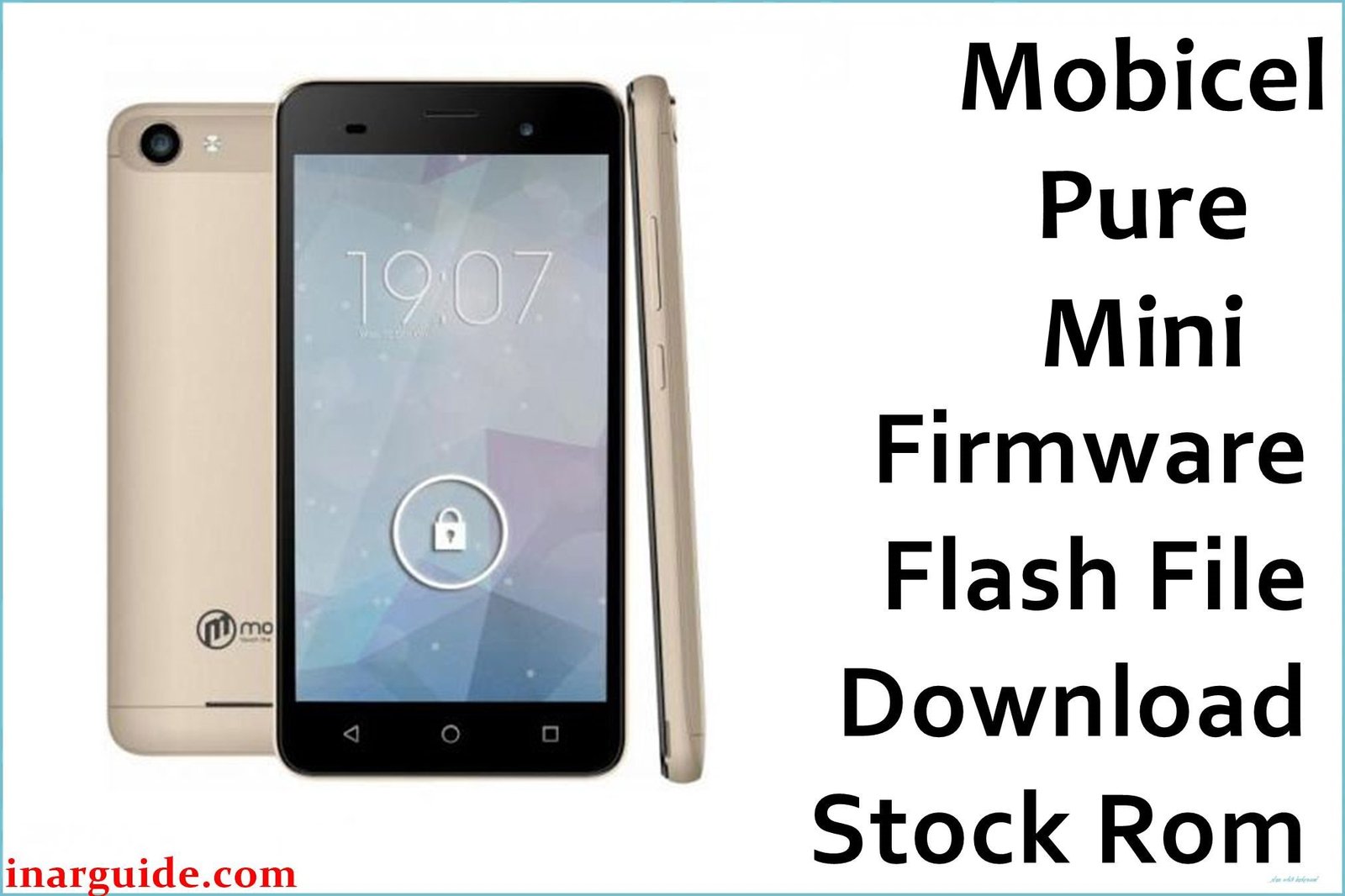
The Mobicel Pure Mini is a compact budget smartphone running Android 6.0 Marshmallow on a MediaTek MT6580 chipset. Users frequently encounter performance issues with this device, particularly extreme lag and unresponsiveness during basic operations like calling or messaging. The rear camera often fails to focus or produces blurry images, while the device is also prone to random reboots and freezing when multiple applications are running. These problems stem from the limited hardware resources struggling with system software corruption over time. Flashing the official stock firmware provides a complete system refresh, eliminating accumulated software errors and restoring the device to its original responsive state.
This guide provides the official stock ROM package for the Mobicel Pure Mini. As a MediaTek (MTK) device, it must be flashed using the SP Flash Tool.
Mobicel Pure Mini Firmware Details
Below are the key specifications for the Mobicel Pure Mini. This firmware will restore the device to its original Android 6.0 Marshmallow software. Note that this is a MediaTek (MTK) device and requires SP Flash Tool.
| Attribute | Details |
|---|---|
| 📱 Device | Mobicel Pure Mini |
| 🆔 Chipset | MediaTek MT6580 |
| 🤖 Android OS | 6.0 Marshmallow |
| ✅ Build Version | 201016 |
| 📂 File Type | MTK Firmware (Scatter File) |
| 💻 Flashing Tool | SP Flash Tool |
Download Official Firmware for Mobicel Pure Mini
- Build: 201016
- File Name: Mobicel_Pure_Mini_MT6580_201016_6.0.zip
- Size: 667 MB
- 🔗 Download Link: Download (MediaFire)
Why Flash This Specific Firmware?
Flashing the official 201016 firmware addresses the specific performance and functionality limitations that commonly affect the Mobicel Pure Mini:
- Eliminate Extreme Lag and Unresponsive Touchscreen: The limited RAM and processing power cause significant performance degradation. This firmware performs a complete system wipe and reinstall, removing all corrupted cache and data that slows down the device and causes touch response issues.
- Fix Camera Focus Problems and Blurry Images: The rear camera frequently fails to autofocus properly, resulting in consistently blurry photos. This process reinstalls the camera drivers and recalibrates the autofocus mechanism, restoring clear image capture.
- Stop Random Reboots and System Freezes: The device is prone to sudden restarts and freezing during use, particularly when the memory is overloaded. A clean firmware install replaces unstable system components with factory-stable versions.
- Restore Network Stability and IMEI Integrity: If the device shows “No Service” or has IMEI issues, this firmware flash with “Format All + Download” will repair the NVRAM partition and restore reliable network connectivity.
Crucial Prerequisites Before Flashing
Before you begin, back up any accessible data. This procedure will permanently delete everything on the phone.
- The latest version of the SP Flash Tool.
- The correct MediaTek MT65xx Preloader USB VCOM Drivers installed on your PC.
- A reliable USB cable and a PC with a stable power supply.
- Ensure your Mobicel Pure Mini has at least 50% battery charge.
How to Flash the Firmware
This firmware must be installed using the SP Flash Tool on a Windows computer. The process involves connecting the powered-off phone to the PC.
- Download and extract the
Mobicel_Pure_Mini_MT6580_201016_6.0.zipfile to a new folder. - Install the MediaTek USB drivers and the SP Flash Tool on your computer.
- Launch SP Flash Tool and load the scatter file (MT6580_Android_scatter.txt) from the extracted folder.
- Select the “Format All + Download” option to ensure a complete system repair.
- Click “Download” and then connect your powered-off Mobicel Pure Mini to the PC via USB cable.
- Wait for the flashing process to complete successfully (green circle checkmark).
For a complete, step-by-step tutorial with screenshots, please follow our master guide:
→ How to Flash Stock Firmware to MediaTek (MTK) Smartphones
Disclaimer: Flashing your device is an advanced procedure that will erase all your data and carries a risk of permanently damaging your device if not done correctly. We are not responsible for any data loss or hardware failures. Proceed with extreme caution.





