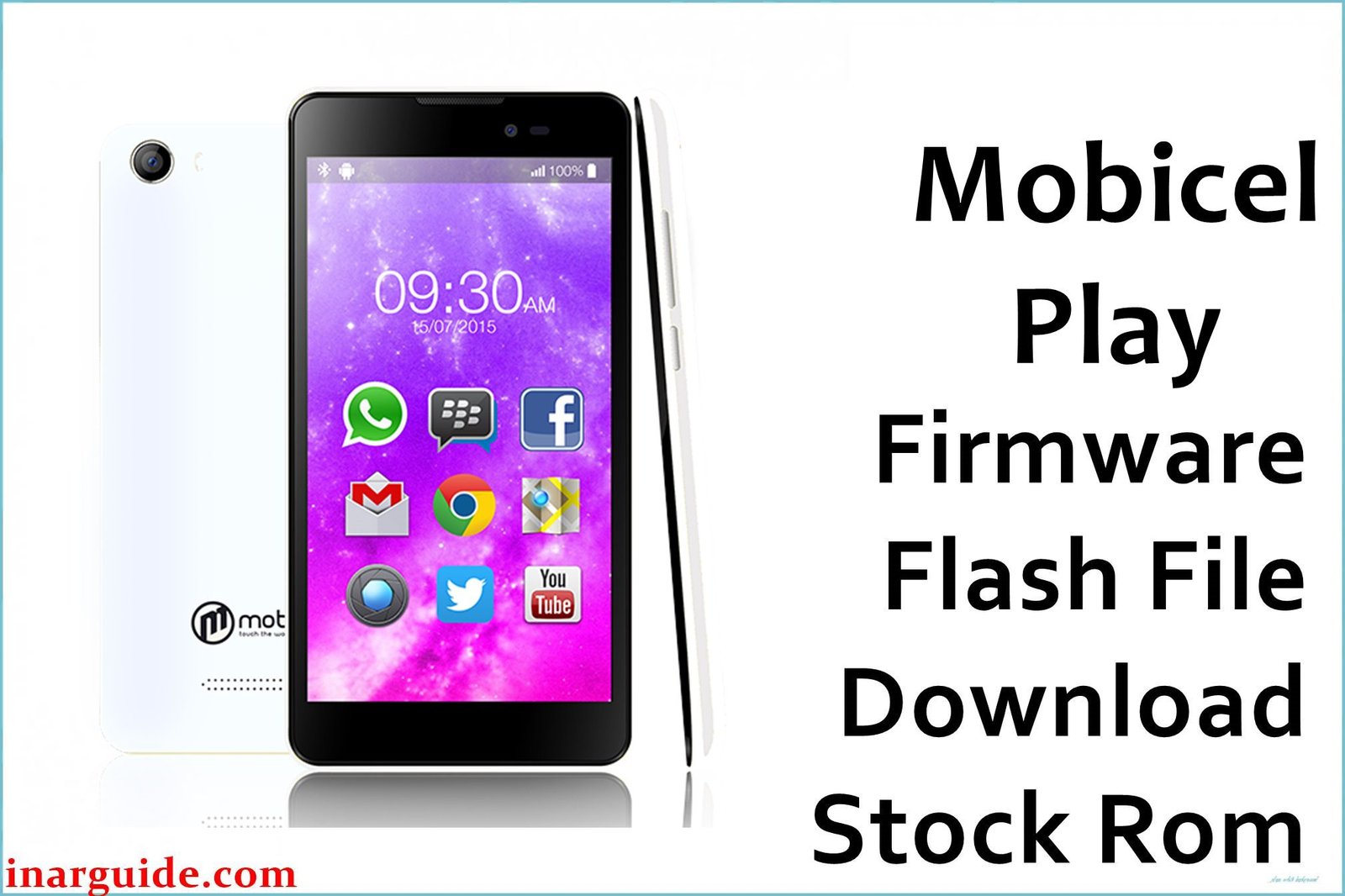
The Mobicel Play is an entry-level Android phone powered by the MediaTek MT6572 chipset. Like many budget MTK phones, user and repair feedback confirms frequent problems: bootloop or stuck at logo, device “dead” after failed/incomplete flashing, persistent malware (Monkey Virus, popup ads), rapid battery drain, or “null IMEI,” wifi, camera, or display not working after firmware errors.
When local reset or cache wipe fails, a complete factory firmware flash with the official scatter ROM is the technician-proof repair for Mobicel Play.
Mobicel Play Firmware Details
| Attribute | Details |
|---|---|
| 📱 Device | Mobicel Play |
| 🆔 Chipset | MediaTek MT6572 |
| 🤖 Android OS | 5.1 |
| ✅ Build Version | V02_20160824 |
| 📂 File Type | MT6572 Scatter Firmware |
| 💻 Flashing Tool | SP Flash Tool |
Download Official Firmware for Mobicel Play
- Build: V02_20160824
- File Name: Mobicel_Play_MT6572_V02_20160824_5.1.zip
- Size: 740MB
- 🔗 Download Link: Download (MediaFire)
Why Flash This Specific Firmware?
- Fix Bootloop/Logo Freeze or Dead Device: Solves endless restart, logo stuck, or full death after partition/battery/update issues.
- Remove Malware/Monkey Virus/Pop-ups/Battery Drain: Factory scatter flash wipes persistent system viruses, pop-up bugs, and power/battery errors.
- Restore IMEI/Network, Camera, Wifi/Display: Null IMEI, “no service,” camera or wifi failures are solved by a complete stock ROM flash.
- Repair Battery Drops or Random Power Cycles: Battery and power loop problems after system damage are cured by original ROM.
Crucial Prerequisites Before Flashing
- The latest SP Flash Tool
- Install correct MediaTek VCOM USB drivers on Windows
Backup first: Flashing wipes all data—save your important files before flashing.
How to Flash the Firmware
- Extract
Mobicel_Play_MT6572_V02_20160824_5.1.zipto a new folder. - Install MediaTek VCOM drivers if needed.
- Open SP Flash Tool, select
MT6572_Android_scatter.txtin the firmware folder. - Choose Download Only mode and click Download.
- Power off, connect the phone (remove/re-insert battery if needed) to start the flash.
Need screenshot instructions?
→ How to Flash MediaTek Devices Using SP Flash Tool
Disclaimer: Using the wrong scatter file or stopping the flash can brick your device. Use only if certain it matches your model—no liability for data/hardware loss.





