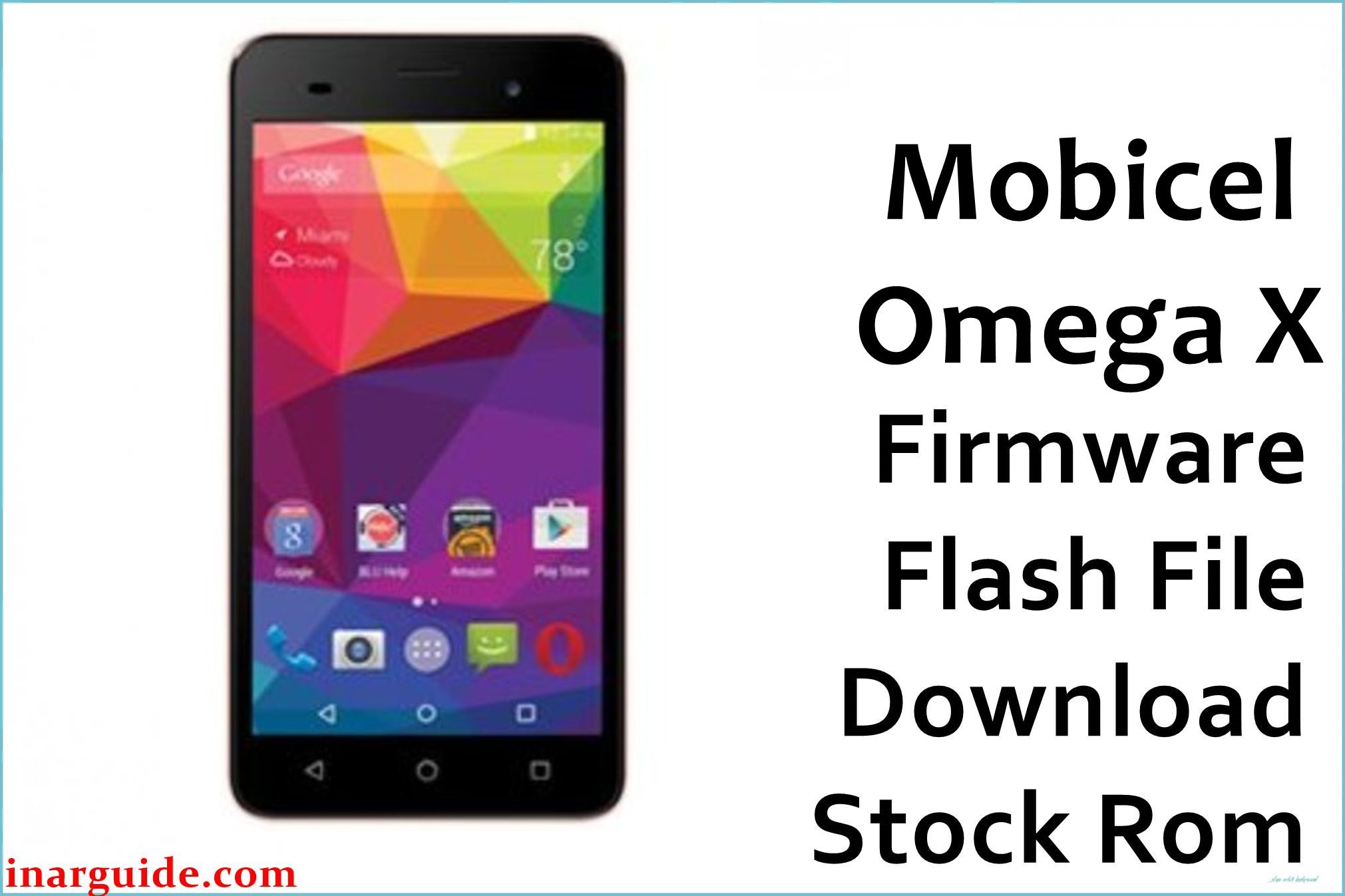
The Mobicel Tab P7800Q Omega X 8 is an Android tablet running on a MediaTek MT6582 chipset. Users commonly report issues with the device’s touchscreen becoming unresponsive or inaccurate, particularly with multi-touch gestures and edge detection. The tablet also suffers from performance degradation and system lag over time, making basic navigation and app usage frustratingly slow. Another frequent problem is the device freezing randomly or restarting unexpectedly, especially when using the camera or multimedia applications. These issues are typically caused by touch driver corruption and accumulated system errors. Flashing the official stock firmware provides a complete system restoration, resolving touch calibration problems and restoring smooth performance.
This guide provides the official stock ROM package for the Mobicel Tab P7800Q Omega X 8. As a MediaTek (MTK) device, it must be flashed using the SP Flash Tool.
Mobicel Tab P7800Q Omega X 8 Firmware Details
Below are the key specifications for the Mobicel Tab P7800Q Omega X 8. This firmware will restore the device to its original factory software. Note that this is a MediaTek (MTK) device and requires SP Flash Tool.
| Attribute | Details |
|---|---|
| 📱 Device | Mobicel Tab P7800Q Omega X 8 |
| 🆔 Chipset | MediaTek MT6582 |
| 🤖 Android OS | Android (Version varies) |
| ✅ Build Version | 01082016 |
| 📂 File Type | MTK Firmware (Scatter File) |
| 💻 Flashing Tool | SP Flash Tool |
Download Official Firmware for Mobicel Tab P7800Q Omega X 8
- Build: 01082016
- File Name: Mobicel_Tab_P7800Q_Omega_X_8_MT6582_01082016.zip
- Size: 405 MB
- 🔗 Download Link: Download (MediaFire)
Why Flash This Specific Firmware?
Flashing the official 01082016 firmware addresses the specific touch and performance issues commonly reported by Mobicel Tab P7800Q Omega X 8 users:
- Fix Unresponsive Touchscreen and Multi-Touch Problems: The tablet frequently develops touch accuracy issues, with dead zones or inaccurate touch registration. This firmware reflashes the touch panel drivers and recalibrates the entire touch surface for precise input.
- Resolve Extreme Performance Lag and System Slowdown: The device becomes progressively slower with significant delays in app launches and navigation. A clean firmware install removes all corrupted system data and cache that causes performance degradation.
- Stop Random Freezes and Unexpected System Restarts: Users report the tablet freezing during use or restarting without warning. This process eliminates corrupted system files that cause these stability problems.
- Fix Wi-Fi Connectivity and Network Stability Issues: The tablet may experience unstable Wi-Fi connections or frequent disconnections. This firmware restore repairs the wireless module drivers and network settings.
Crucial Prerequisites Before Flashing
Before you begin, back up any accessible data. This procedure will permanently delete everything on the tablet.
- The latest version of the SP Flash Tool.
- The correct MediaTek MT65xx Preloader USB VCOM Drivers installed on your PC.
- A reliable USB cable and a PC with a stable power supply.
- Ensure your Mobicel Tab P7800Q Omega X 8 has at least 50% battery charge.
How to Flash the Firmware
This firmware must be installed using the SP Flash Tool on a Windows computer. The process involves connecting the powered-off tablet to the PC.
- Download and extract the
Mobicel_Tab_P7800Q_Omega_X_8_MT6582_01082016.zipfile to a new folder. - Install the MediaTek USB drivers and the SP Flash Tool on your computer.
- Launch SP Flash Tool and load the scatter file from the extracted folder.
- Select the “Format All + Download” option to ensure a complete system repair.
- Click “Download” and then connect your powered-off Mobicel Tab P7800Q Omega X 8 to the PC via USB cable.
- Wait for the flashing process to complete successfully (green circle checkmark).
For a complete, step-by-step tutorial with screenshots, please follow our master guide:
→ How to Flash Stock Firmware to MediaTek (MTK) Smartphones
Disclaimer: Flashing your device is an advanced procedure that will erase all your data and carries a risk of permanently damaging your device if not done correctly. We are not responsible for any data loss or hardware failures. Proceed with extreme caution.





