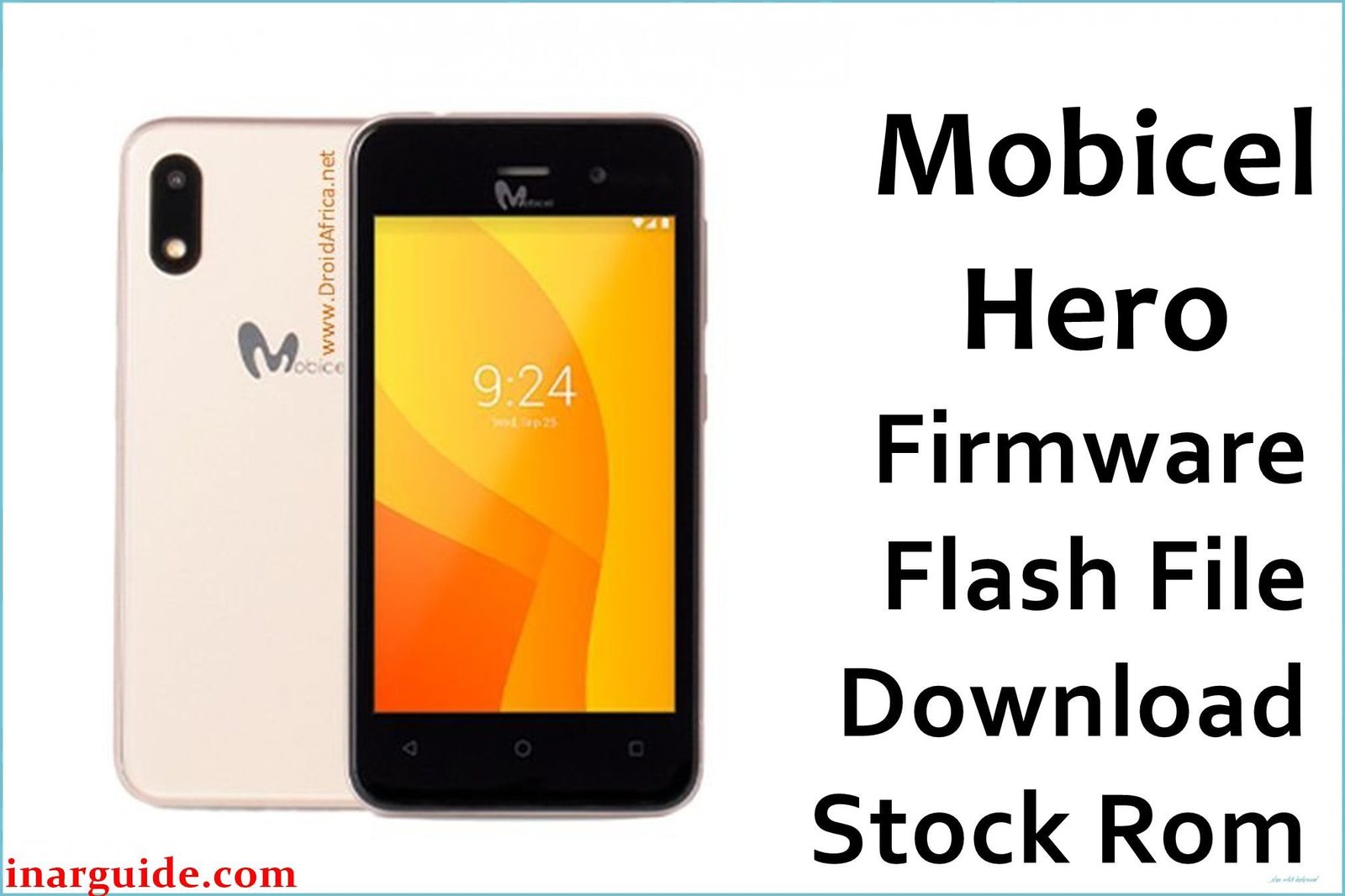
The Mobicel Hero is a budget smartphone running Android 8.1 Oreo on a Spreadtrum SP7731 chipset. Users commonly report issues with the device’s touchscreen becoming unresponsive or registering ghost touches, making accurate navigation nearly impossible. Another widespread problem is SIM cards not being detected or experiencing constant network drops, rendering the device useless for calls and mobile data. The phone is also prone to frequent software freezes and unexpected reboots, particularly when using camera or messaging apps. These issues typically stem from corrupted touch drivers and NVRAM partition errors. Flashing the official stock firmware provides a complete system overhaul, restoring reliable touch functionality and stable network performance.
This guide provides the official stock ROM packages for the Mobicel Hero. As a Spreadtrum (UNISOC) device, it must be flashed using the SPD Upgrade Tool.
Mobicel Hero Firmware Details
Below are the key specifications for the Mobicel Hero. This firmware will restore the device to its original Android 8.1 Oreo software. Note that this is a Spreadtrum (UNISOC) device and requires the SPD Tool.
| Attribute | Details |
|---|---|
| 📱 Device | Mobicel Hero |
| 🆔 Chipset | Spreadtrum SP7731 |
| 🤖 Android OS | 8.1 Oreo |
| ✅ Build Version | 020520 / LAX_Telcel_MX_020819 |
| 📂 File Type | SPD Firmware (PAC File) |
| 💻 Flashing Tool | SPD Upgrade Tool (Research Download) |
Download Official Firmware for Mobicel Hero
Choose the firmware that matches your device variant. The Telcel version is specifically for Mexican networks.
- Build: 020520 (Generic Variant)
- File Name: Mobicel_Hero_SP7731_020520_8.1.0_SPD.zip
- Size: 750 MB
- 🔗 Download Link: Download (MediaFire)
- Build: LAX_Telcel_MX_020819 (Telcel Mexico Variant)
- File Name: Mobicel_Hero_SP7731_LAX_Telcel_MX_020819_8.1_SPD.zip
- Size: 802 MB
- 🔗 Download Link: Download (MediaFire)
Why Flash This Specific Firmware?
Flashing the official Mobicel Hero firmware addresses the most critical touch and connectivity issues reported by users across various forums:
- Fix Dead Touchscreen Zones and Ghost Touch Problems: The Hero is notorious for developing unresponsive areas on the screen or registering random touches. This firmware reflashes the touch controller drivers, recalibrating the entire touch panel and restoring accurate input response.
- Resolve “No SIM Card Detected” and Network Dropouts: A corrupted NVRAM partition causes the device to lose IMEI information, resulting in permanent “No Service” status. This firmware restore repairs the NVRAM, bringing back SIM recognition and stable network connectivity.
- Stop Random Freezes and System UI Crashes: Users report the device freezing during use, especially when accessing the camera or switching between apps. A clean firmware install replaces corrupted system files that cause these stability issues.
- Remove FRP Lock and Forgotten Pattern Security: If you’re locked out due to forgotten credentials or Google account verification, this firmware flash will clear the security partitions, allowing you to regain access to your device.
Crucial Prerequisites Before Flashing
Before you begin, back up any accessible data. This procedure will permanently delete everything on the phone.
- Install the latest SPD Upgrade Tool (Research Download) on your Windows PC.
- Install the correct Spreadtrum (UNISOC) USB Drivers.
- A reliable USB cable and a PC with a stable power supply.
- Ensure your Mobicel Hero has at least 50% battery charge.
How to Flash the Firmware
This firmware must be installed using the SPD Upgrade Tool on a Windows computer. The process involves connecting the powered-off phone to the PC.
- Download and extract the
Mobicel_Hero_SP7731_020520_8.1.0_SPD.zipfile (or the Telcel variant) to a new folder. - Install the Spreadtrum USB drivers and the SPD Upgrade Tool on your computer.
- Launch the ResearchDownload.exe tool.
- Click on the “Load Packet” button and navigate to the extracted firmware folder. Select the .pac file.
- Completely power off your Mobicel Hero.
- Click the “Start” button in the SPD tool.
- While the tool is waiting, connect your powered-off Mobicel Hero to the PC via the USB cable.
- Wait for a “Download OK” or “Success” message before disconnecting the phone.
For a complete, step-by-step tutorial with screenshots, please follow our master guide:
→ How to Use the SPD Upgrade Tool to Flash Your Smartphone
Disclaimer: Flashing your device is an advanced procedure that will erase all your data and carries a risk of permanently damaging your device if not done correctly. We are not responsible for any data loss or hardware failures. Proceed with extreme caution and ensure you have selected the correct firmware variant for your device.





