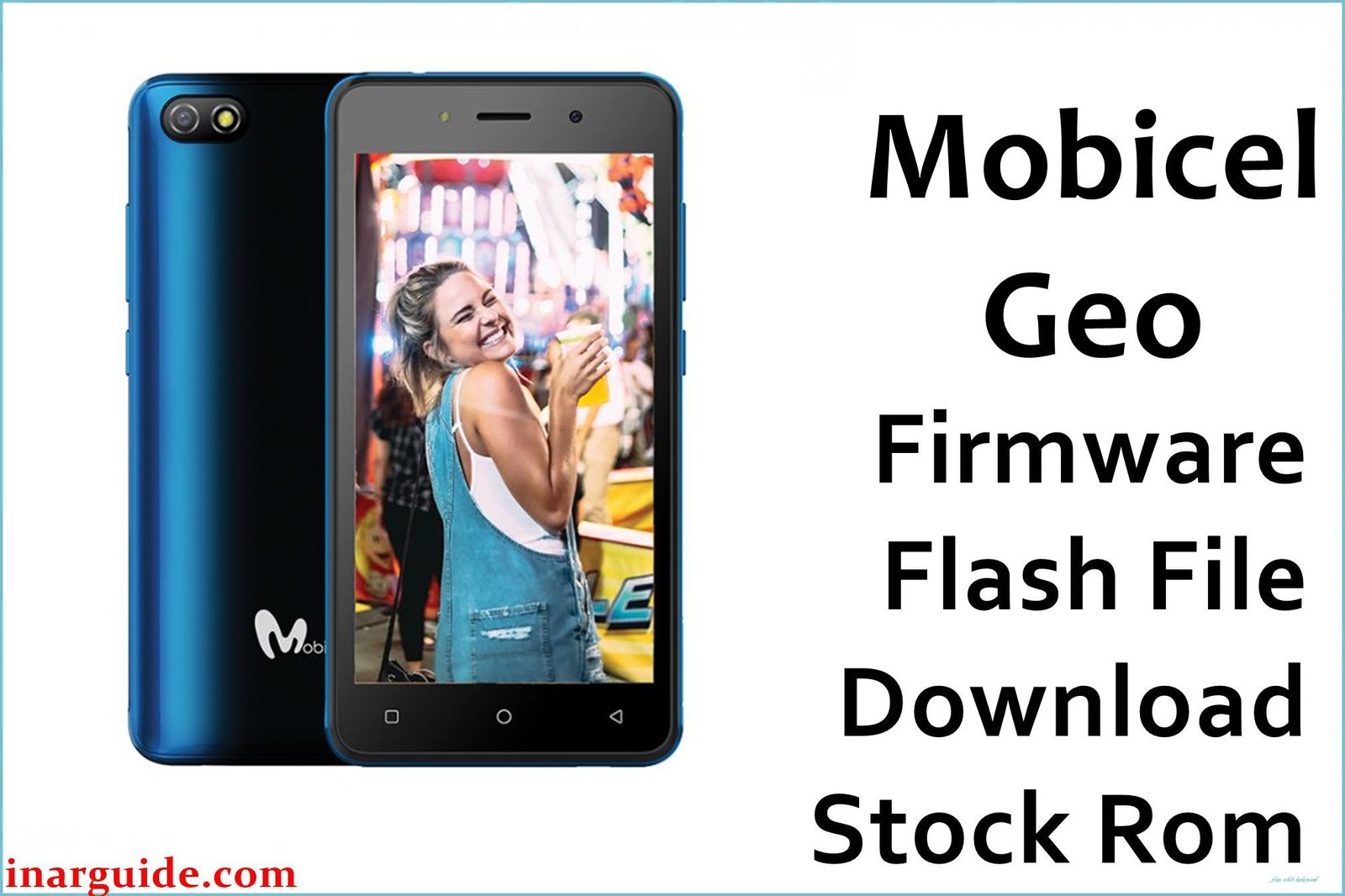
The Mobicel Geo is a budget Android smartphone using the MediaTek MT6739 chipset. Common user complaints for this series include bootloops (stuck at the Mobicel logo), device “death” after a failed flash or malware attack, persistent pop-up ads, rapid battery drain, missing IMEI/network or camera, and FRP/Google lock after reset.
Full firmware flashing with the official ROM and SP Flash Tool is the approved, technician-recommended way to fix these issues. Below is the exact build for Mobicel Geo, ready for scatter flashing.
Mobicel Geo Firmware Details
| Attribute | Details |
|---|---|
| 📱 Device | Mobicel Geo |
| 🆔 Chipset | MediaTek MT6739 |
| 🤖 Android OS | 9.0 |
| ✅ Build Version | 110519 |
| 📂 File Type | MT6739 Scatter Firmware |
| 💻 Flashing Tool | SP Flash Tool |
Download Official Firmware for Mobicel Geo
- Build: 110519
- File Name: Mobicel_Geo_MT6739_110519_9.0.zip
- Size: 405MB
- 🔗 Download Link: Download (Google Drive)
Why Flash This Specific Firmware?
- Fix Bootloop/Logo Freeze & Dead Phone: Re-Flashing erases corrupted partitions that keep the phone looping at boot or unresponsive after failed update or flash.
- Remove Malware/Battery Drain & Restore Speed: Persistent apps, pop-up ads, and rapid battery drop-off survive resets—only a full ROM flash can clear system-level infection.
- Restore IMEI/Network, Camera, Wi-Fi: Lost IMEI, no network, or non-working camera/LCD often comes from damaged system files, fixed by full firmware.
- Bypass FRP (Factory Reset Protection): If stuck on “verify your account,” official firmware restores phone usability and allows a fresh Google account setup.
Crucial Prerequisites Before Flashing
- The latest SP Flash Tool
- Correct MediaTek VCOM USB drivers on your PC
Important: Flashing erases all phone storage—make backups first.
How to Flash the Firmware
- Extract
Mobicel_Geo_MT6739_110519_9.0.zipto a new folder on your PC. - Install MediaTek VCOM USB drivers if not present.
- Open SP Flash Tool, select
MT6739_Android_scatter.txtfrom the extracted ROM folder. - Set Download Only mode. Click Download, then connect the powered-off phone (remove/re-insert battery if needed).
Need full pictures or step-by-step instructions?
→ How to Flash MediaTek Devices Using SP Flash Tool
Disclaimer: Using the wrong ROM or stopping the process can brick your device. Do this only if sure of your exact hardware. No liability for loss or damage.





