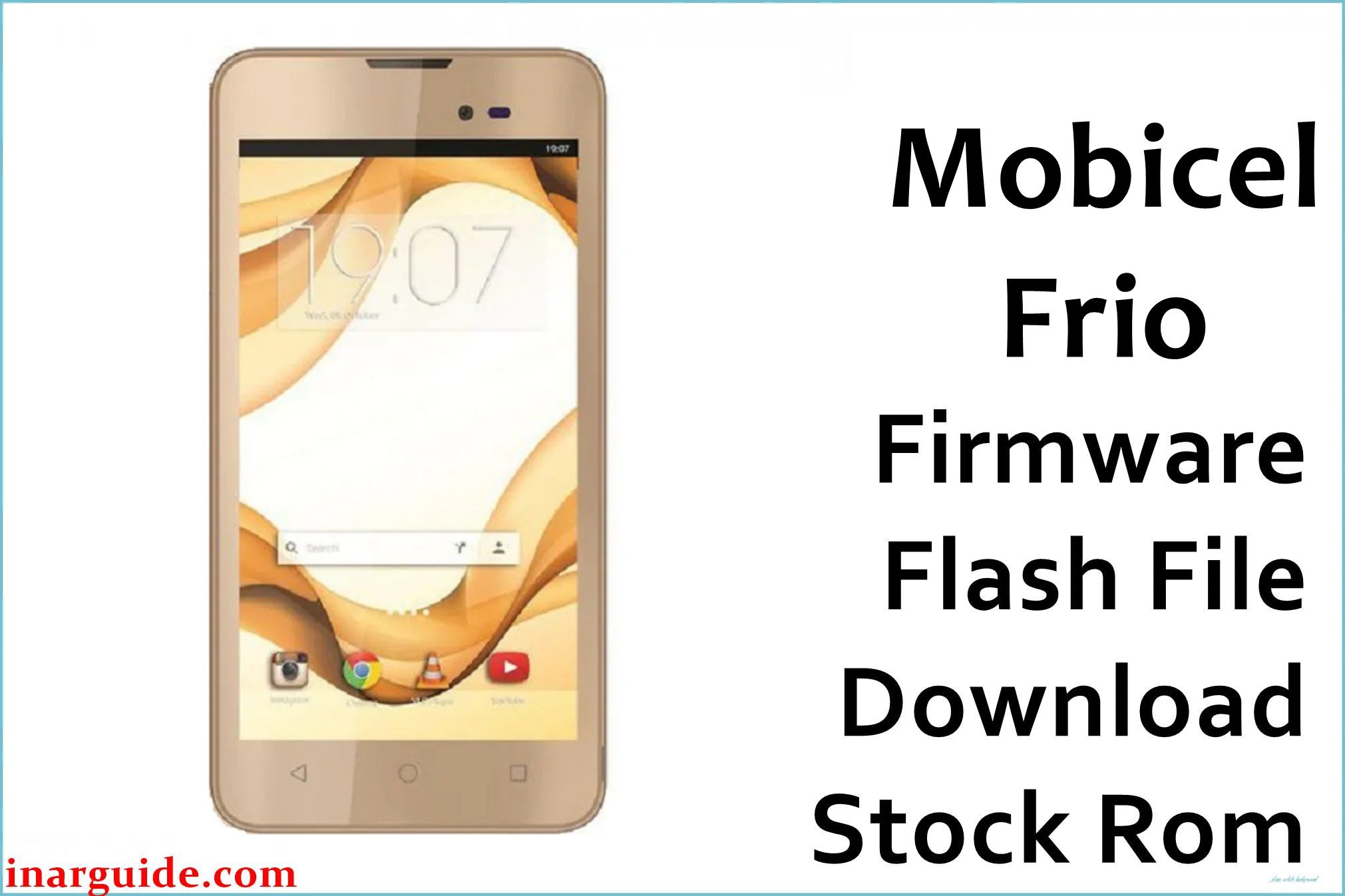
The Mobicel Frio is a 5-inch budget Android phone built on the MediaTek MT6580 quad-core platform, 1GB RAM, 8GB storage, and Android 6.0 Marshmallow. As with many low-end Mediatek devices, users eventually suffer lag, freezing, battery faults, app crashes, Wi-Fi/Bluetooth dropouts, and especially persistent bootloops (stuck at logo or infinite restart). Partition corruption, repeated failed updates, or battery wear are common triggers. A full scatter firmware reflash with SP Flash Tool is the only reliable fix for deeply embedded system bugs or major OS faults.
This ROM is a Mediatek scatter firmware—use only SP Flash Tool (Windows) for flashing. All data will be wiped.
Mobicel Frio MT6580 Firmware Details
Confirm that your hardware matches the table before flashing:
| Attribute | Details |
|---|---|
| 📱 Device | Mobicel Frio (MT6580) |
| 🆔 Chipset | MediaTek MT6580 quad-core 1.3GHz (assumed) |
| 🤖 Android OS | 6.0 Marshmallow |
| ✅ Build | 17102016_6.0 |
| 📂 File Type | Scatter Firmware |
| 💻 Flashing Tool | SP Flash Tool |
Download Official Firmware for Mobicel Frio (MT6580)
- Build: 17102016_6.0
- File Name: Mobicel_Frio_MT6580_17102016_6.0.zip
- Size: 1.06GB
- 🔗 Download Link: Download (MediaFire)
Why Flash This Specific Firmware?
- Recover from Bootloop, Logo Freeze: Logo stuck, black screen, or endless reboot—clean scatter flash resets all partitions to a known good state.
- Repair App Crash, Freezing, Battery, Wireless Faults: Persistent app bugs, battery-related power cycles, radio/connectivity loss often trace back to system corruption, solved by fresh stock flash.
- Unbrick or Restore Dead/Unresponsive Phones: Devices detected by SP Flash Tool can usually be recovered unless there is physical damage.
Crucial Prerequisites Before Flashing
Flashing wipes all files and settings—backup all content first.
- SP Flash Tool (Windows) for MT6580 scatter firmware.
- Install MediaTek VCOM/preloader drivers before connecting the phone.
How to Flash the Firmware
- Download and extract Mobicel_Frio_MT6580_17102016_6.0.zip.
- Install all MediaTek VCOM/preloader USB drivers.
- Open SP Flash Tool, click “Scatter-loading”, choose
MT6580_Android_scatter.txtfrom extracted ROM. - Default “Download Only” is fine for standard upgrades/repair.
- Turn off phone (remove battery if supported).
- Click “Download”, connect via USB, wait for final OK.
Step-by-step visual: How to Flash Stock Firmware to Mediatek (MTK) Smartphones
Disclaimer: Firmware flashing is irreversible and may brick device if interrupted or mismatched. Proceed carefully—no responsibility for device loss.





