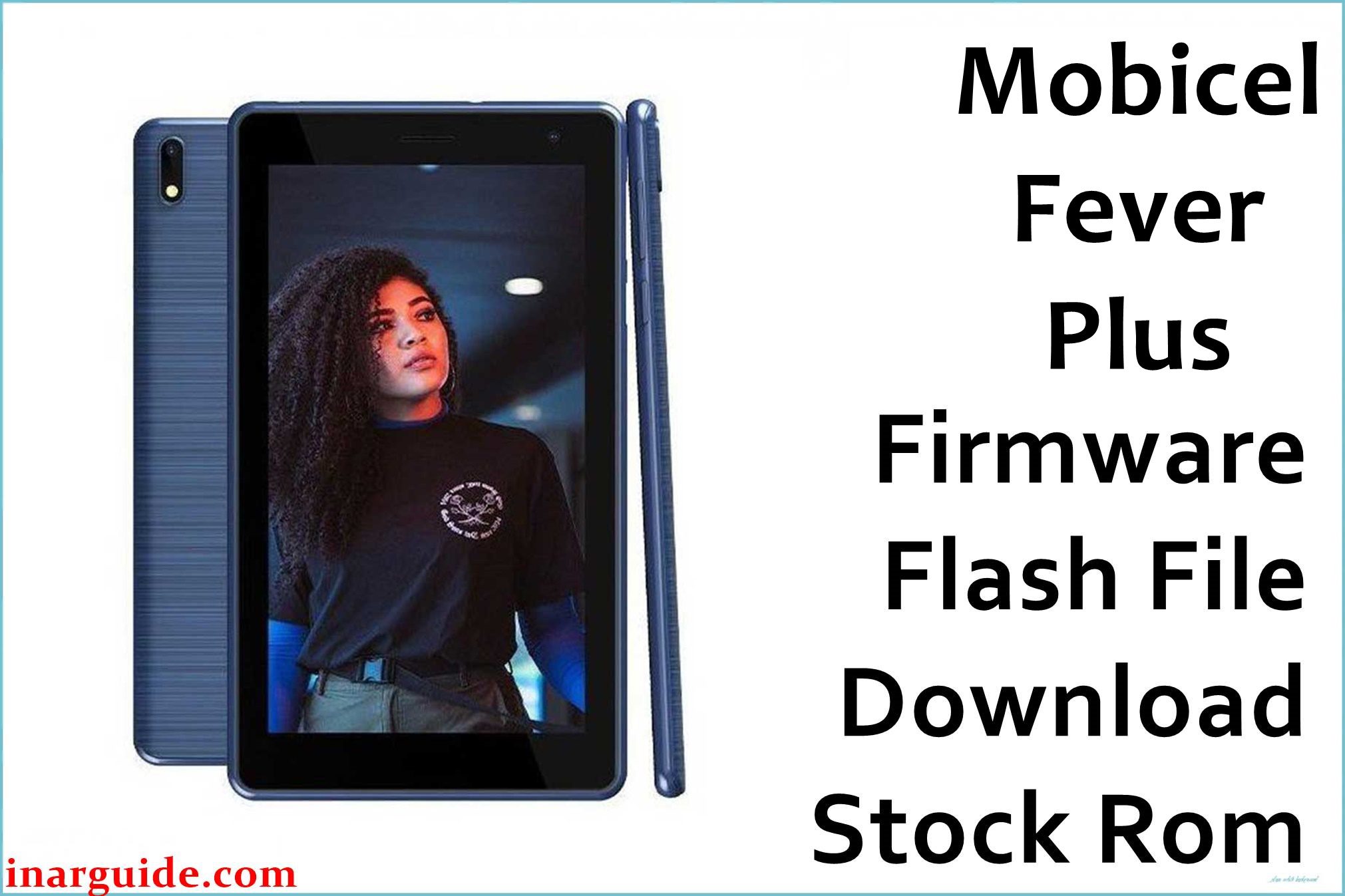
The Mobicel Fever Plus H is a value Android smartphone based on a MediaTek MT6580 chipset. Like many entry-level phones, it’s vulnerable to serious software problems, including bootloops (stuck on Mobicel logo), complete device “death” after a failed/interrupted flash, system-level malware or pop-up ads draining the battery, loss of signal/IMEI, or even non-working camera and Wi-Fi after flashing.
All these issues are best solved by a full firmware reinstallation from a computer. The package below contains the official Mobicel Fever Plus H scatter ROM for the SP Flash Tool.
Mobicel Fever Plus H Firmware Details
| Attribute | Details |
|---|---|
| 📱 Device | Mobicel Fever Plus H |
| 🆔 Chipset | MediaTek MT6580 |
| 🤖 Android OS | 8.1.0 |
| ✅ Build Version | MDD_291121 |
| 📂 File Type | MT6580 Scatter Firmware |
| 💻 Flashing Tool | SP Flash Tool |
Download Official Firmware for Mobicel Fever Plus H
- Build: MDD_291121
- File Name: Mobicel_Fever_Plus_H_MT6580_MDD_291121_8.1.0.zip
- Size: 739MB
- 🔗 Download Link: Download (MediaFire)
Why Flash This Specific Firmware?
- Fix Bootloops/Logo Stuck or Dead Device: This resolves the classic scenario where the phone endlessly reboots or stays at the Mobicel logo, and is also the only proven fix for a dead, PC-undetected device after failed flashes.
- Remove Persistent Malware/Pop-ups & Restore Battery: Full ROM flashing is the only guaranteed method for fully wiping malware, pop-ups, or bloatware that survive a hard reset, often restoring normal battery life and speed.
- Restore IMEI/Network/Camera/Wi-Fi: If previous firmware attempts left you with missing network, no IMEI, broken camera or Wi-Fi, this scatter package restores all partitions and drivers.
- Bypass FRP/Google Account Lock: A full firmware install completely wipes all user and account data, overcoming Google “verify your account” lock screens left after an unlinked reset.
Crucial Prerequisites Before Flashing
- The latest SP Flash Tool
- Install correct MediaTek VCOM USB drivers on your Windows PC
Backup your files first—flashing erases everything on the phone.
How to Flash the Firmware
- Extract
Mobicel_Fever_Plus_H_MT6580_MDD_291121_8.1.0.zipto a new folder. - Install MediaTek VCOM drivers as needed.
- Open SP Flash Tool, select
MT6580_Android_scatter.txtfrom the firmware folder. - In Download Only mode, click Download and connect the powered-off phone.
Trouble? See a step-by-step, visuals-included guide:
→ How to Flash MediaTek Devices Using SP Flash Tool
Disclaimer: Flashed wrongly, this process can brick your phone. Use only if certain the ROM matches your model. Not responsible for hardware or data loss.





