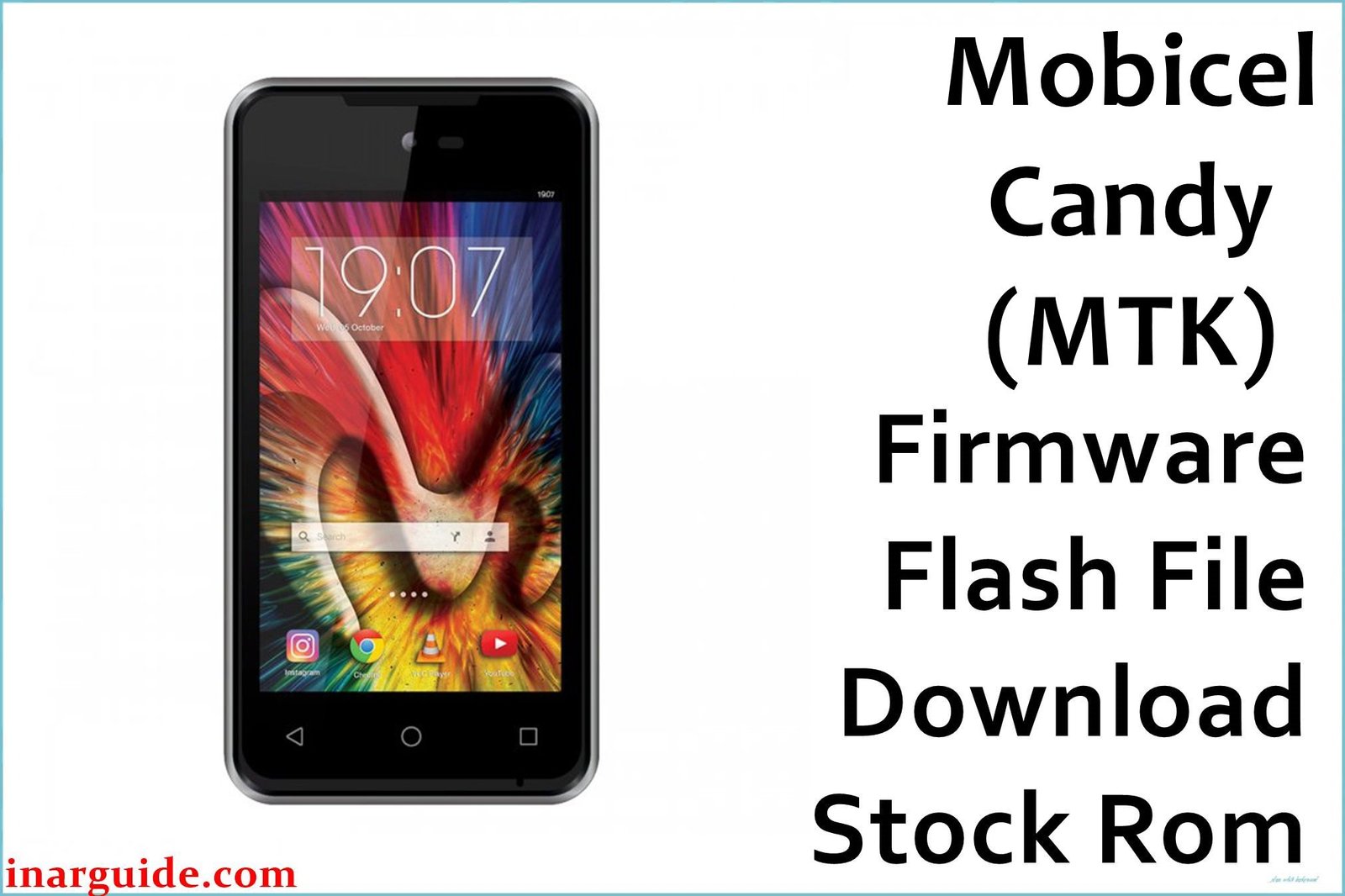
The Mobicel Candy Dual SIM is an entry-level Android phone with a MediaTek MT6580 quad-core CPU, 1GB RAM, 8GB storage, and Android 6.0 Marshmallow. Like many older MT6580 devices, the Mobicel Candy is susceptible to severe lag, freezing, battery-related shutdowns, app crashes, and especially bootloops (stuck at logo, black screen, or constant restarts). These problems can be triggered by low storage, outdated apps, or corrupted system files. A clean flash with the factory scatter firmware is the best method to restore stable operation.
This is a Mediatek scatter ROM; flash only with SP Flash Tool (Windows). Flashing will erase all data.
Mobicel Candy Dual SIM MT6580 Firmware Details
Confirm your hardware against this table before flashing:
| Attribute | Details |
|---|---|
| 📱 Device | Mobicel Candy Dual SIM (MT6580) |
| 🆔 Chipset | MediaTek MT6580 quad-core 1.3GHz |
| 🤖 Android OS | 6.0 Marshmallow |
| ✅ Build | 08082016_6.0 |
| 📂 File Type | Scatter Firmware |
| 💻 Flashing Tool | SP Flash Tool |
Download Official Firmware for Mobicel Candy Dual SIM
- Build: 08082016_6.0
- File Name: Mobicel_Candy_Dual_SIM_MT6580_08082016_6.0.zip
- Size: 787MB
- 🔗 Download Link: Download (MediaFire)
Why Flash This Specific Firmware?
- Recover from Bootloop and Freezing: Fixes logo-stuck phones, black screens, and constant reboots; scatter flashing resets and repairs partitions.
- Repair App Crashes, Lag, and Bugs: Cleans up bloatware, malware, and conflicts that cause system instability.
- Fix Camera, Battery, and Connectivity Issues: Resolves camera not starting, Wi-Fi/Bluetooth dropouts, and sudden shutdowns related to software corruption.
- Unbrick or Restore Non-Responsive Phones: If SP Flash Tool can detect the phone, a scatter flash will typically restore a “dead” device unless hardware is damaged.
Crucial Prerequisites Before Flashing
Backup all user data—flashing wipes internal storage completely.
- SP Flash Tool (Mediatek scatter firmware, Windows).
- Mediatek VCOM/Preloader USB drivers installed.
How to Flash the Firmware
- Download and extract Mobicel_Candy_Dual_SIM_MT6580_08082016_6.0.zip.
- Install all required Mediatek VCOM/Preloader drivers.
- Open SP Flash Tool, click “Scatter-loading,” and load
MT6580_Android_scatter.txt. - Leave the mode as “Download Only” for standard repair.
- Power off the device (remove battery if you can).
- Click “Download”, connect the phone via USB, and wait for the green OK message.
Visual step-by-step help: How to Flash Stock Firmware to Mediatek (MTK) Smartphones
Disclaimer: Flashing will erase all data and may brick the phone if interrupted or mismatched. Proceed only if familiar with the flashing process.





