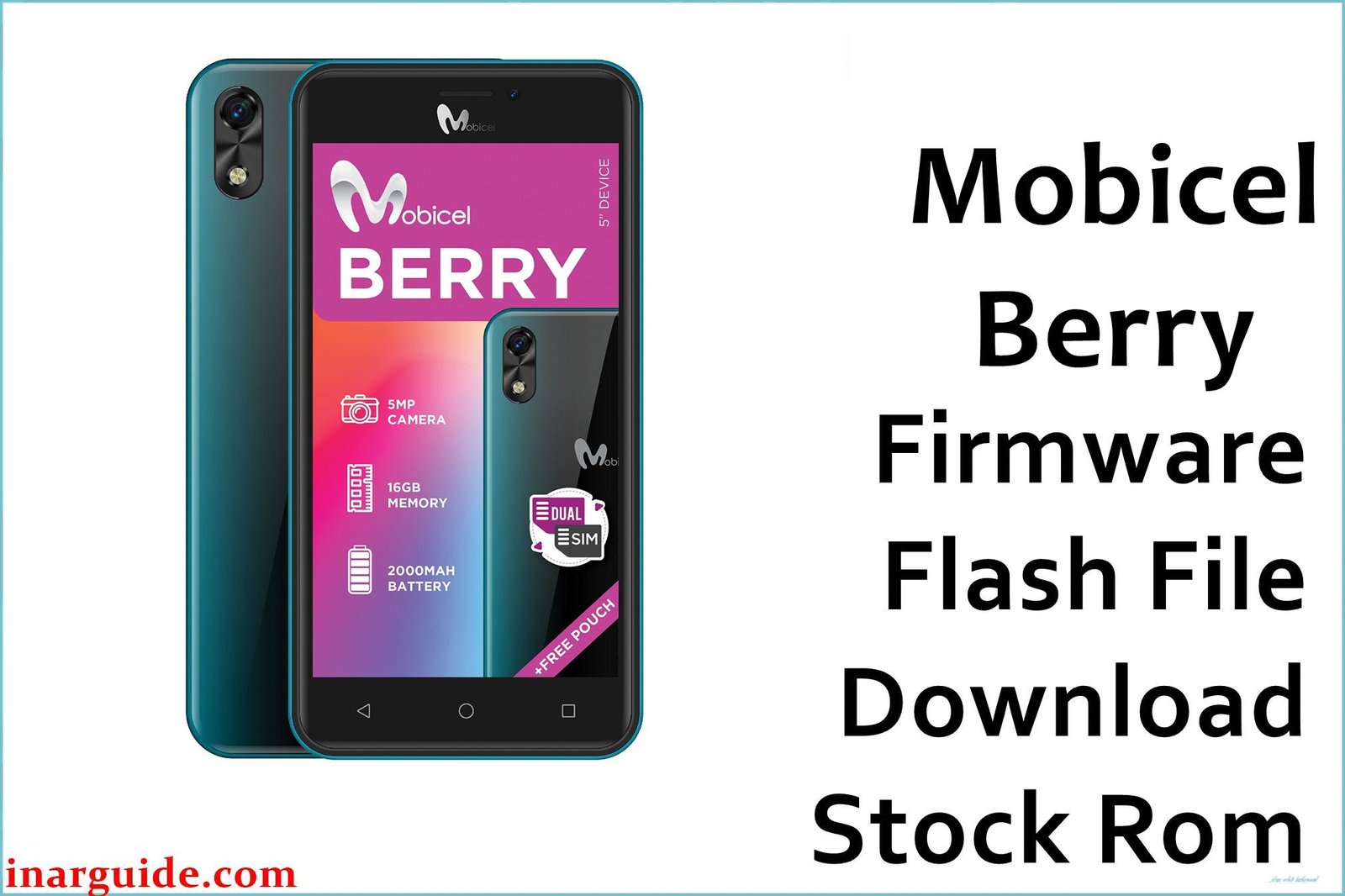
The Mobicel Berry is a compact Android phone released with a MediaTek MT6580 quad-core chip, 512MB RAM, 8GB storage, a 5″ FWVGA display, and Android 6.0 Marshmallow. Performance drops are frequent: lag, persistent freezing, app crashes, and bootloop (stuck at logo or constant restart) often plague this model, as do battery-related shutdowns and Wi-Fi/Bluetooth bugs as the device ages. The only proven fix for software-based faults is a full firmware reset with the official scatter ROM and SP Flash Tool.
This firmware package is a scatter ROM and should only be flashed with the SP Flash Tool on a Windows PC. All user data will be erased.
Mobicel Berry MT6580 Firmware Details
Reference hardware/specifications for proper build usage:
| Attribute | Details |
|---|---|
| 📱 Device | Mobicel Berry (MT6580) |
| 🆔 Chipset | MediaTek MT6580 quad-core 1.3GHz |
| 🤖 Android OS | 6.0 Marshmallow |
| ✅ Build | 20170710_6.0 |
| 📂 File Type | Scatter Firmware |
| 💻 Flashing Tool | SP Flash Tool |
Download Official Firmware for Mobicel Berry (MT6580)
- Build: 20170710_6.0
- File Name: Mobicel_Berry_MT6580_20170710_6.0.zip
- Size: 870MB
- 🔗 Download Link: Download (MediaFire)
Why Flash This Specific Firmware?
- Recover from Bootloop and Freezes: Fixes logo-stuck phones, black screens, and endless restarts—scatter flash resets system partitions.
- Repair Crashes, Lag, and App Errors: Cleans malware/bloat, wipes conflicts, and repairs corrupted system files or storage glitches.
- Fix Camera, Battery, and Connectivity Bugs: Broken camera, battery-fault reboots, and dropped Wi-Fi/Bluetooth may be fixed unless hardware failure.
- Unbrick or Recover Non-Responsive Phones: Devices that power to preloader can usually be restored via factory ROM flashing.
Crucial Prerequisites Before Flashing
Backup all user data before proceeding—flashing will erase everything.
- SP Flash Tool (scatter firmware for Mediatek, Windows only).
- MediaTek VCOM/Preloader drivers for Windows PC.
How to Flash the Firmware
- Download and extract Mobicel_Berry_MT6580_20170710_6.0.zip.
- Install all required MediaTek VCOM/Preloader drivers on your computer.
- Open SP Flash Tool, click “Scatter-loading,” and choose
MT6580_Android_scatter.txtfrom the firmware folder. - Use “Download Only” mode by default.
- Power off the phone (remove battery if possible).
- Click “Download”, connect device by USB, wait for green OK.
Step-by-step visual: How to Flash Stock Firmware to Mediatek (MTK) Smartphones
Disclaimer: Flashing deletes all user content and may brick phone if interrupted or mismatched; proceed only if experienced or guided.





