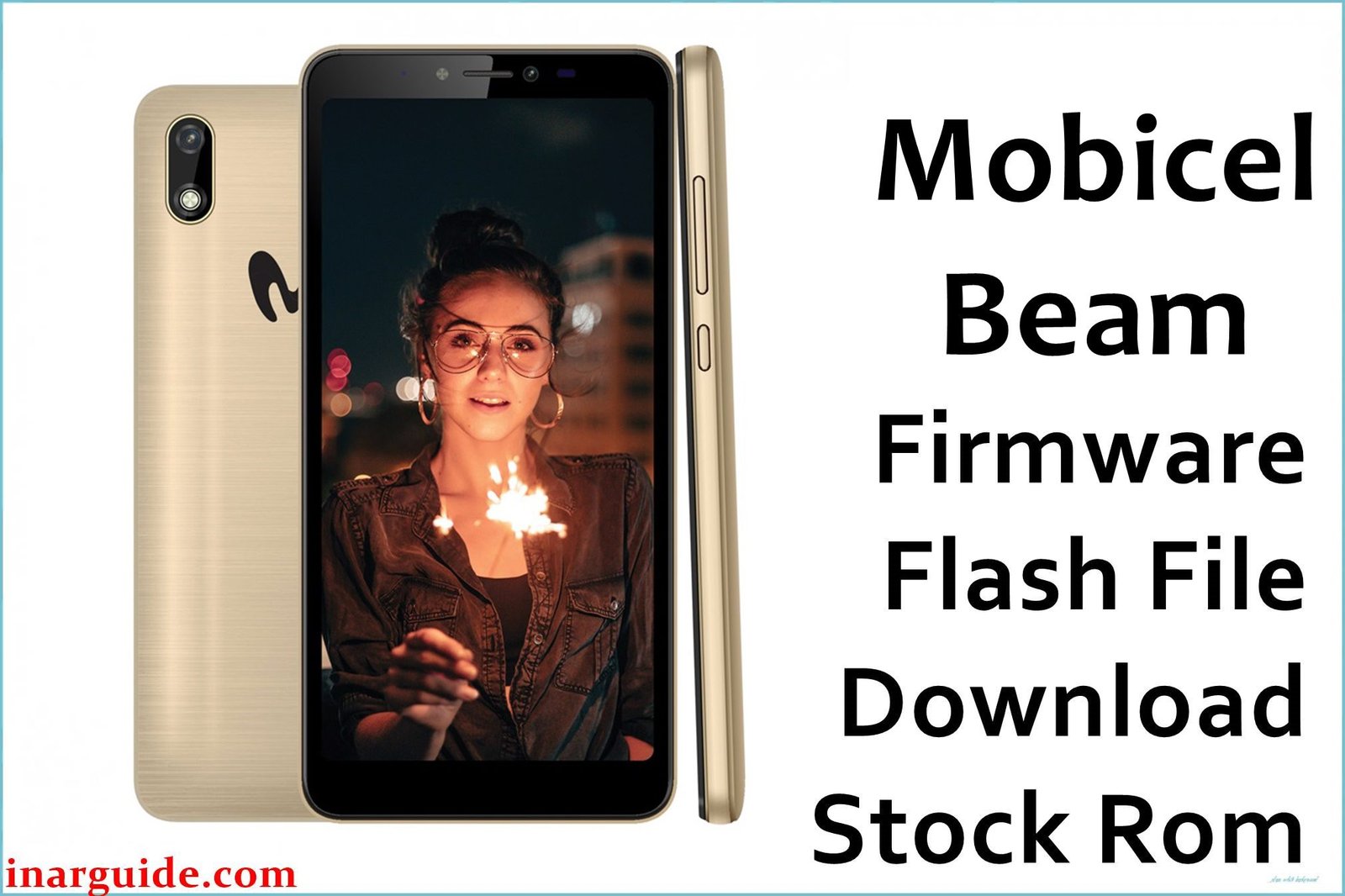
The Mobicel Beam is a budget smartphone using the Spreadtrum/Unisoc SC7731E chipset, and like other PAC-based SPD devices it is prone to bootlooping (stuck at logo), “dead phone” syndrome after failed or interrupted flashing, system-level malware/pop-up ads, battery and network problems, and loss of IMEI, Wi-Fi, or camera access.
Full factory firmware flashing with the official PAC file and SPD Upgrade Tool is the only complete, technician-recommended fix for these issues.
Mobicel Beam Firmware Details
| Attribute | Details |
|---|---|
| 📱 Device | Mobicel Beam |
| 🆔 Chipset | Spreadtrum SC7731E |
| ✅ Build Version | TELCEL_SW_01_V08_280619 |
| 📂 File Type | PAC Firmware |
| 💻 Flashing Tool | SPD Upgrade Tool / ResearchDownload |
Download Official Firmware for Mobicel Beam
- Build: TELCEL_SW_01_V08_280619
- File Name: Mobicel_Beam_TELCEL_SW_01_V08_280619_SPD.zip
- Size: 800MB
- 🔗 Download Link: Download (MediaFire)
Why Flash This Specific Firmware?
- Fix Bootloop/Logo Stuck/Dead Device: This ROM is the go-to repair for Mobicel Beam phones stuck at logo, in a restart loop, or “dead” after failed/incomplete flash.
- Remove Malware, Pop-ups, Network/IMEI or Battery Bugs: Pop-up ads and battery/network faults that survive resets require a wipe and full ROM flash to be wiped entirely.
- Restore IMEI, Wi-Fi, Camera, Network: Loss of IMEI, signal, or non-working Wi-Fi/camera is generally fixed by a clean PAC firmware flash.
- Fix Wi-Fi/Network Setup and Internal Errors: Persistent Wi-Fi login, “internal problem”, or pop-up errors often require re-flashing system partitions.
Crucial Prerequisites Before Flashing
- The latest SPD Upgrade Tool
- Correct Spreadtrum USB drivers
Backup: Flashing erases all device data—save any important info first.
How to Flash the Firmware
- Extract
Mobicel_Beam_TELCEL_SW_01_V08_280619_SPD.zipto a folder. - Install Spreadtrum drivers if needed.
- Launch SPD Upgrade Tool, load the PAC file, and click “Start Downloading.”
- Power off and connect device (hold Volume Down for recognition, if required).
Need a step-by-step guide?
→ How to Use the SPD Upgrade Tool to Flash Your Smartphone
Disclaimer: Flashed wrongly, this ROM can brick your device. Use only if certain it matches your hardware; no liability for loss or hardware damage.





