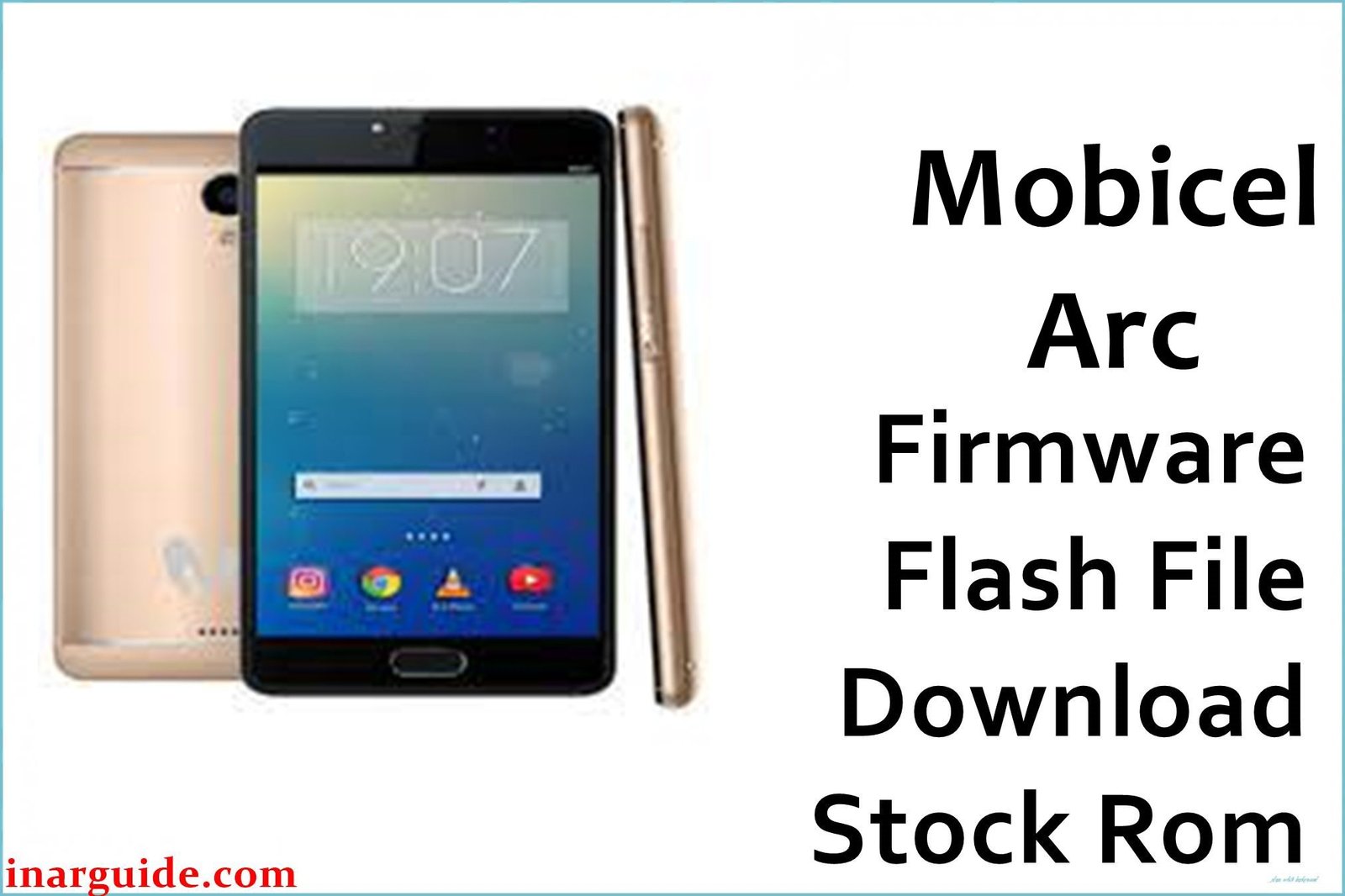
The Mobicel Arc is a 5-inch entry Android phone using the MediaTek MT6737M quad-core chipset, 1GB RAM, 8GB storage, and Android 6.0 Marshmallow. Aging devices in this segment are prone to lag, system freezing, app crashes, Wi-Fi/Bluetooth issues, battery glitches, random restarts, and chronic bootloops (logo stuck or endless reset). When basic troubleshooting fails, only a full scatter firmware reflash with SP Flash Tool can genuinely restore performance and erase persistent faults.
This firmware is a Mediatek scatter ROM—flash it only with SP Flash Tool (Windows). All device data will be erased in the process.
Mobicel Arc MT6737M Firmware Details
See the table below to verify device and compatibility:
| Attribute | Details |
|---|---|
| 📱 Device | Mobicel Arc (MT6737M) |
| 🆔 Chipset | MediaTek MT6737M quad-core 1.1GHz |
| 🤖 Android OS | 6.0 Marshmallow |
| ✅ Build | 09012017_6.0 |
| 📂 File Type | Scatter Firmware |
| 💻 Flashing Tool | SP Flash Tool |
Download Official Firmware for Mobicel Arc (MT6737M)
- Build: 09012017_6.0
- File Name: Mobicel_Arc_MT6737M_09012017_6.0.zip
- Size: 1.04GB
- 🔗 Download Link: Download (MediaFire)
Why Flash This Specific Firmware?
- Recover from Bootloop and Freezing: Helpful for phones stuck at logo, endless reboot, or black screens; flashing resets and repairs all partitions.
- Fix Random App Crash, Lag, and Wireless Bugs: System lag, app bugs, and Wi-Fi/Bluetooth faults often resolve with a clean firmware flash.
- Repair Camera, Battery, and Power Resets: Corrects many camera bugs, battery power failures, and random resets (unless due to hardware/age-related defects).
- Unbrick or Recover Slow/Non-Responding Devices: If device is recognized by SP Flash Tool, a scatter flash revives most “dead” or unstable Arc units.
Crucial Prerequisites Before Flashing
Backup all personal data! Flashing wipes all photos, files, apps, and settings.
- SP Flash Tool (scatter firmware for Mediatek, Windows).
- Install Mediatek VCOM/preloader USB drivers before connecting.
How to Flash the Firmware
- Download and extract Mobicel_Arc_MT6737M_09012017_6.0.zip.
- Install required MTK VCOM/preloader drivers.
- Open SP Flash Tool, click “Scatter-loading” and select
MT6737M_Android_scatter.txt. - Set tool to “Download Only” mode.
- Turn off your phone (remove battery if supported).
- Click “Download”, connect via USB, and wait for the green check.
Step-by-step visual walkthrough: How to Flash Stock Firmware to Mediatek (MTK) Smartphones
Disclaimer: Flashing is risky: it erases all data and may brick device if interrupted or mismatched. Proceed carefully and only if familiar with the flashing process.





